Building Your Trust Centre Page
This guide walks you through the process of adding sections to your trust centre and customising the contents of your Trust Centre.
The Trust Centre is a public facing page highlighting your compliance journey. It acts as a centralised hub that showcases your real-time security posture and compliance certifications to the customers and stakeholders. It builds instant credibility with prospects and partners by providing a transparent view of how you protect their data. By allowing stakeholders to access your documents and security live, you significantly speed up the sales cycle.
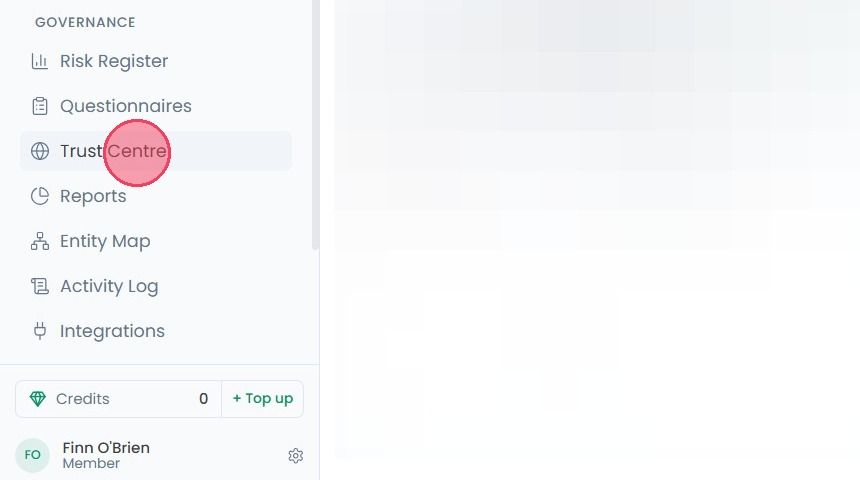
To customise your Trust Centre page, select Trust Centre from the main navigation bar.
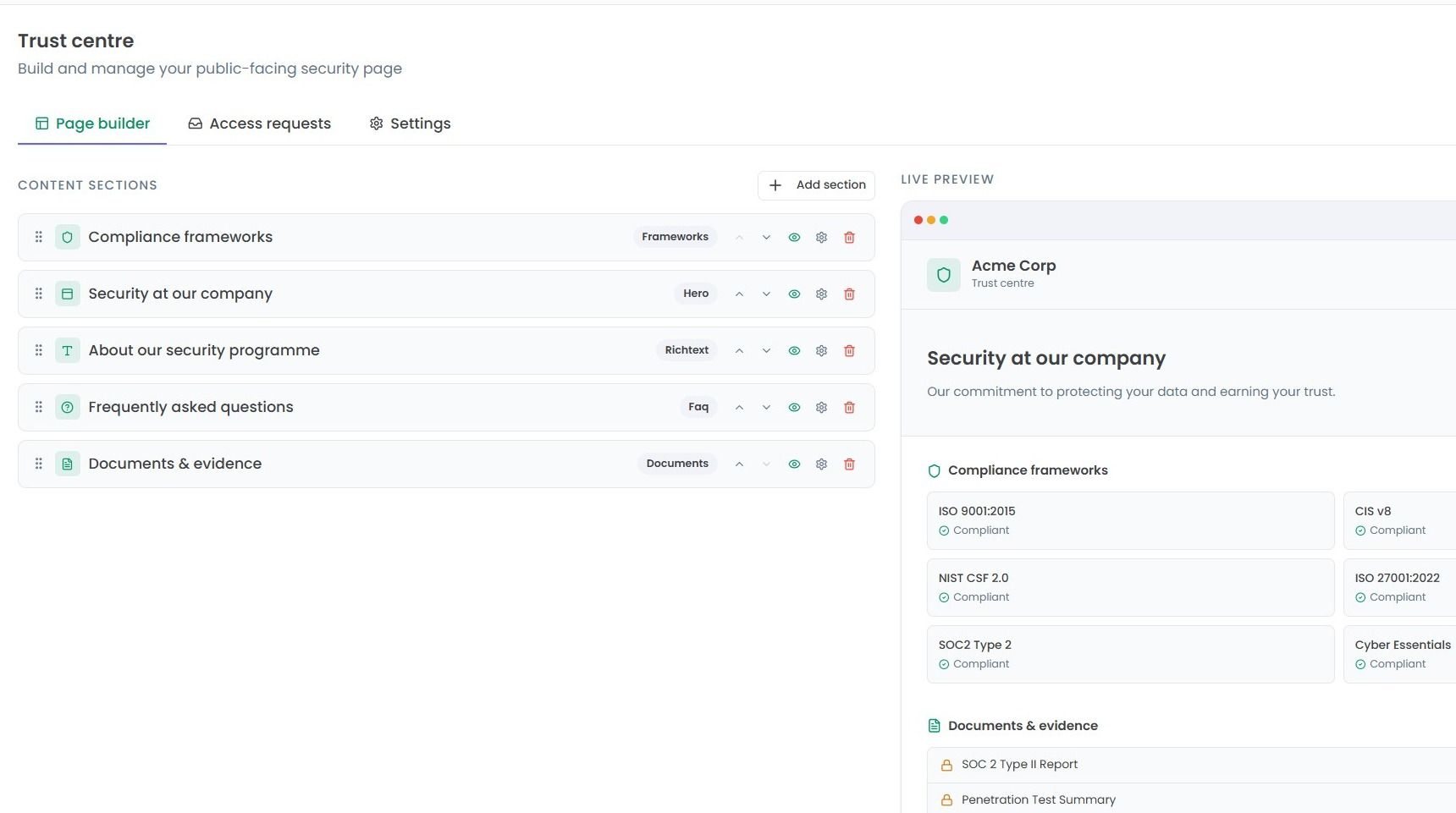
This will bring you to the Page builder area, where you can edit the appearance and contents of your Trust Centre.
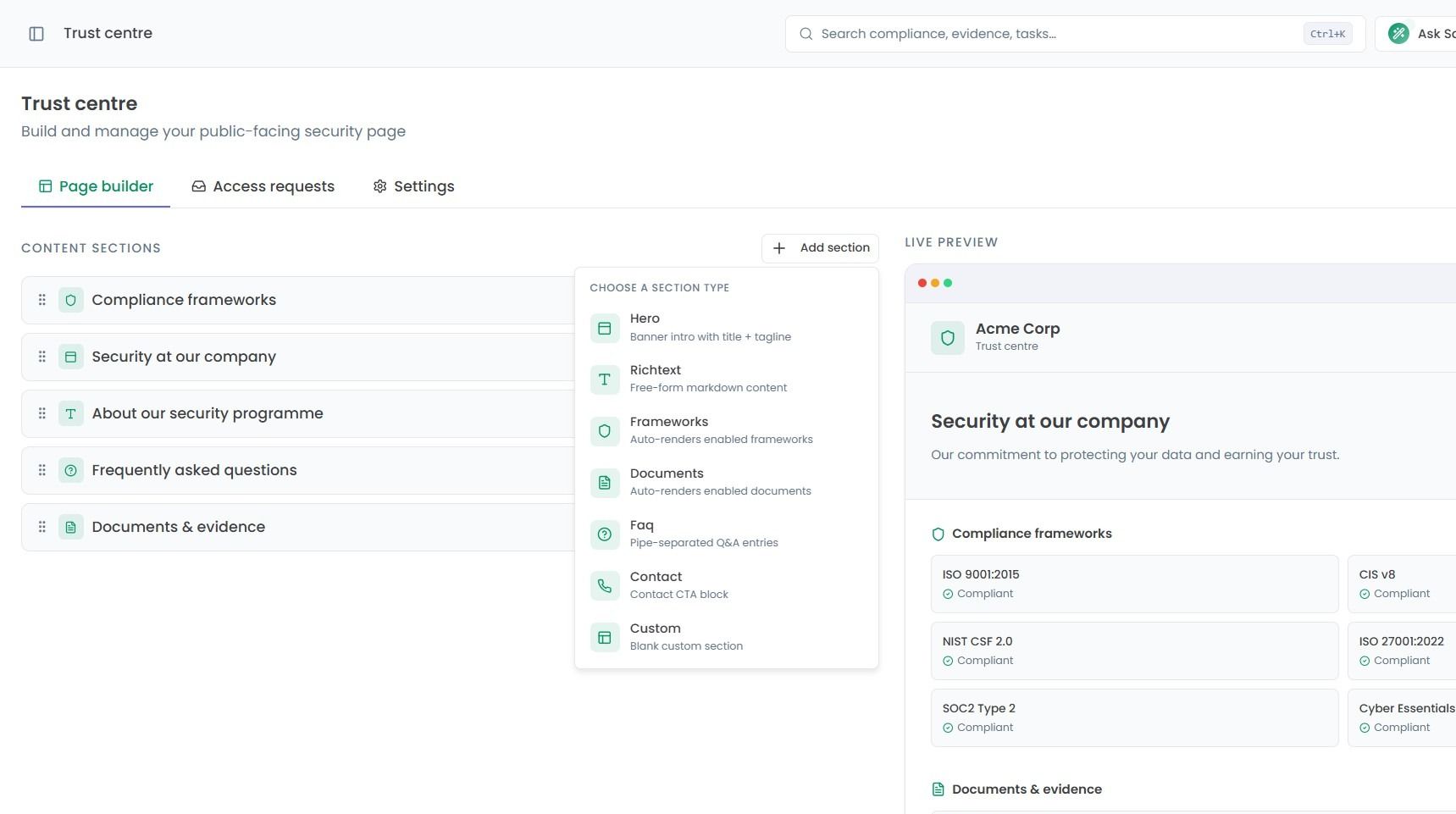
If you wish to add more information to your Trust Centre, select the Add section option to bring up a list of different sections that can be added.
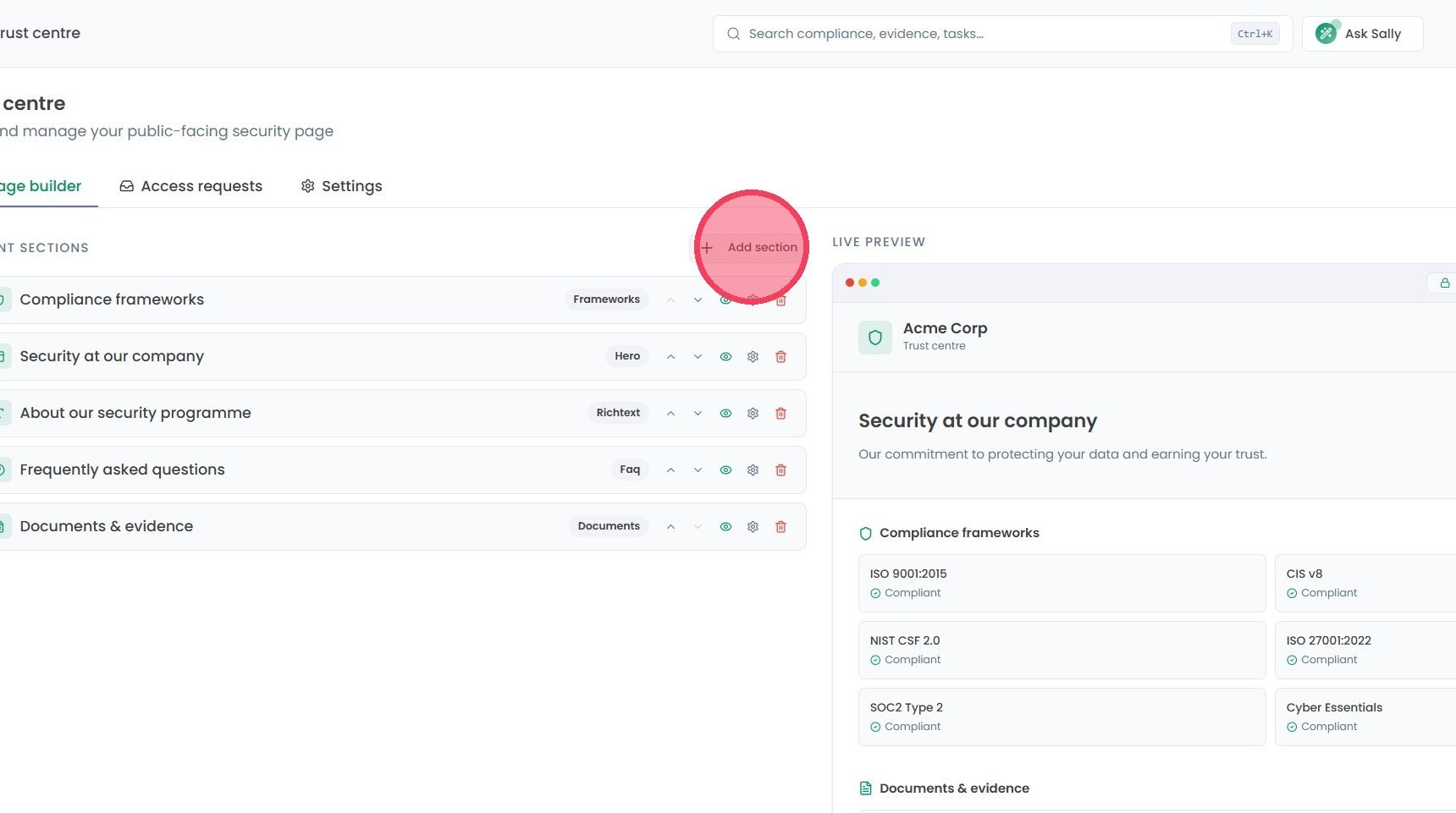
The following sections can be added to your Trust Centre and edited:
Hero: A banner containing a title and tagline.
Richtext: A free-text block with markdown support.
Frameworks: Renders frameworks that have been enabled in your Trust Centre settings.
Documents: Provides access to enabled documentation from your Trust Centre settings.
Faq: Q&A block with pipe separation.
Contact: A call-to-action block for contact details.
Custom: A completely blank section.
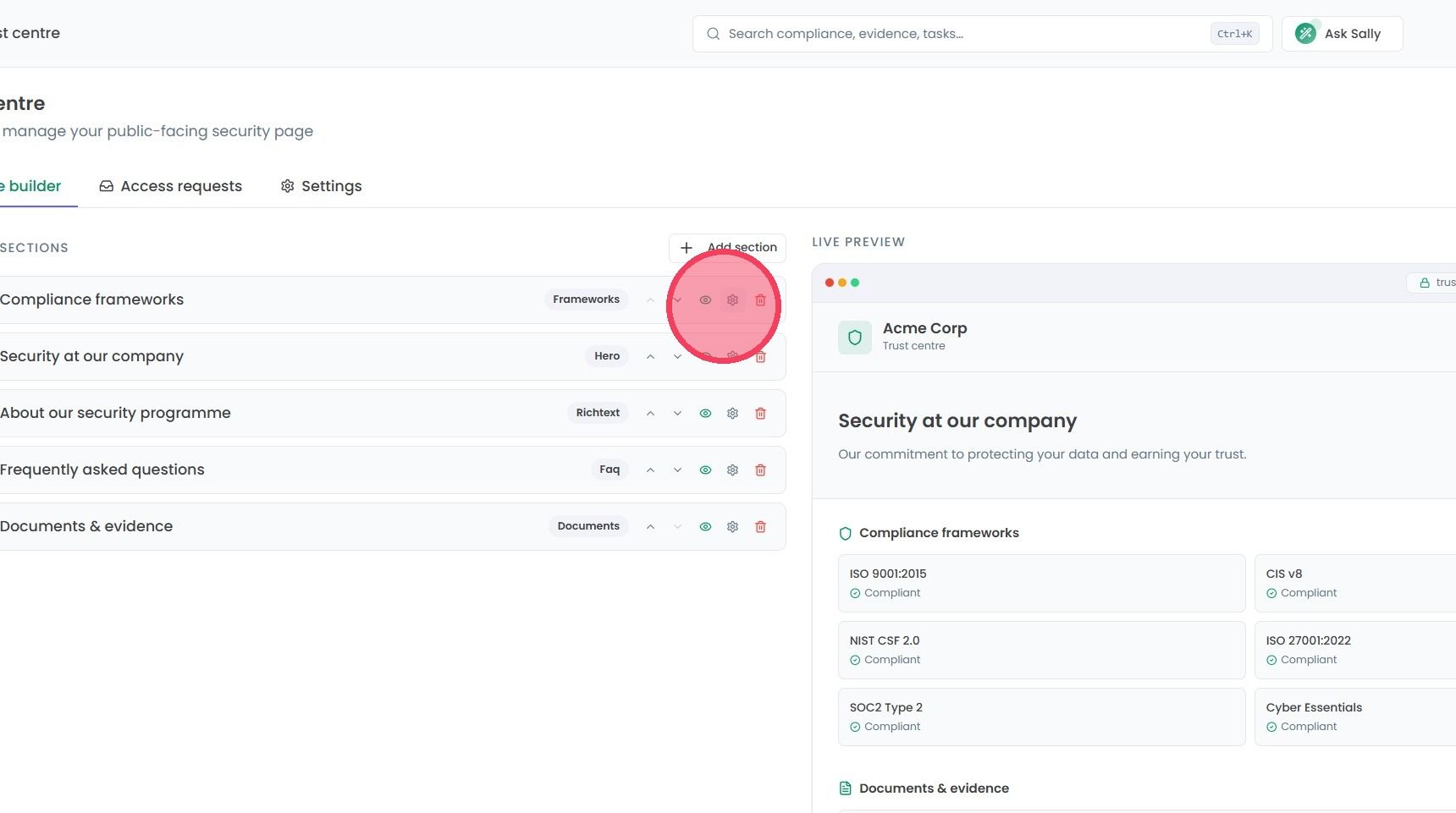
To edit Content Sections, the following options are available:
Up & Down arrows: Allows the section to be moved up and down, changing where it appears on your Trust Centre.
Visibility: Changes whether the section is visible on your Trust Centre or not. When a section is toggled to hidden, the section will appear greyed-out.
Settings wheel: Allows for the text content of the section to be edited. The title of a section also be updated by clicking on the text.
Bin: Deletes the chosen section completely. This action is irreversible, so a second confirmation is required.