Managing Trust Centre Settings
This guide walks you through customising your Trust Centre by managing organisation details, toggling the visibility of frameworks and documents, and configuring your custom footer text.
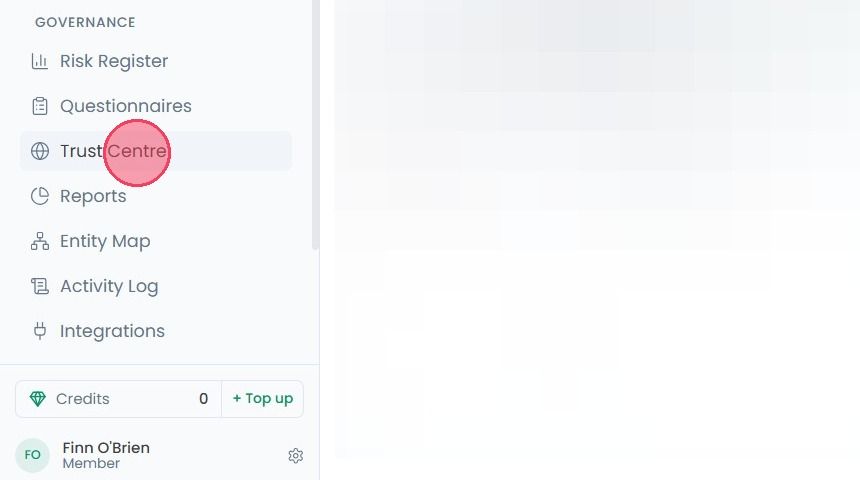
To manage your Trust Centre settings, select Trust Centre from the main navigation bar.
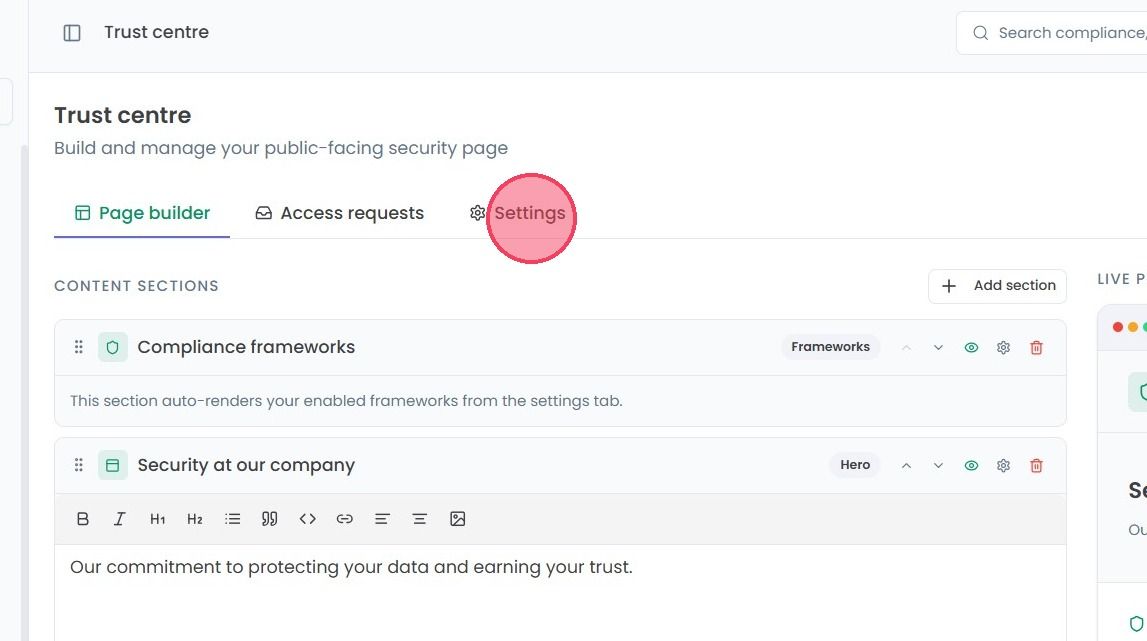
Click on the Settings tab, the Settings tab of the Trust Centre allows for the configuration of core Trust Centre elements.
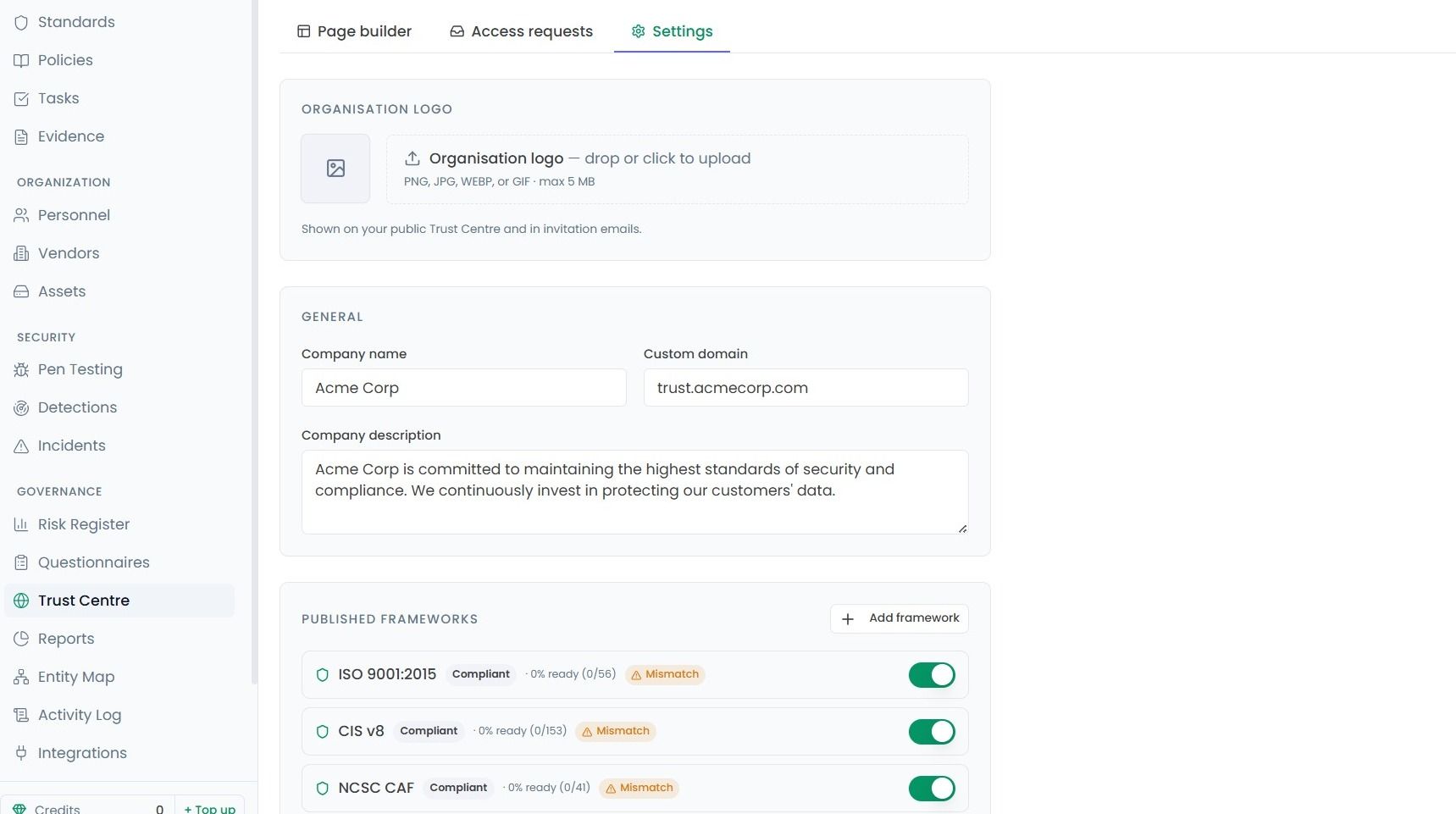
Within this area you can update the name, logo, domain and description of your organisation as it appears on your Trust Centre, and toggle which compliance frameworks are visible.
Note: If your organisation is not compliant in a framework, a 'Mismatch' label will be visible, as shown in the example below. And turning a framework “off” does not delete your progress; it simply hides it from the viewers or visitors.
Then scroll down slightly to the Documents area.
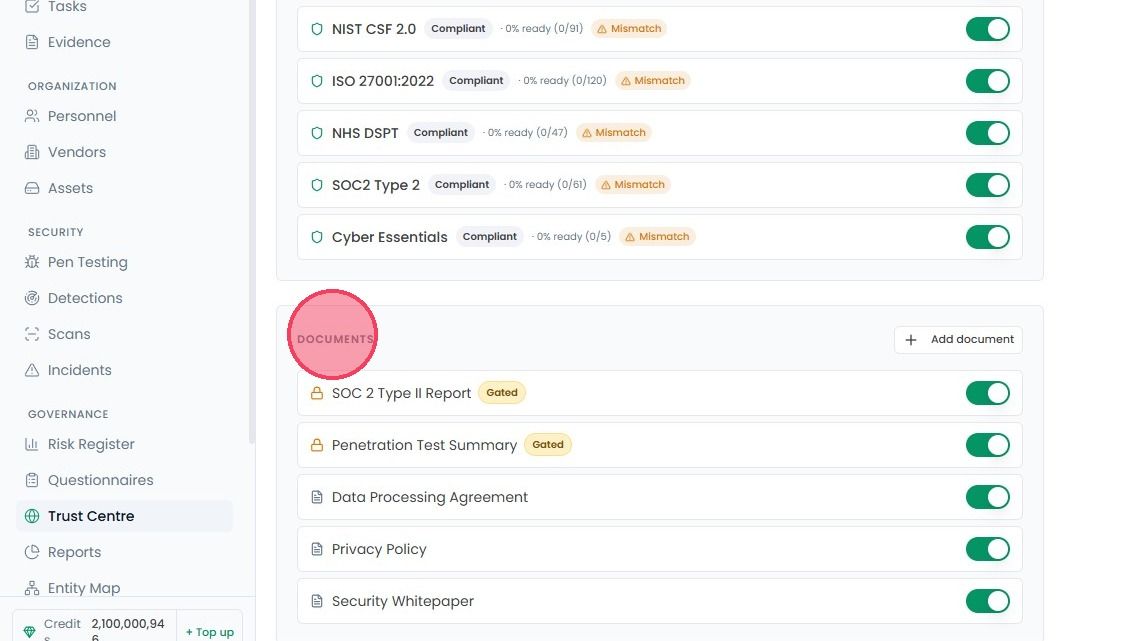
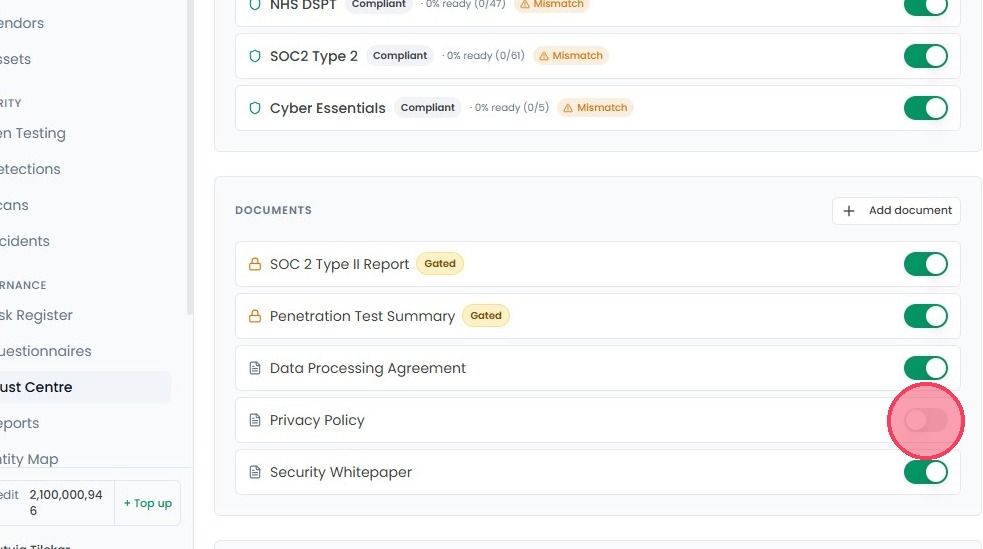
You don’t have to delete a document to hide it. Use the toggle to change whether a document appears on your Trust Centre or not.
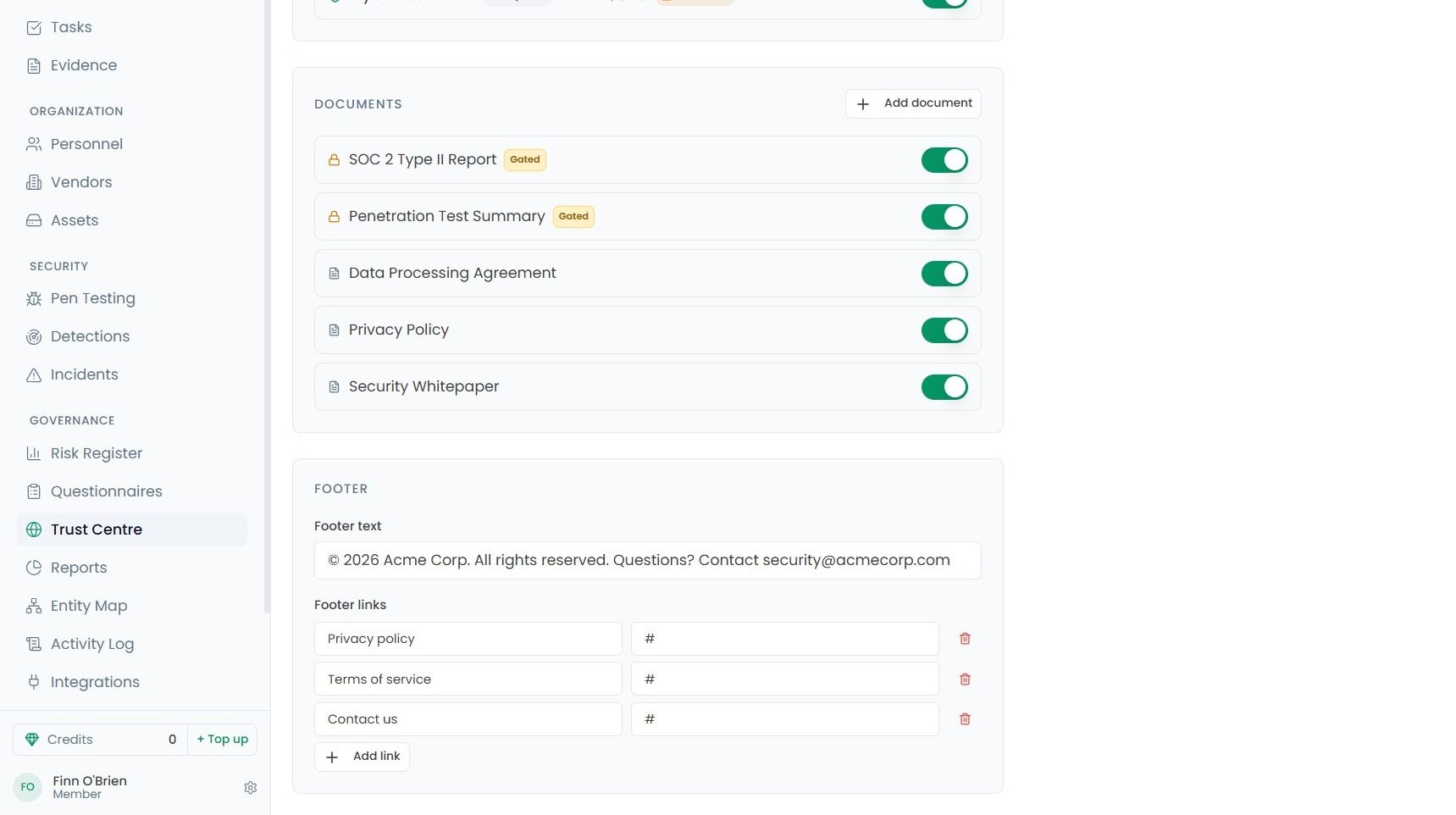
You can also configure the links available in the footer of your Trust Centre.
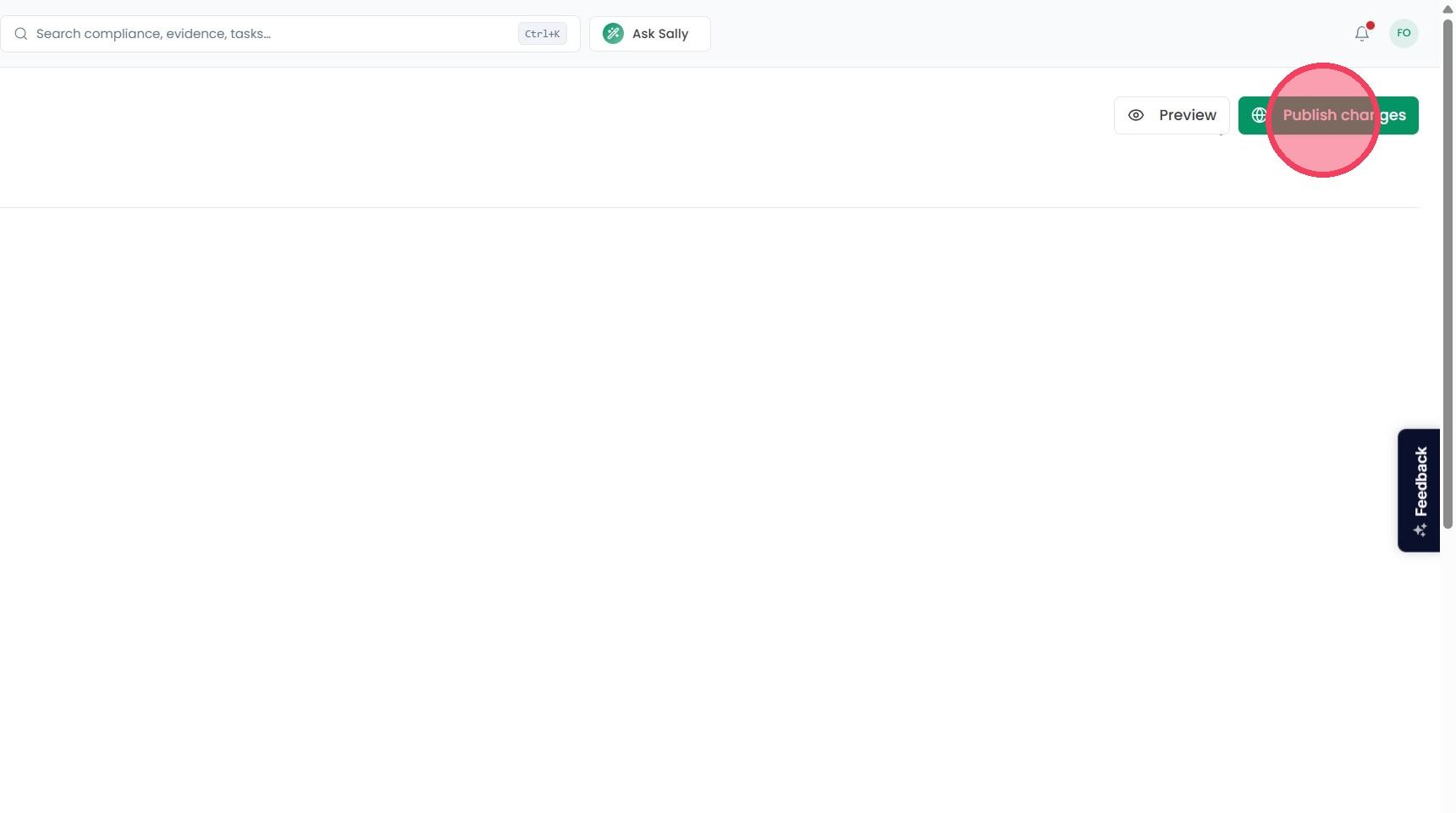
To save any changes that you have made to your Trust Centre, select the Publish Changes button.