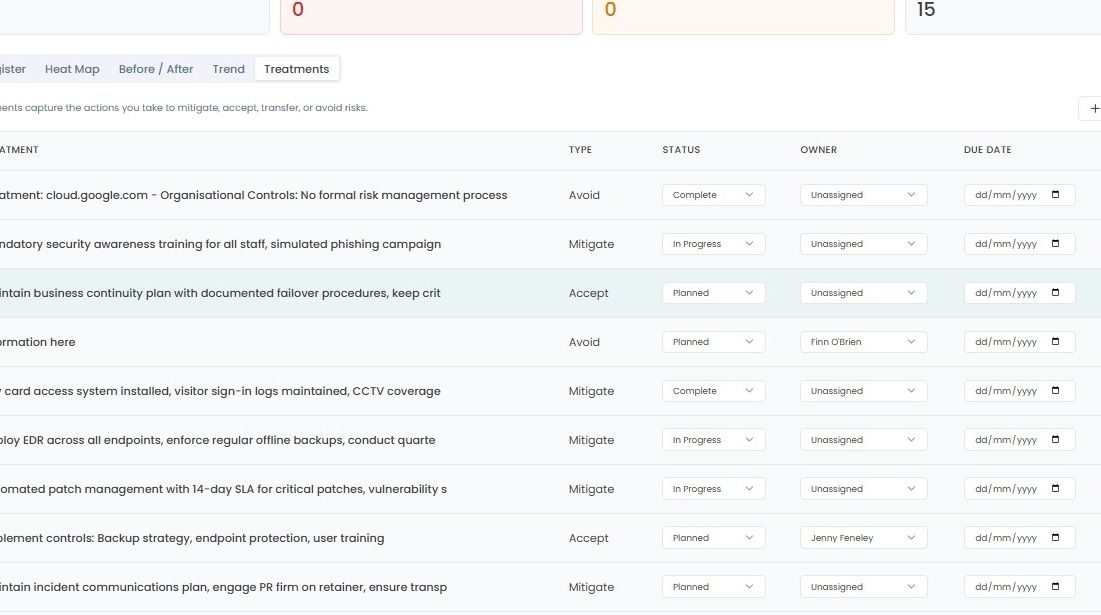
Adding & Managing Treatments
This guide provides step-by-step instructions to add a new risk strategy to mitigate the risks within your organisation.
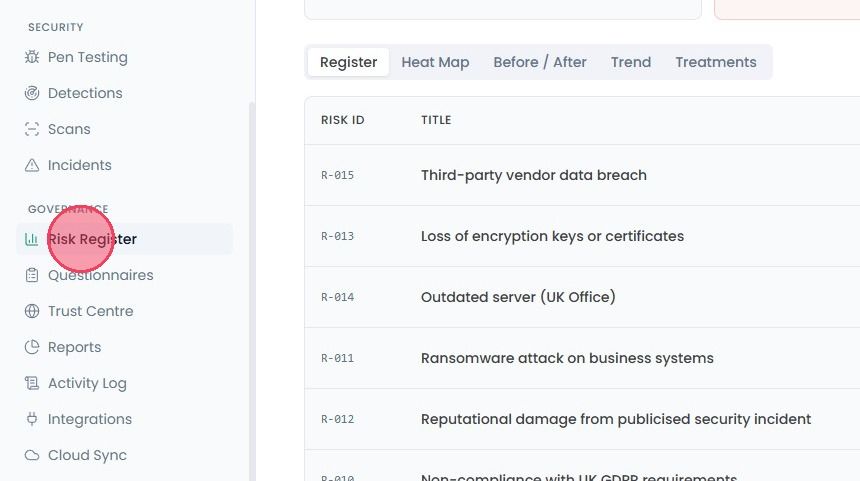
To add the treatments to mitigate your risks, select Risk Register from the main navigation bar.
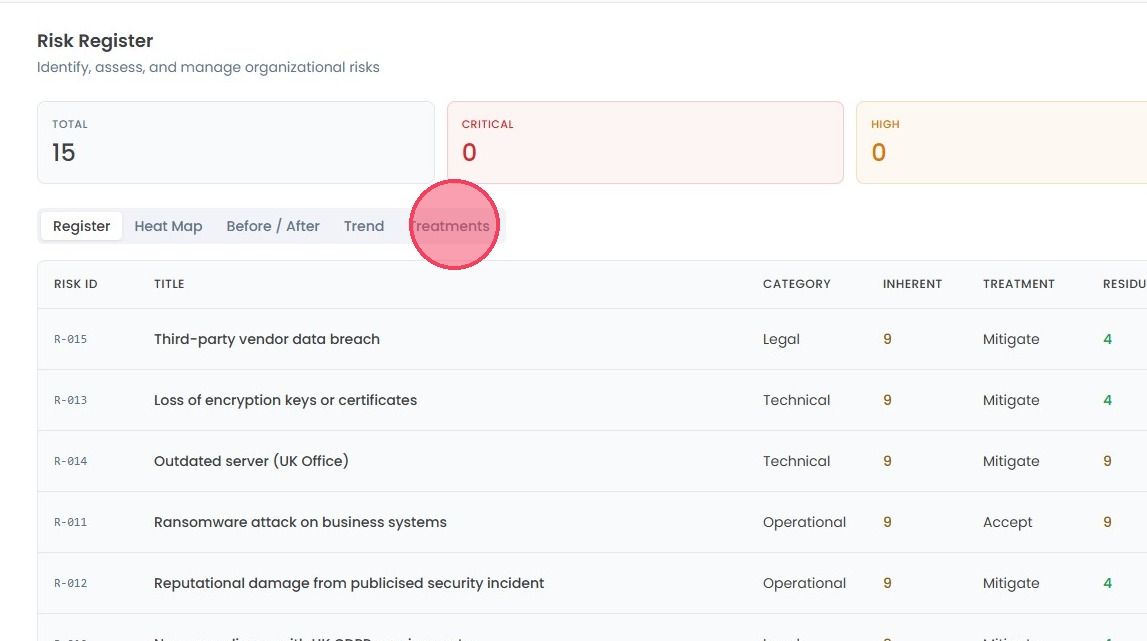
Click on the Treatments tab.
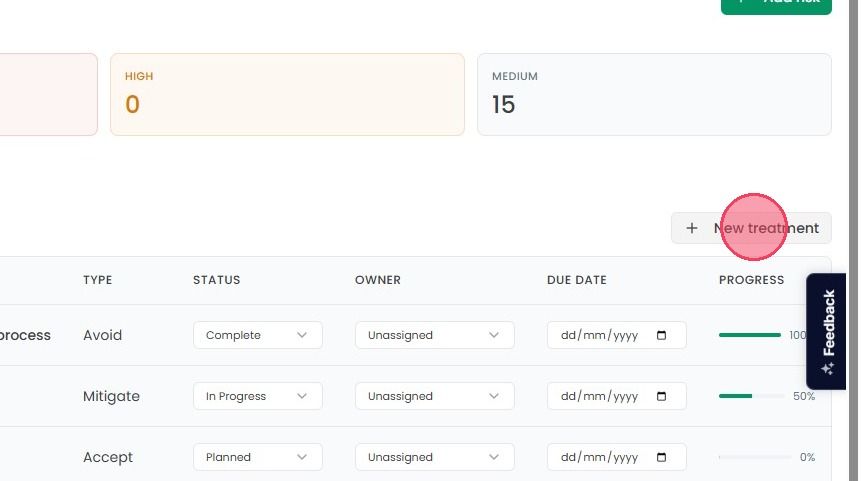
If you have a new strategy to handle a risk, click New Treatment in the top-right corner.
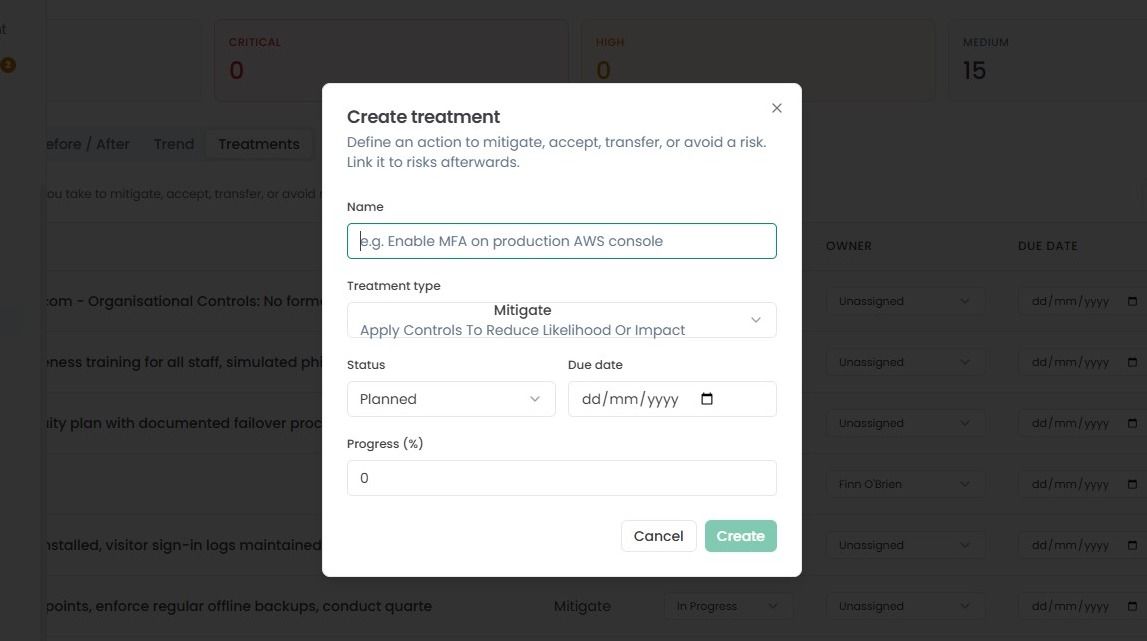
And it will open a small pop-up window where you need to enter few details:
Name: Provide a clear, brief name for the treatment (e.g., Enable MFA on Production AWS Console).
Treatment Type: Assign the type to the treatment (Mitigate, Transfer, etc.).
Status: Set the status, whether Planned, In Progress, or Complete.
Due Date: You can assign the due date to the strategy.
Set Progress: if you’ve already started, you can set the initial progress percentage.
Once you enter all the necessary details, then click Create button. Once created, this treatment will be available in the queue to be linked to your specific risks.
The Treatments tab lists the specific actions you take to address risks. Each entry shows:
Treatment Type: Whether you are choosing to Mitigate, Accept, Transfer, or Avoid the risk.
Status: Update the status to Planned, In Progress, Complete, or Deferred.
Ownership & Progress: You can assign the Owner, set a Due Date, and track the Progress Percentage to show how close the action is to completion.