Viewing Assigned Tasks
This guide walks you through the process of filtering the Tasks page to only show specific assigned Tasks.
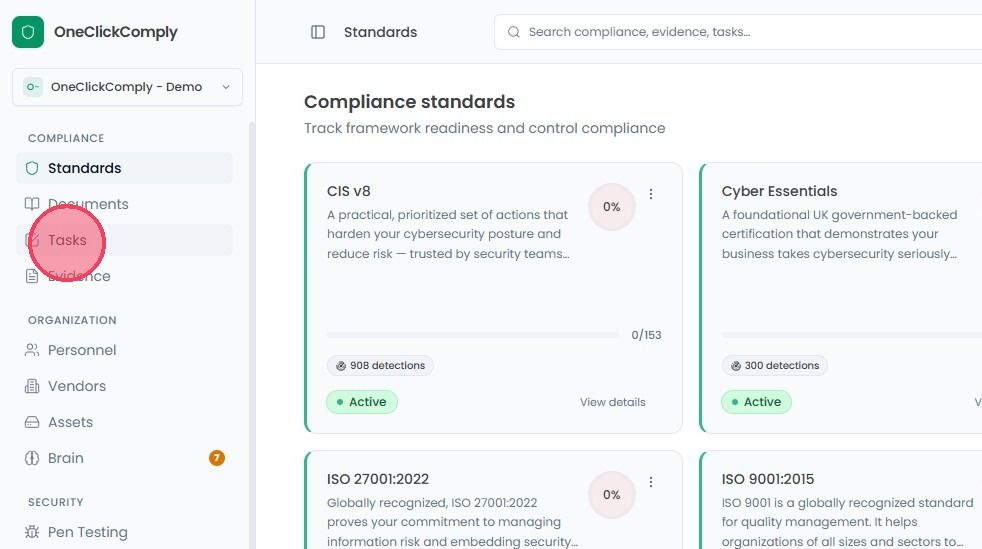
To view assigned tasks, select Tasks from the main navigation bar.
There are two methods to access Assigned tasks:
Option 1
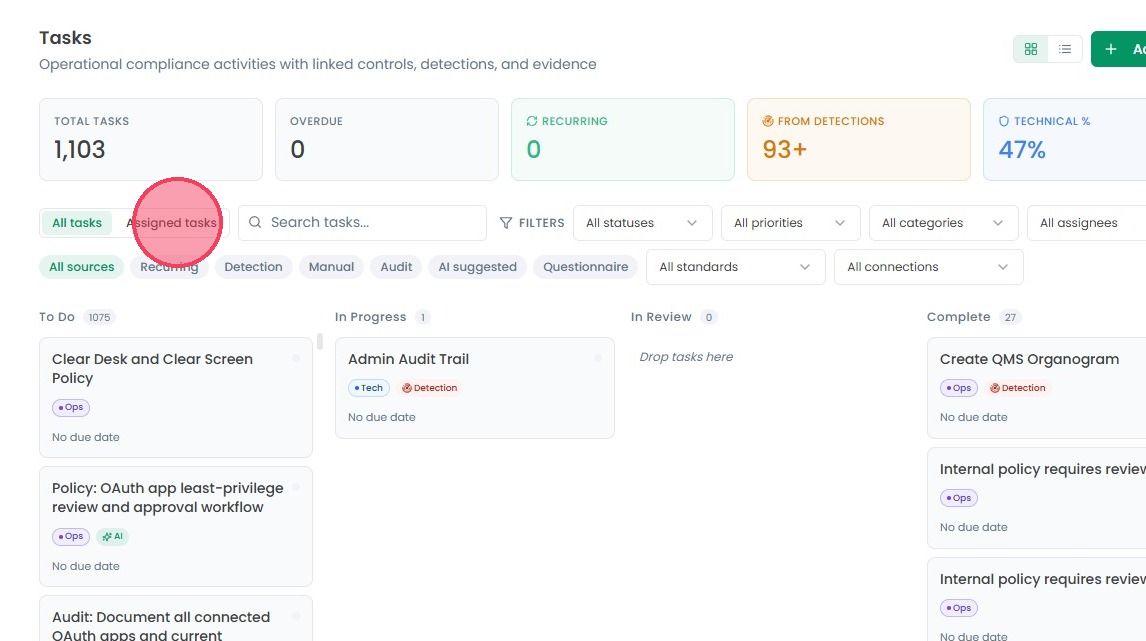
On the main Tasks page, click the Assigned Tasks option next to All tasks, to only show tasks that have been assigned to you.
Option 2
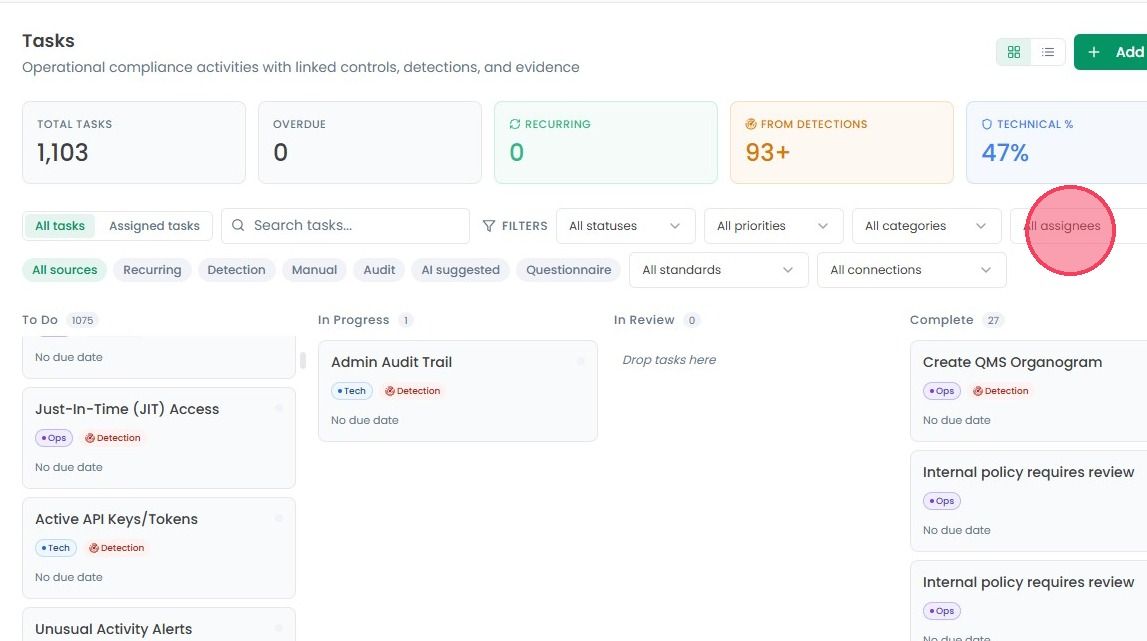
While on the main Tasks page, click the All Assignees drop down on the right-hand side, and select your name from the list.