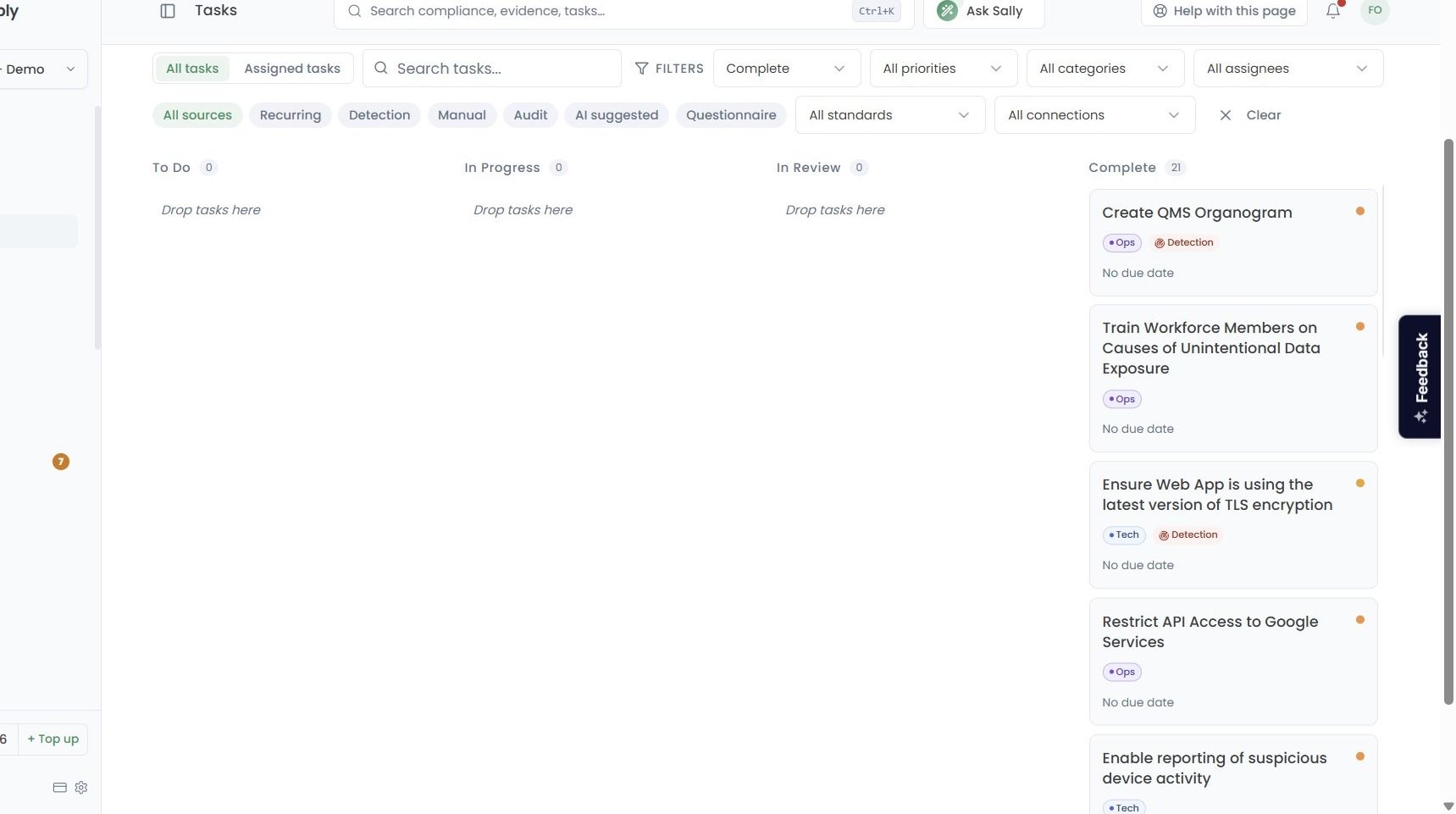
Reviewing Completed Tasks
This guide will walk you through how to review previously completed tasks within the Tasks area.
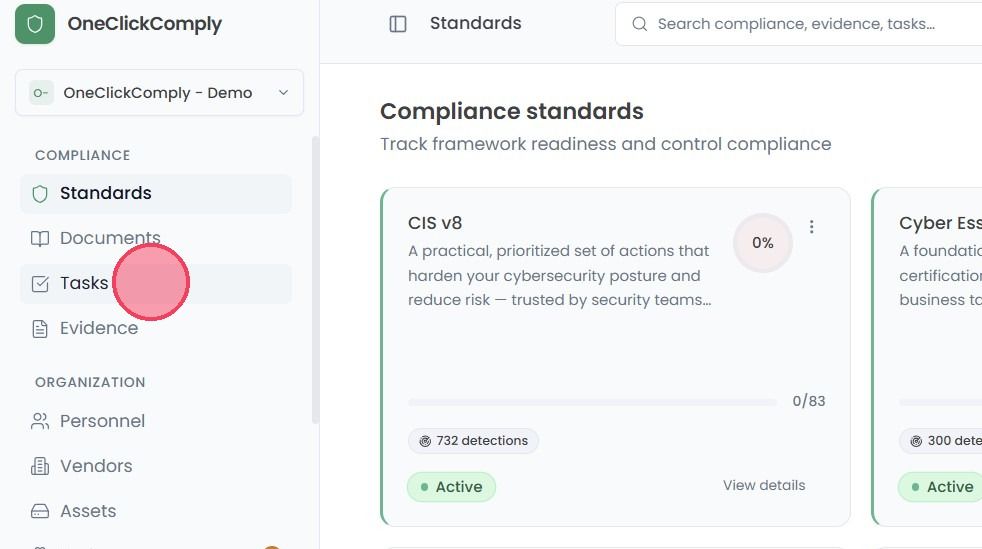
To review completed tasks, select Tasks from the main navigation bar.
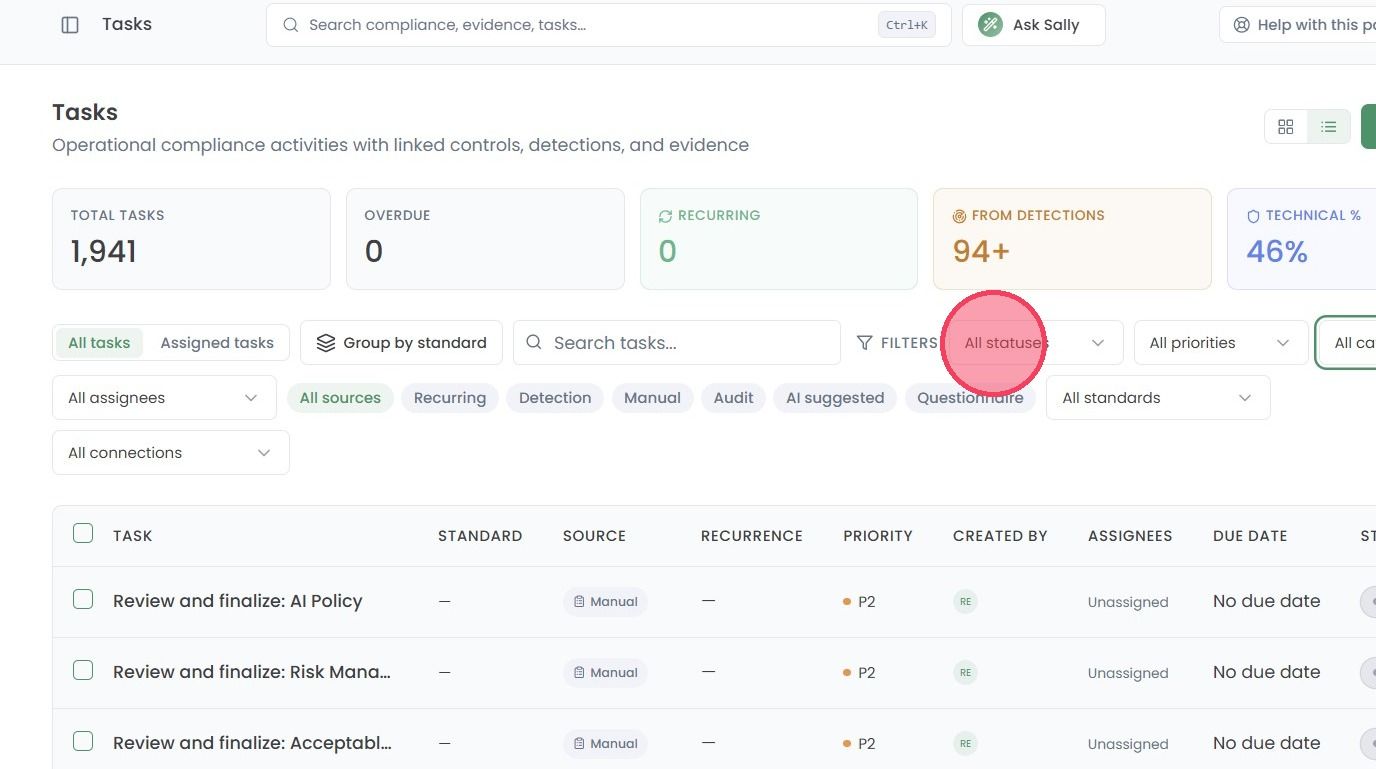
Once on the Tasks page, select the Status filter to open a drop down.
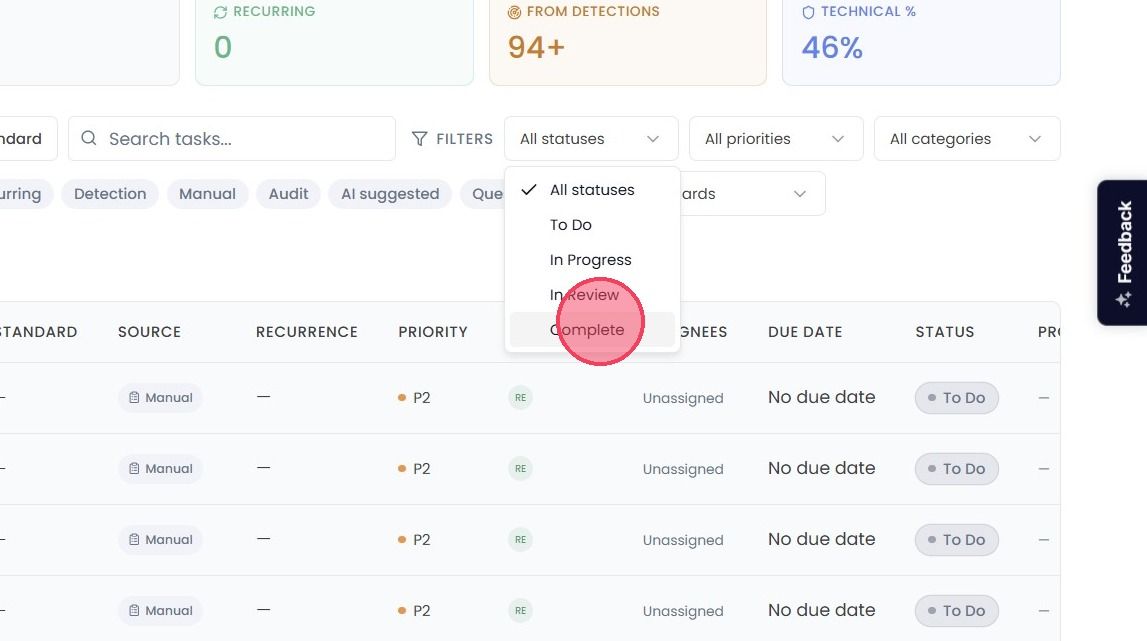
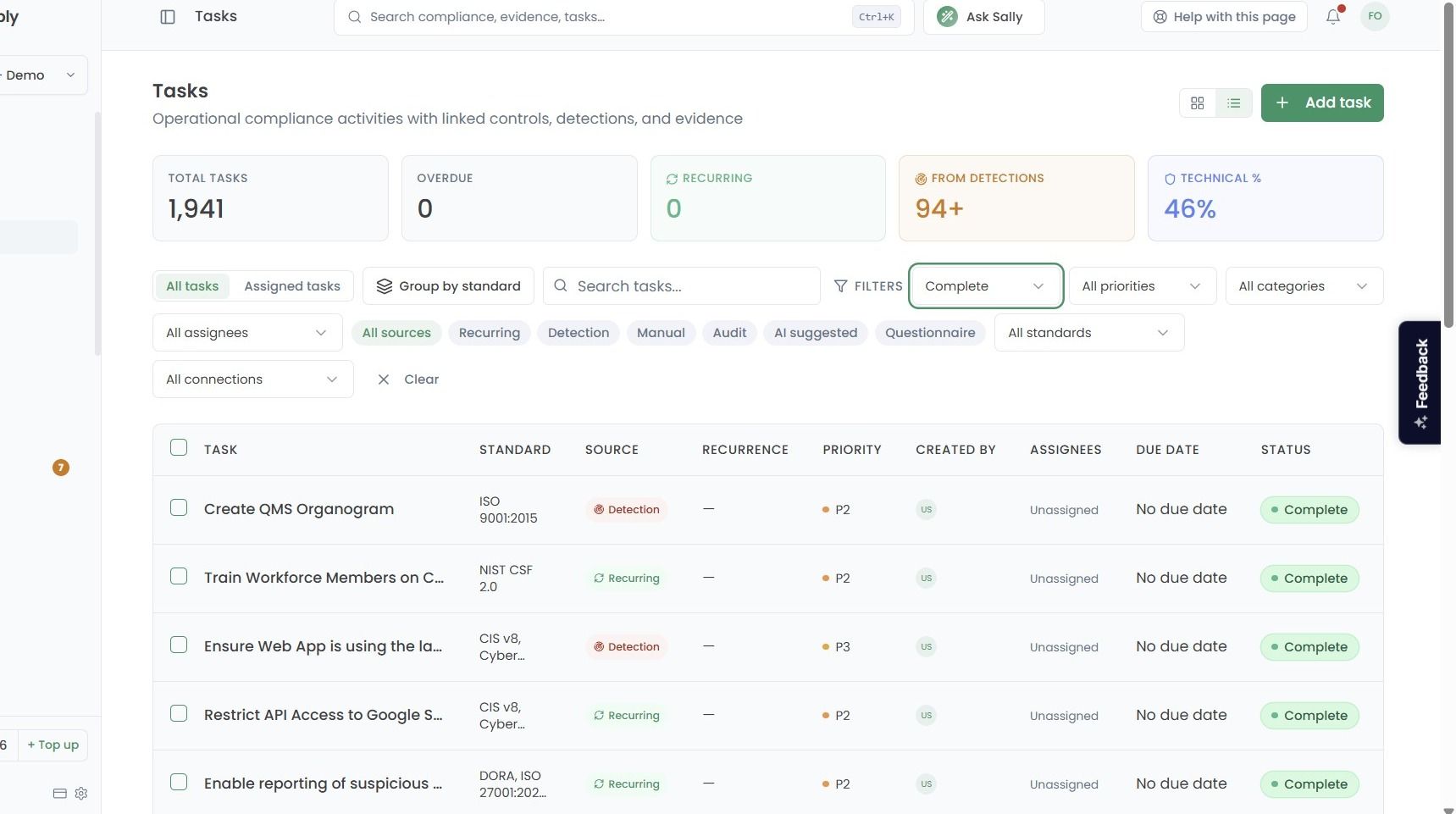
Then click the Complete option to only show Tasks that have been completed.
List View
If viewing the Tasks page in the list view, a page similar to the below will be shown:
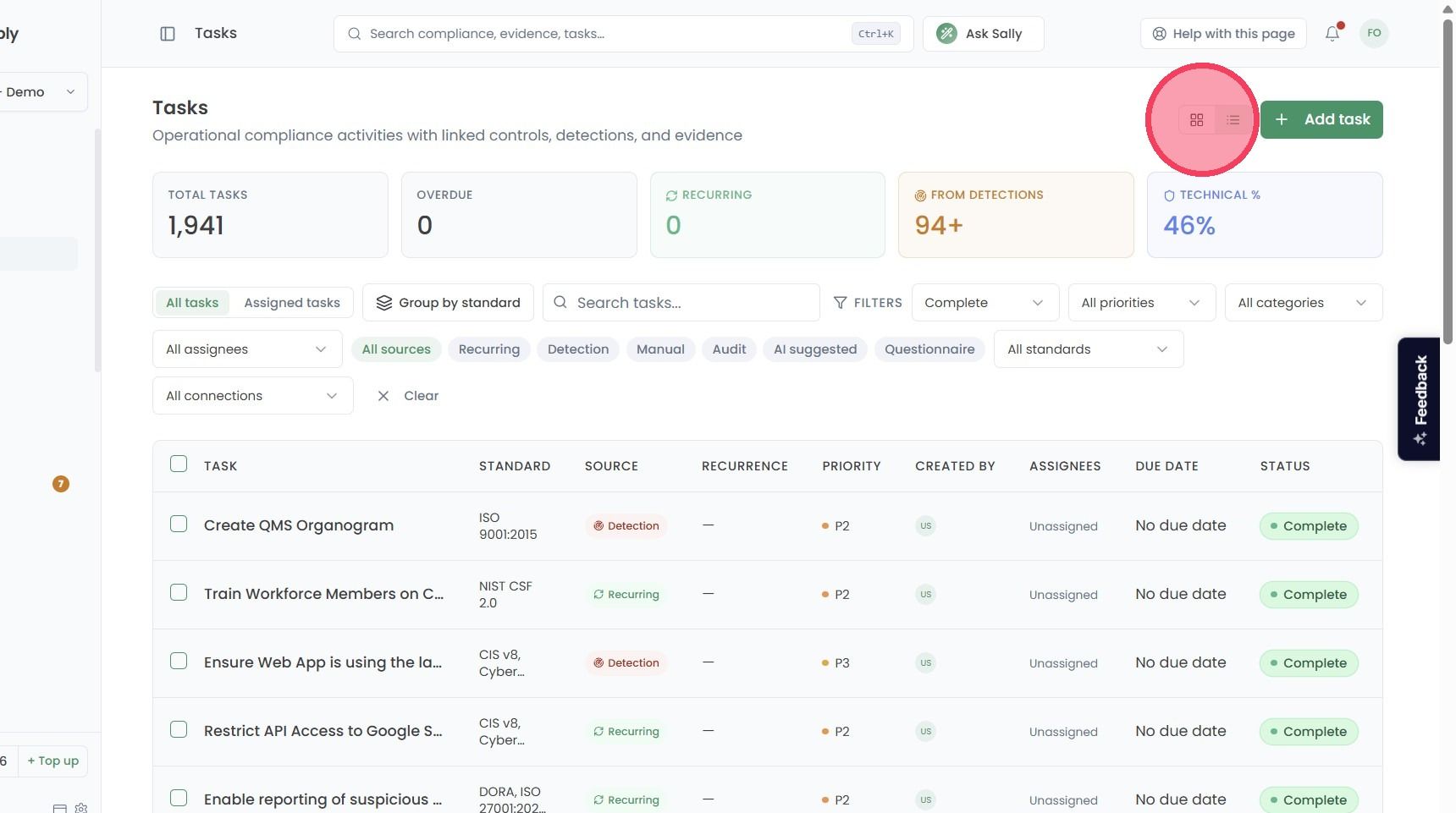
5. To toggle the Tasks page to the kanban board view, click the Board button, as highlighted in the example below:
Kanban View
When filtering by Complete tasks on the kanban view, a page similar to the below will be shown: