Creating Custom Controls Inside Standards
This guide walks through the process of adding new controls to a Custom Framework.
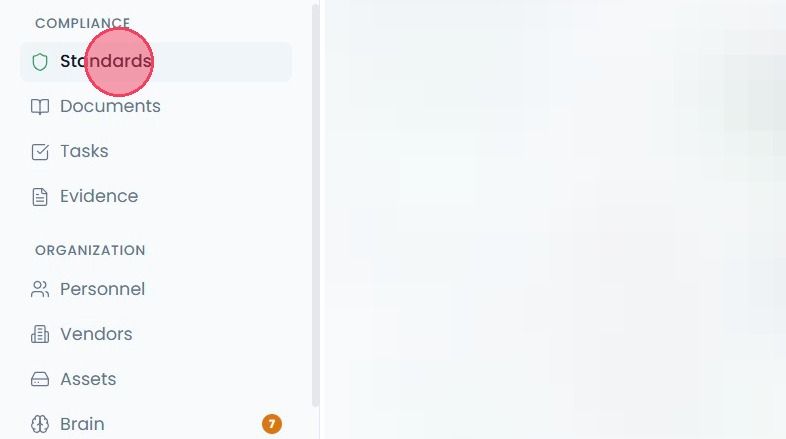
When a Custom Framework is added, it will contain no controls by default. To start adding controls to a new framework or standard, select the Standards option from the main navigation bar.
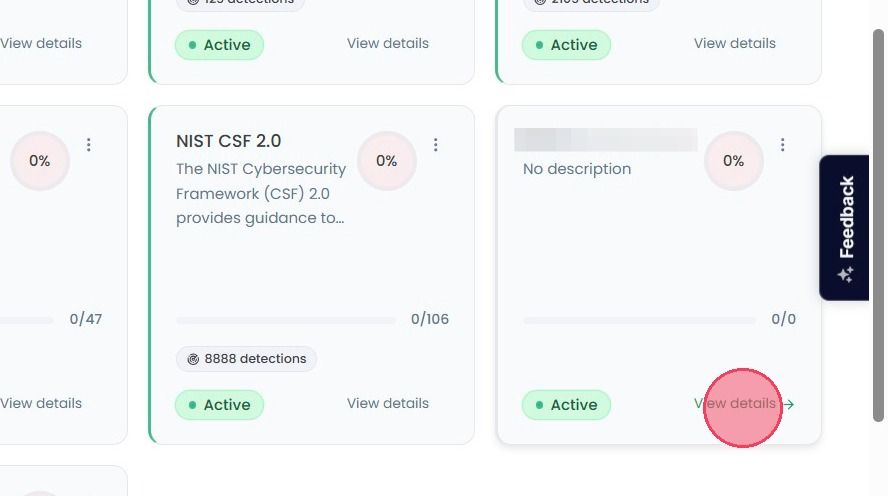
On the Compliance Standards overview page, select the View Details button on your chosen custom framework.
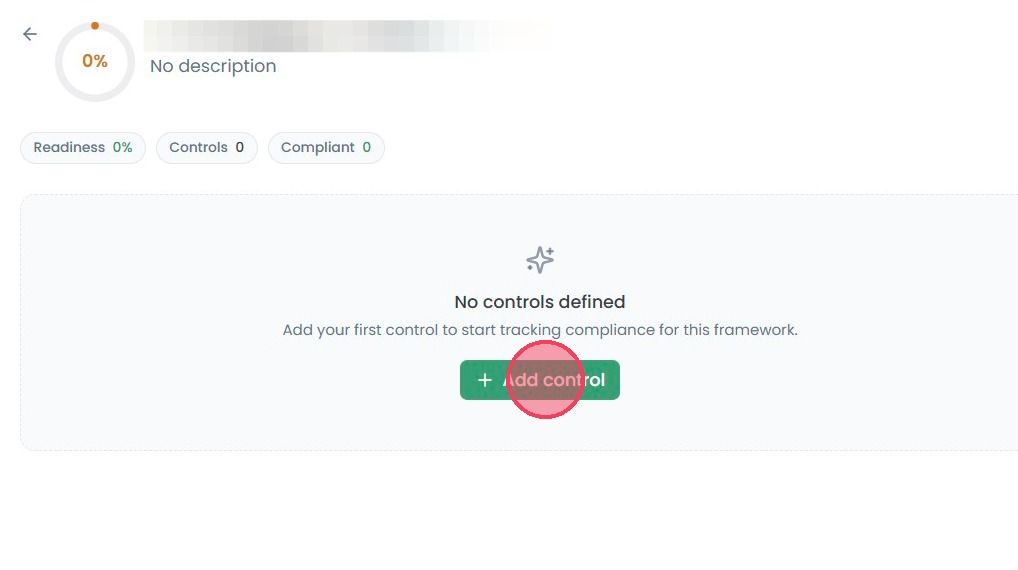
Once inside your custom standard, select the Add control button.
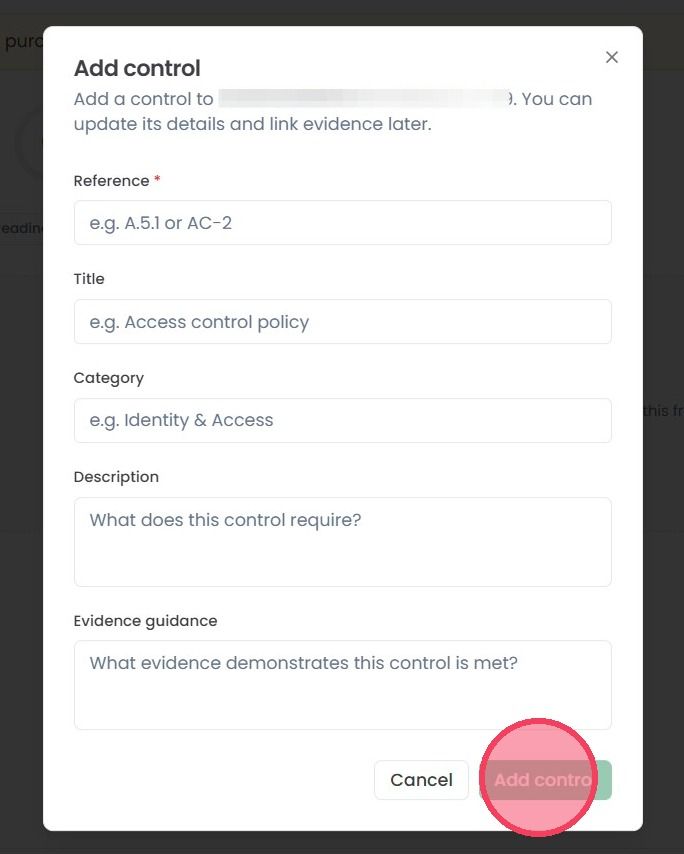
This will open a pop-up modal where you can add necessary details about the control, including:
Reference: A numeric value or count that determines the order of the controls
Title: The name of the control
Category: The area/element of the organisation that the control relates to (e.g. identity, access, infrastructure, employees)
Description: The requirements laid out by the control that the organisation must meet
Evidence Guidance: What evidence is required to prove compliance with the control
Once you have provided this information, click Add control to finalise the creation of your new control. The control will appear within your custom framework, and can be actioned like any other control within the OneClickComply platform.