Help With This Page
This guide will walk you through the Help with this page support function, and how to use our in-platform agent to access support and get your questions answered quickly.
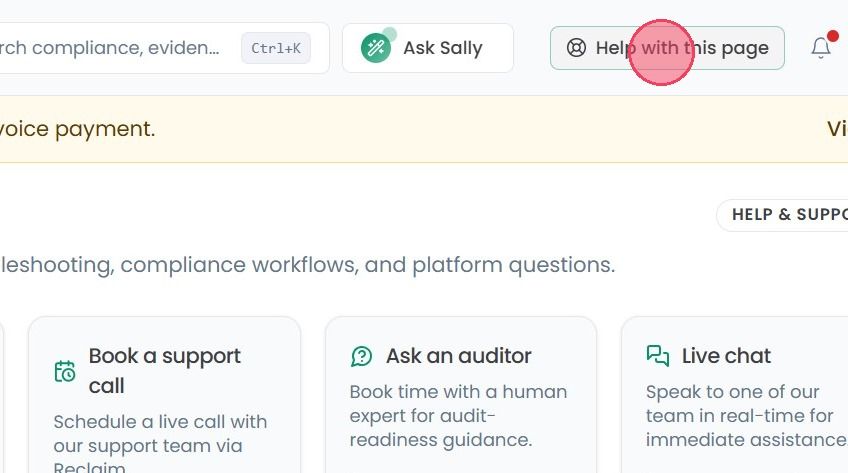
The Help with this page button is accessible in the top-right corner of the platform on every page, making support available to you no matter where you are in OneClickComply.
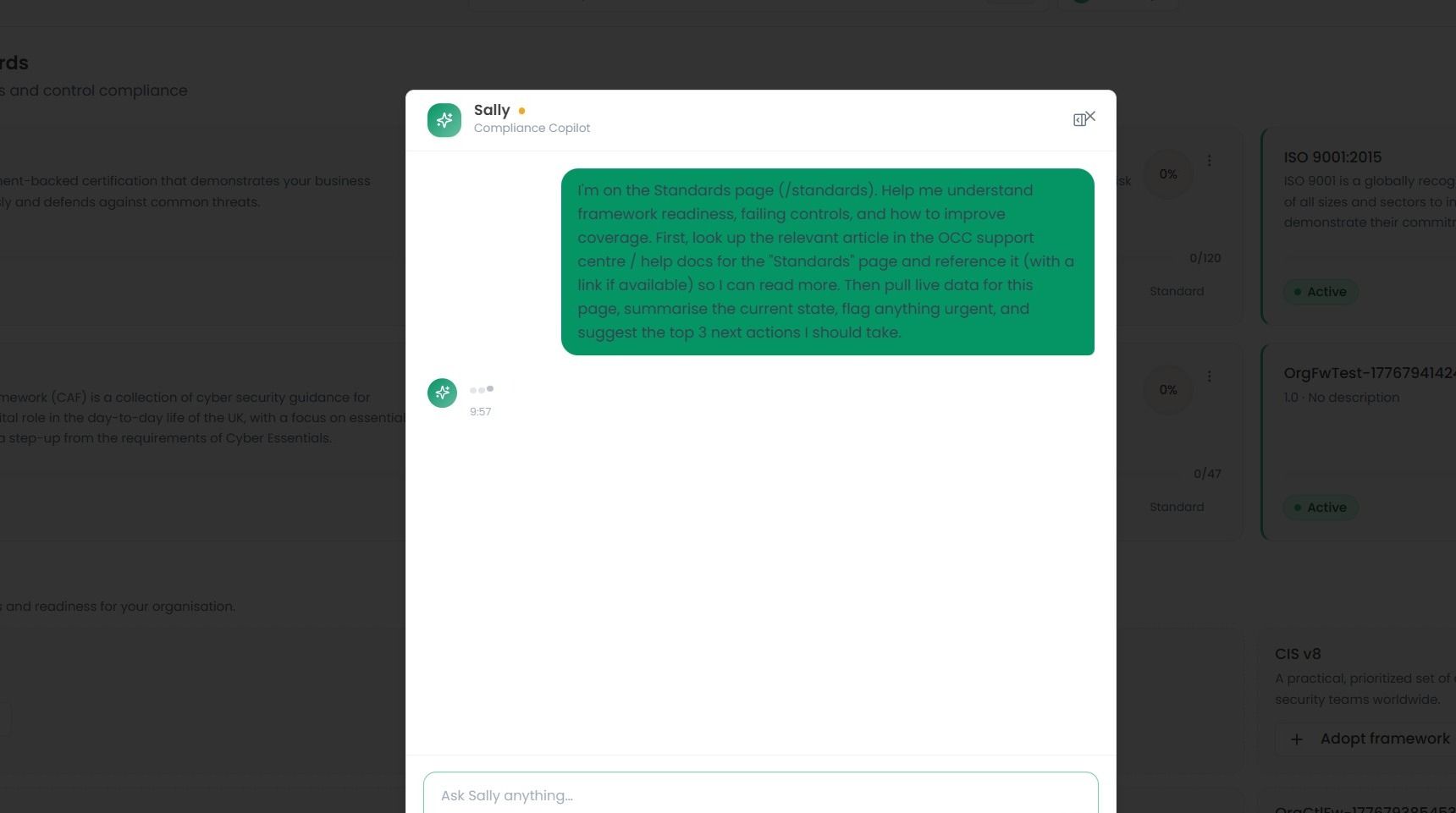
Clicking Help with this page will open a new chat with our in-platform support agent, Sally. A prompt will be automatically pre-filled based on the page you are currently viewing, so you don't need to describe where you are or what you're looking at.
Sally will then search across all OneClickComply support articles, guides, and resources to provide you with relevant guidance, helping you understand how to effectively navigate and make the most of the page you're on.
See an example of the automatically provided prompt below: