Generating Your Completed Cyber Essentials Questionnaire
This guide simplifies the export process so you can easily review or share your cybersecurity compliance documentation.
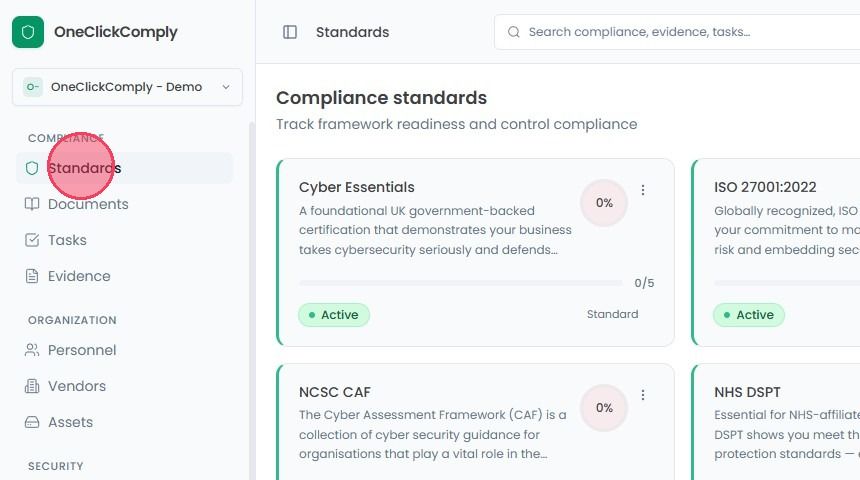
To download the completed questionnaire, select Standards from the main navigation bar.
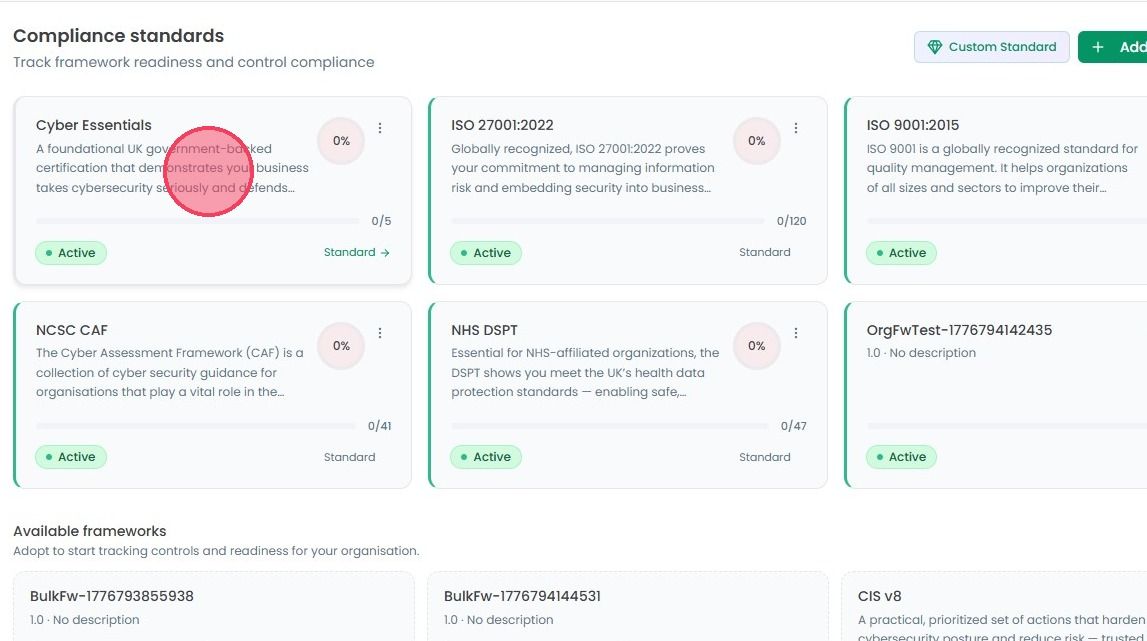
From the list of active frameworks select Cyber Essentials (CE).
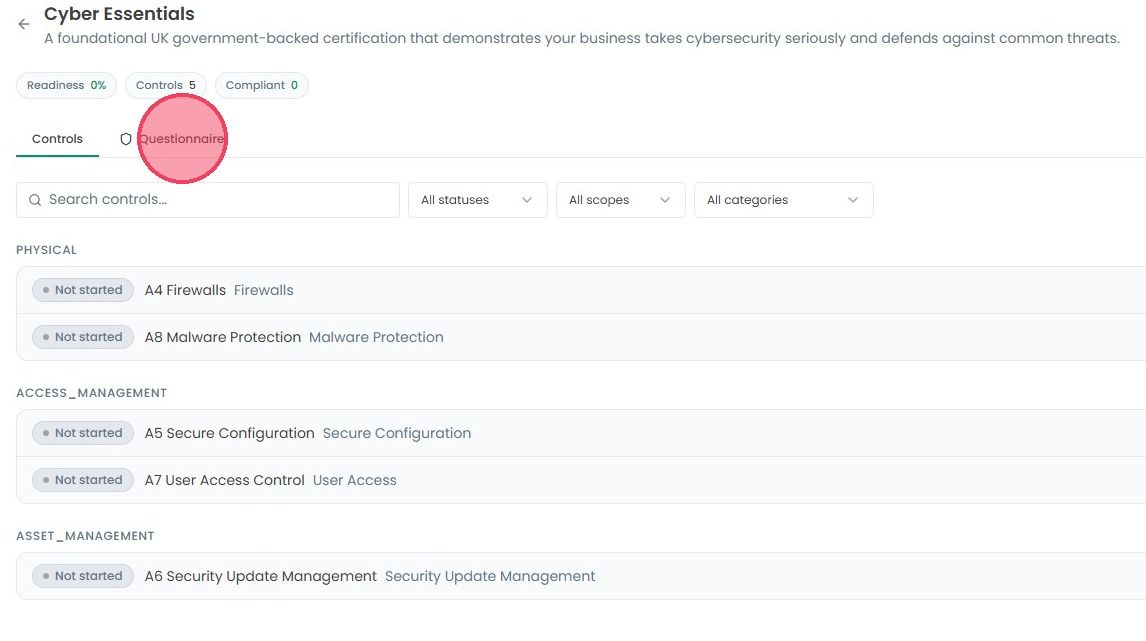
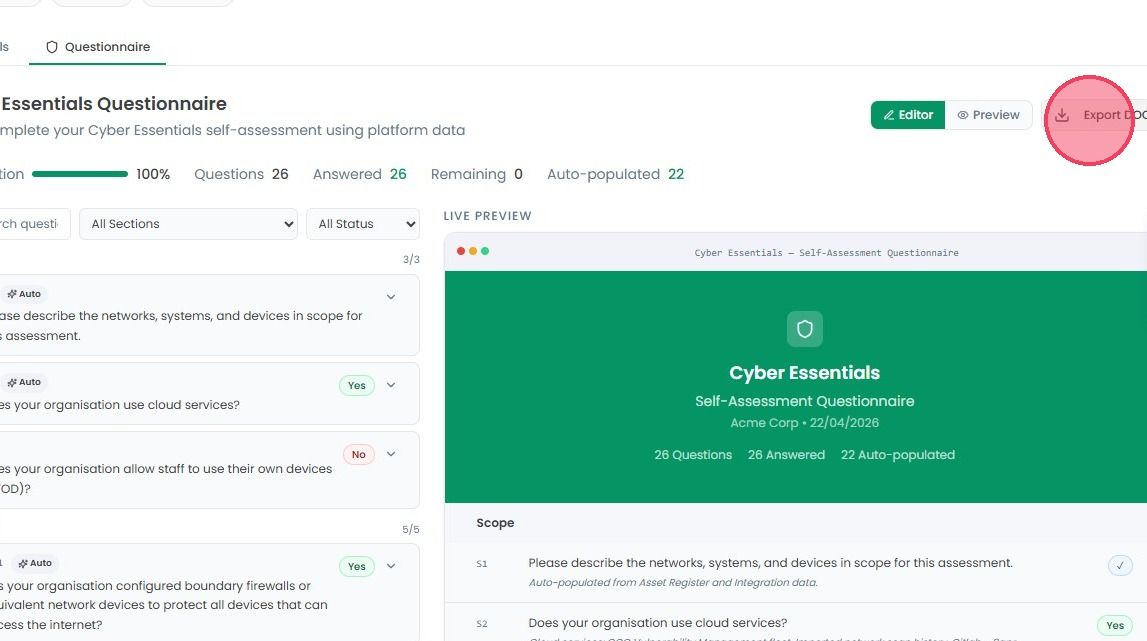
Once you’re on the Cyber Essentials page, click Questionnaire tab, located right next to the ‘Controls’ tab.
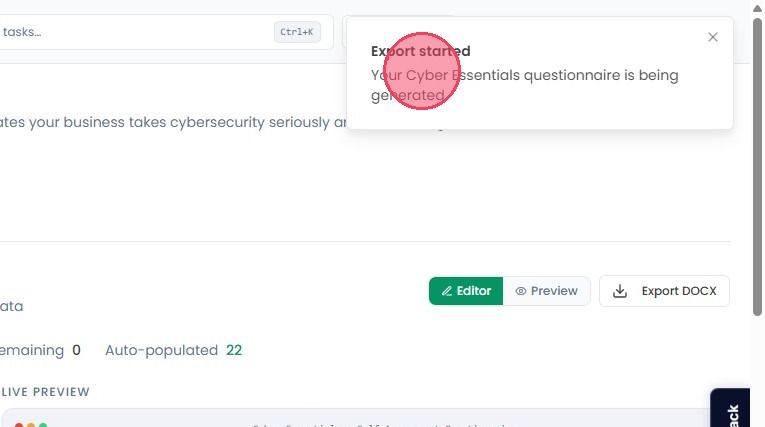
This view shows the full list of questions required for the CE certification. To generate the questionnaire, click the Export DOCX button. This will immediately begin generating a complete document containing all the responses.
As soon as you click the button, a notification will appear at the top of your screen flagging that the questionnaire has started generating.