Reviewing the Activity Log
This guide helps you efficiently locate all the past activities done within the OneClickComply platform.
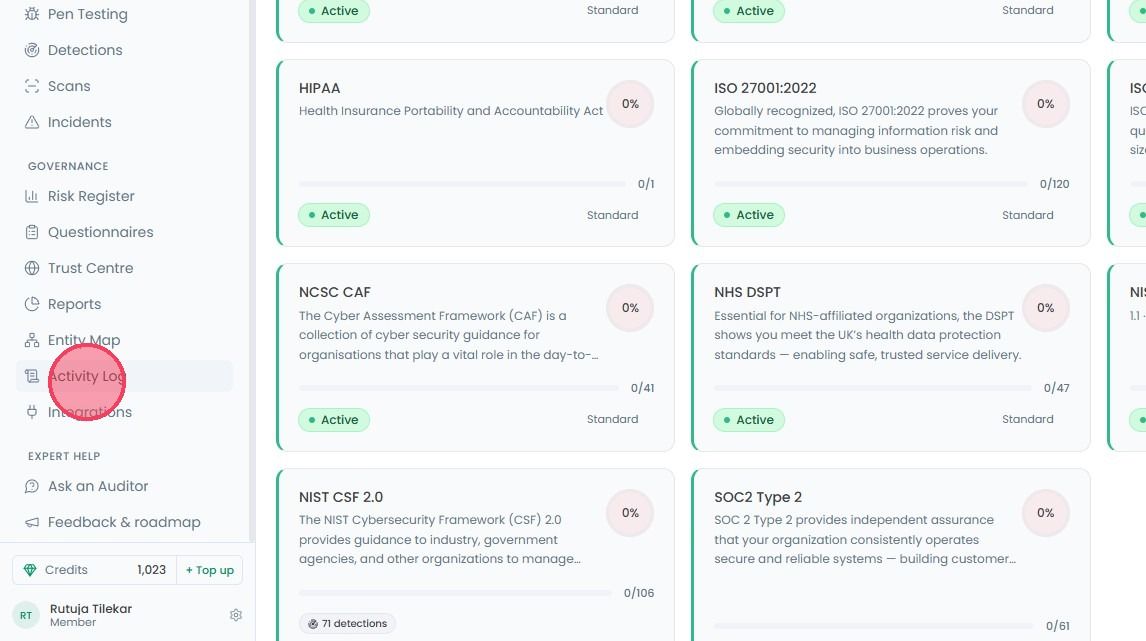
To review your platform Activity Log, select Activity Log from the main navigation bar.
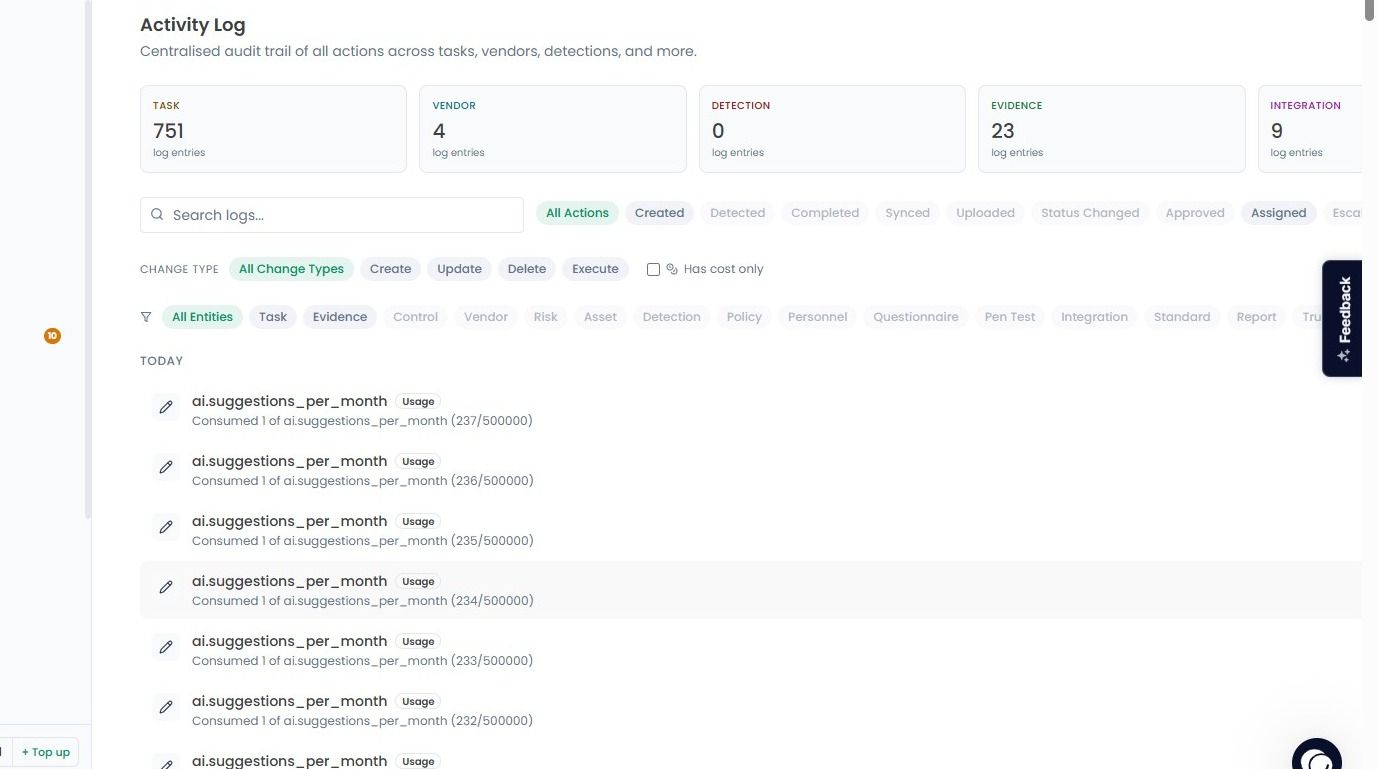
On this new page you will see a summary boxes that categories the total number of entries for different areas of the platform, such as, total number of tasks, vendors, evidence, etc.
Each recorded action will contain a timestamp, the name of the action taken, a short summary of the action, a tag signifying the type of action, and the name of the user who made the action.
If you are looking for something specific, you can filter the logs by entities. This allows you to narrow down the data to specific categories, such as Personnel (to see actions by a specific user) or Task.
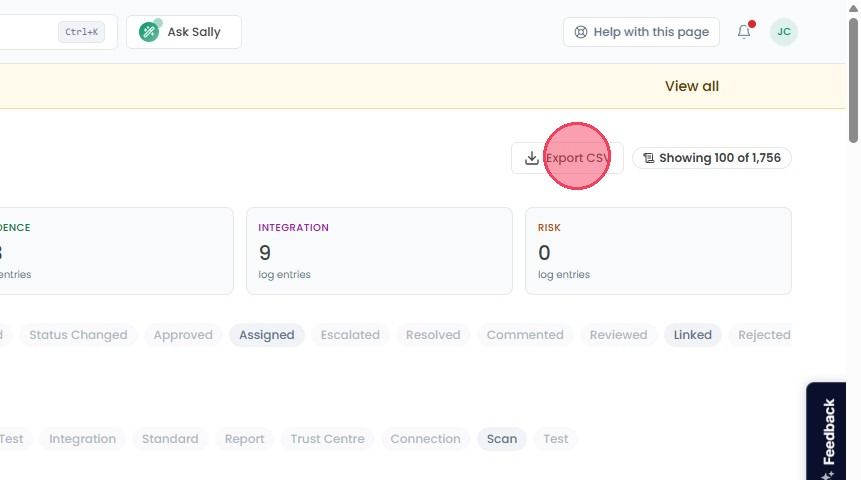
If you need to download these logs, you can easily Export CSV file. Just click the export button in the top-right corner of the page to download a spreadsheet of all recorded activities.