Using the Reports Area
This guide will walk you through using the Reports area to monitor compliance progress, track organisational risk, and maintain security.
To see your platform reports, select Reports from the navigation bar.
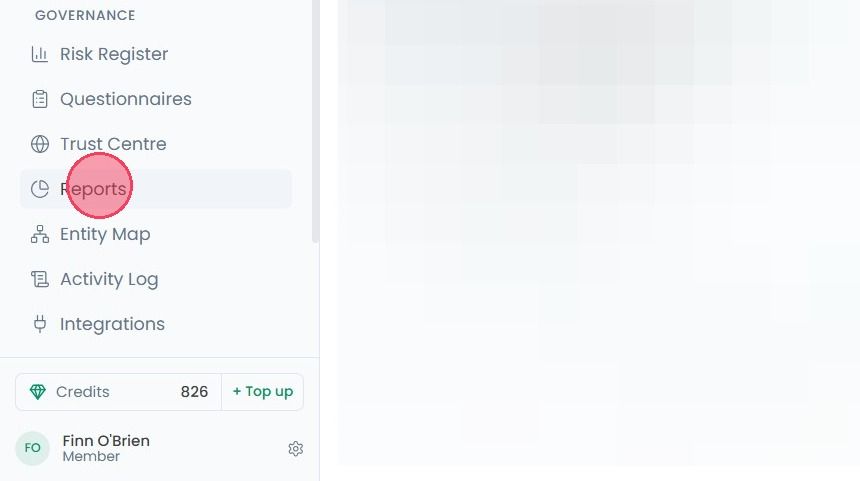
This new page will show various charts and tables to help you easily understand your current compliance progress and the overall security health of your organisation.
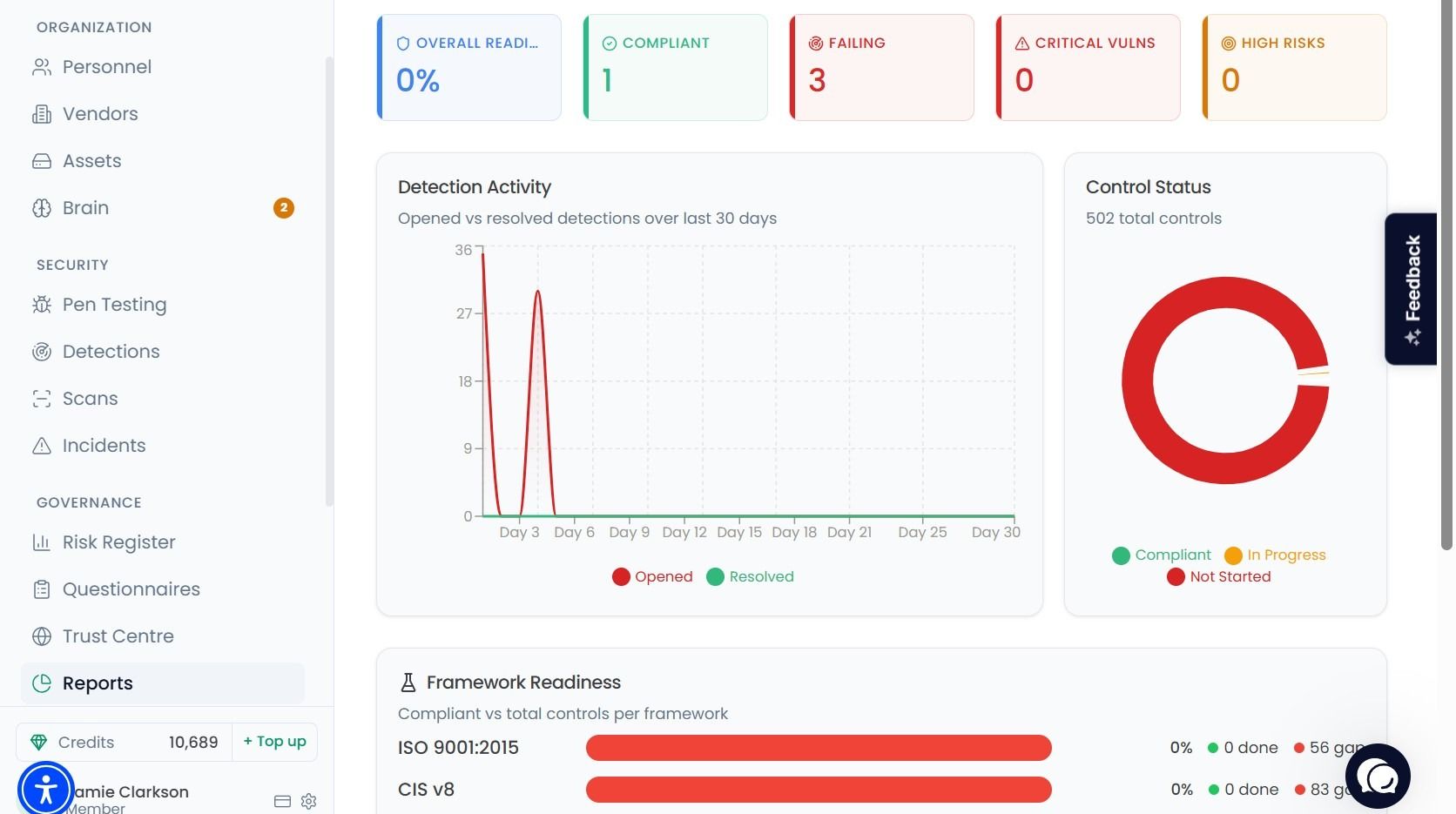
By default, the Reports page will provide an Executive Overview of the most important metrics, such as a breakdown of your detection activity over the last 30 days, overall Framework Readiness, and Control Status.
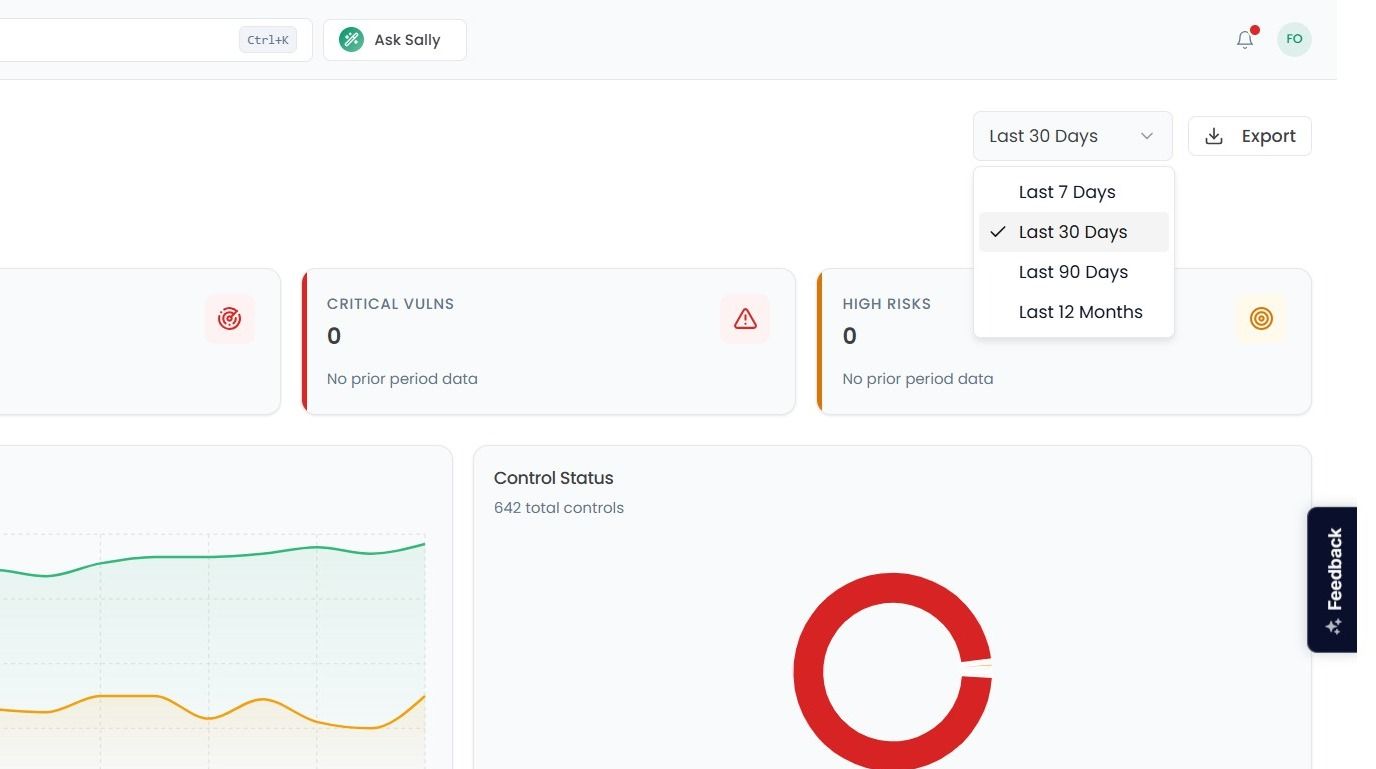
To change the time frame of the Reports area from the default of Last 30 days, select the dropdown located at the top right of the page.
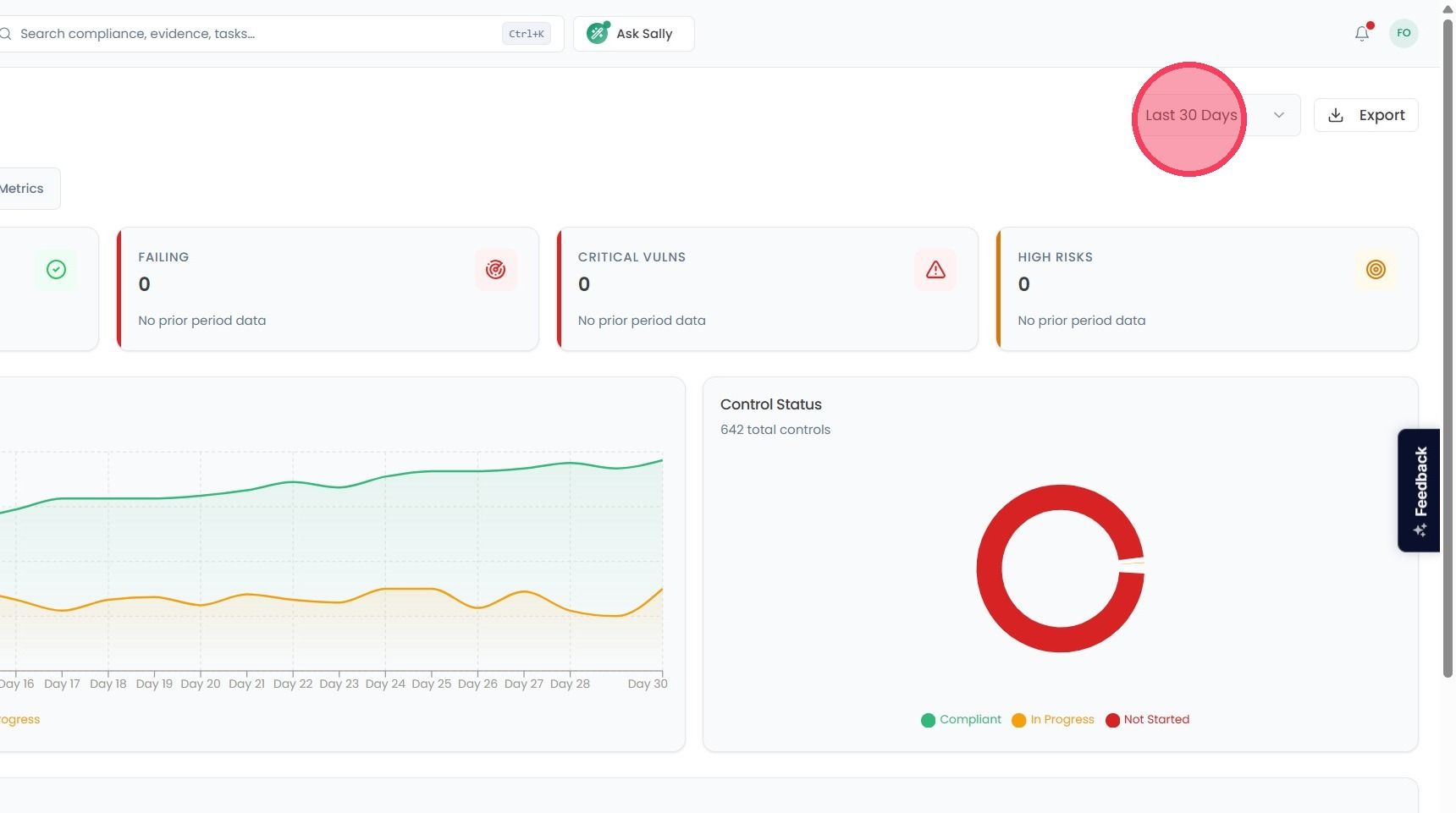
The available time frame options are:
Last 7 days
Last 30 days
Last 90 days
Last 12 months
There are several other views that can be selected, each of which will provide a different perspective of your organisation’s current standing. These views are:
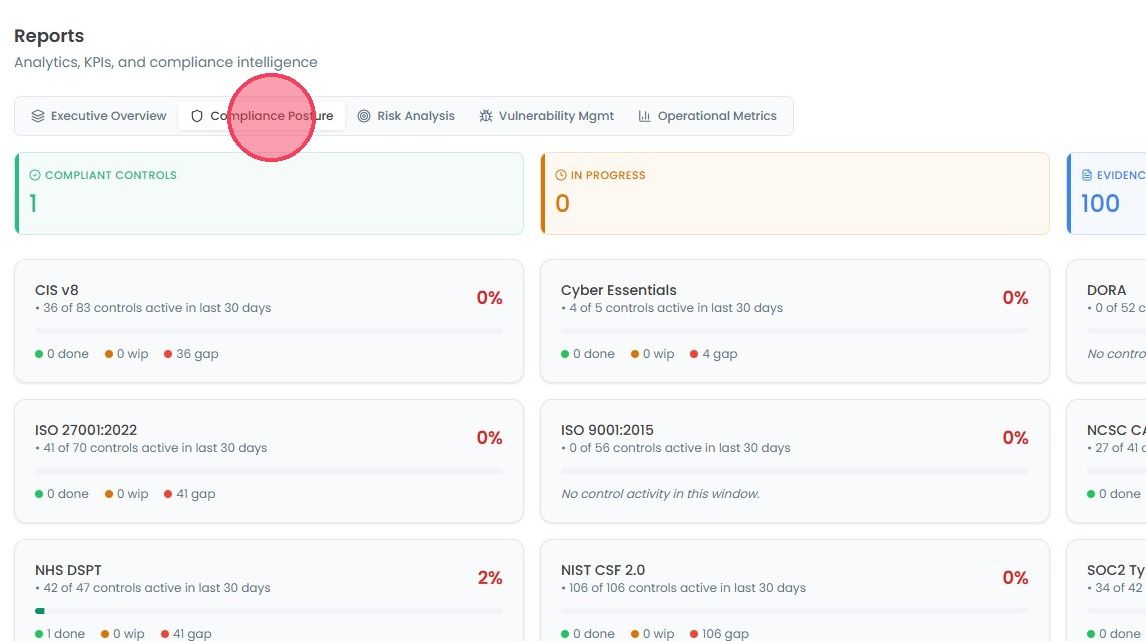
Compliance Posture: A summary of your compliance progress across every active standard, including how much evidence has been collected.
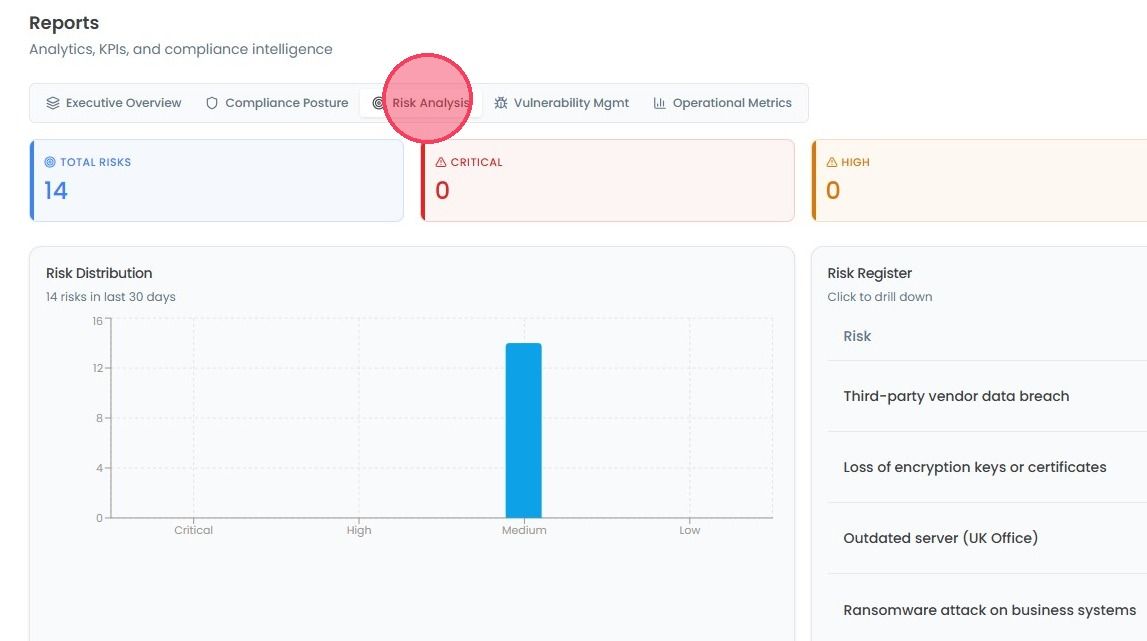
Risk Analysis: A summary of the risks your organisation facing, including those posed by third-party vendors.
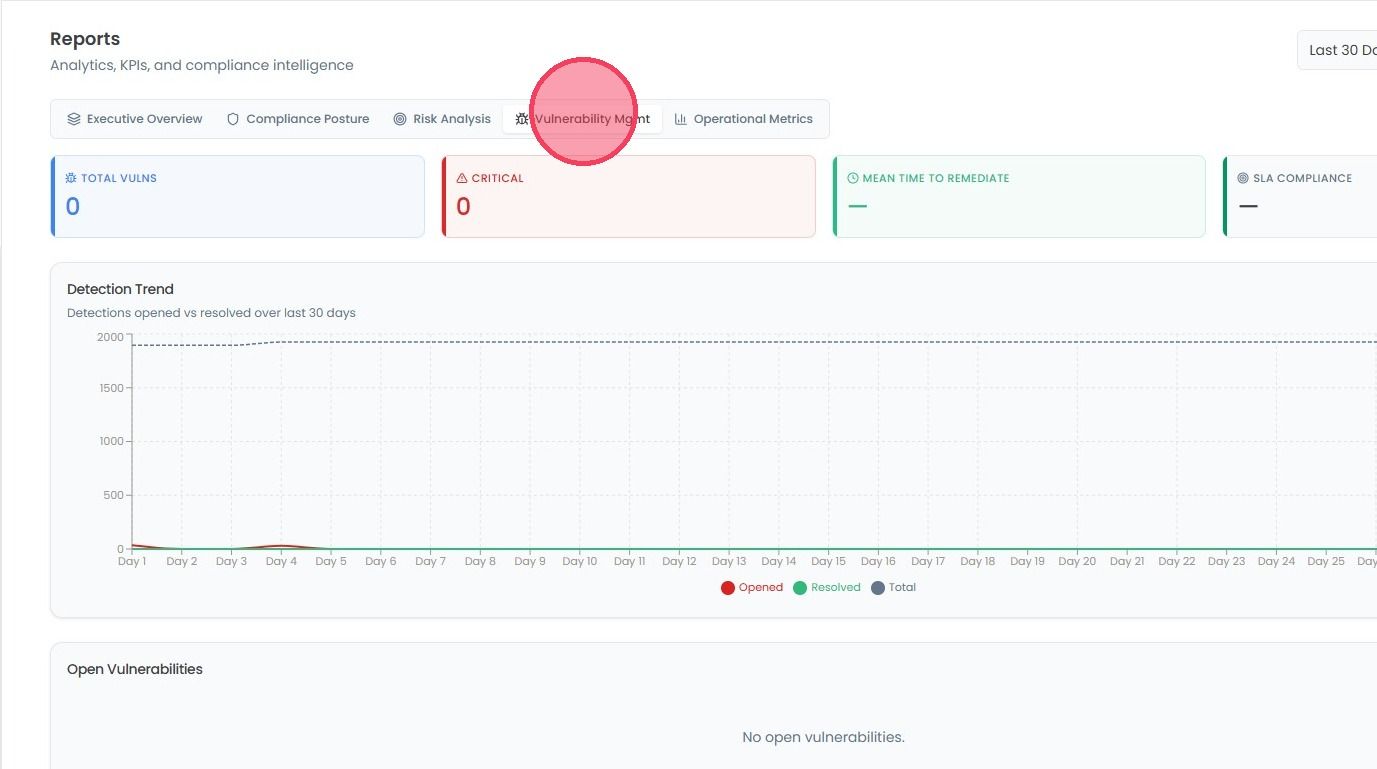
Vulnerability Management: A summary of all vulnerabilities identified by the platform, including a trend graph for the last 30 days, and a list of currently open vulnerabilities.
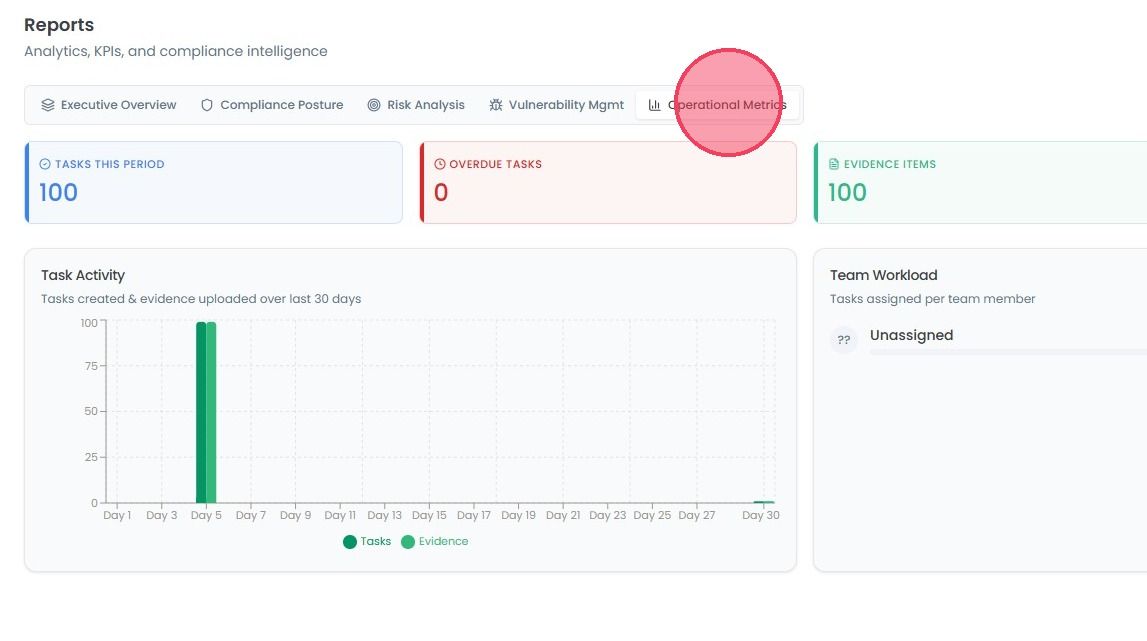
Operational Metrics: Here you can see the task that has been done, how many of the tasks are overdue. You can see the task activity graph.