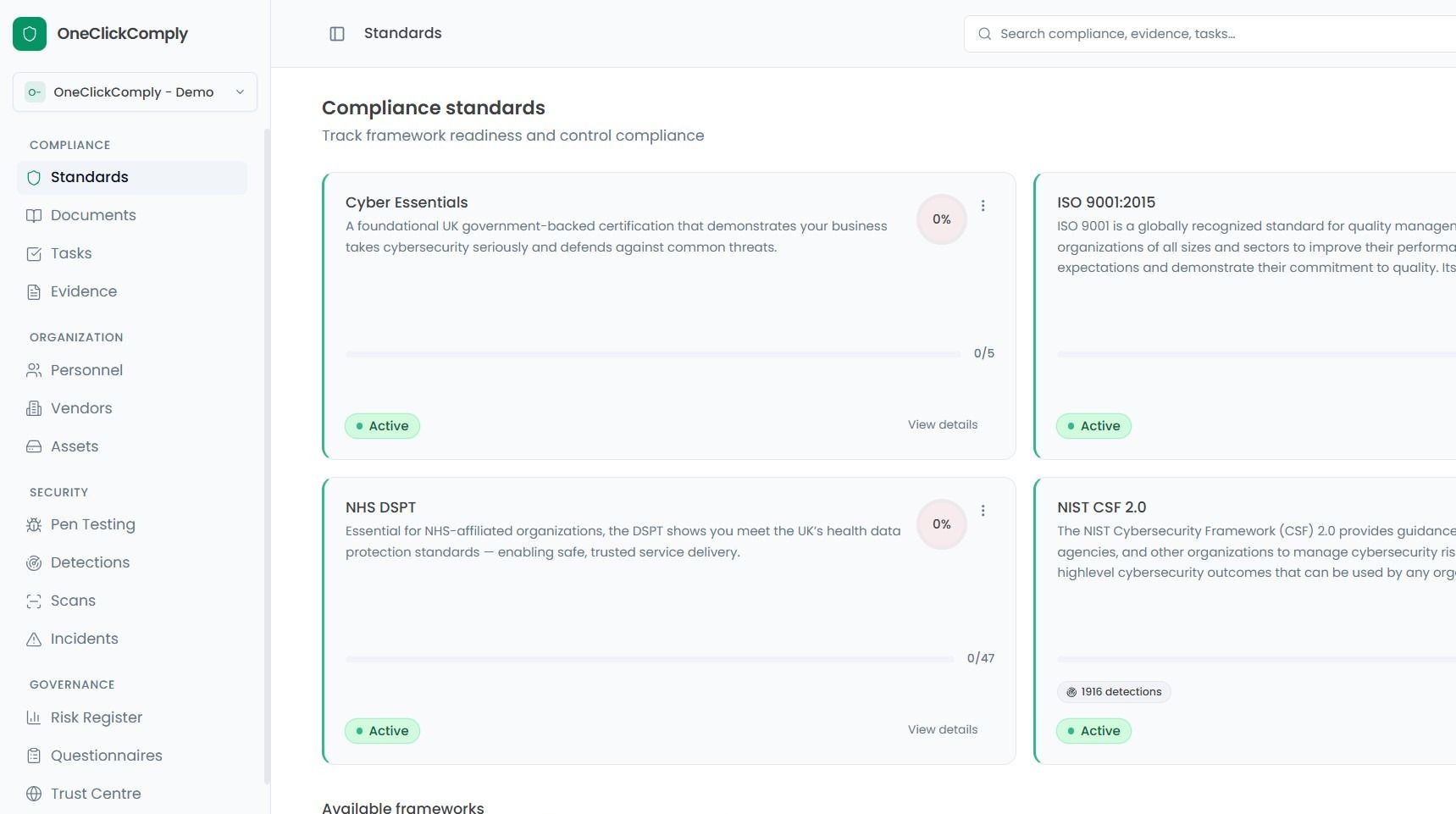
Enabling Compliance Standards
This guide walks you through the steps to opt into a compliance framework that your organisation wishes to work towards.
To access the Standards area, select the Standards option from the main navigation bar.
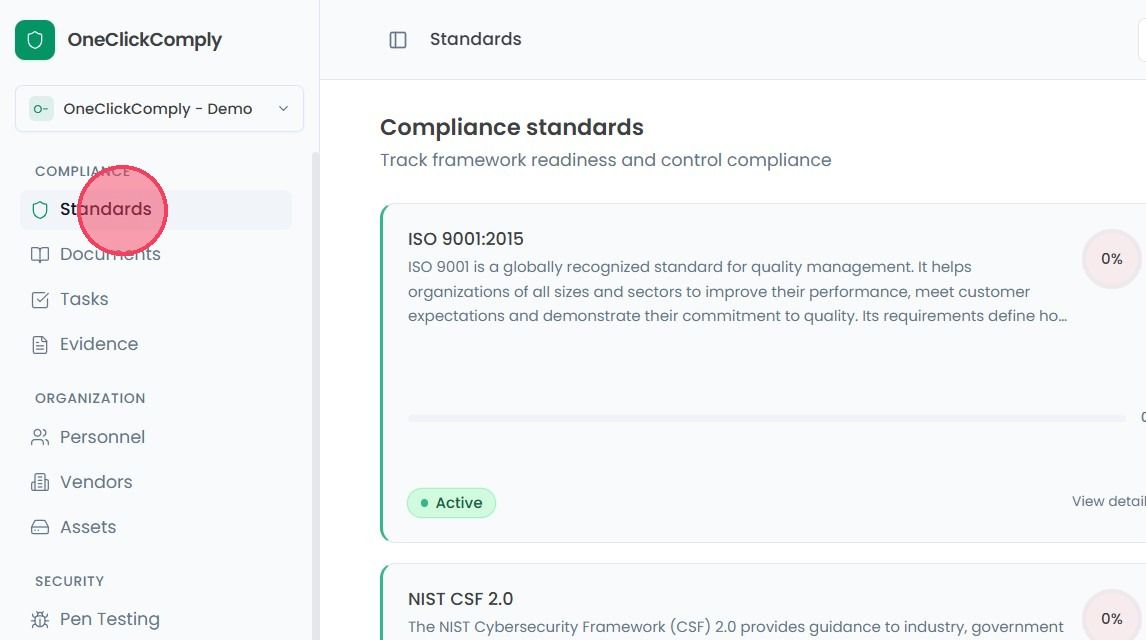
This will bring you to a page where you can view your current alignment with compliance standards and frameworks.
To opt into a compliance standard, scroll down to the bottom of the Standards page to find the Available frameworks area.
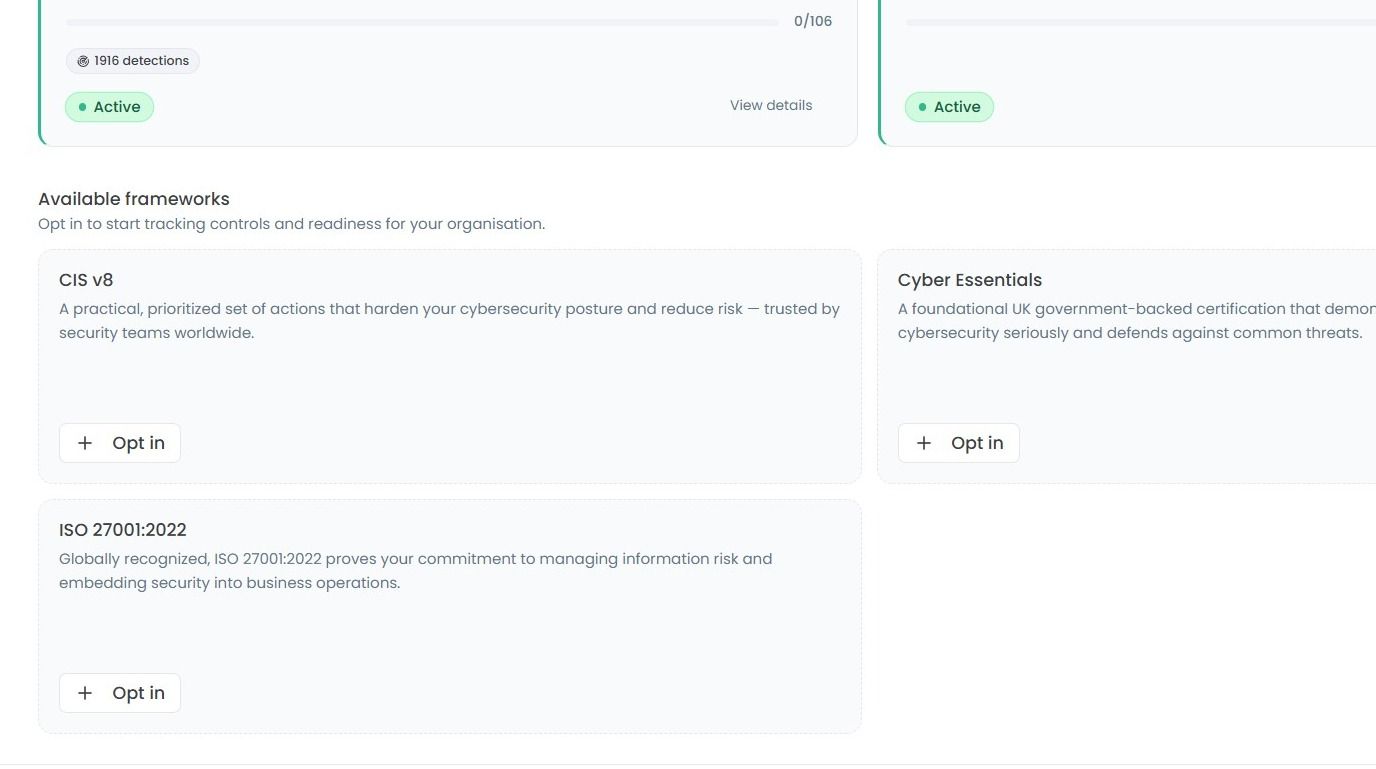
To start tracking your alignment with a standard, simply click the Opt in button
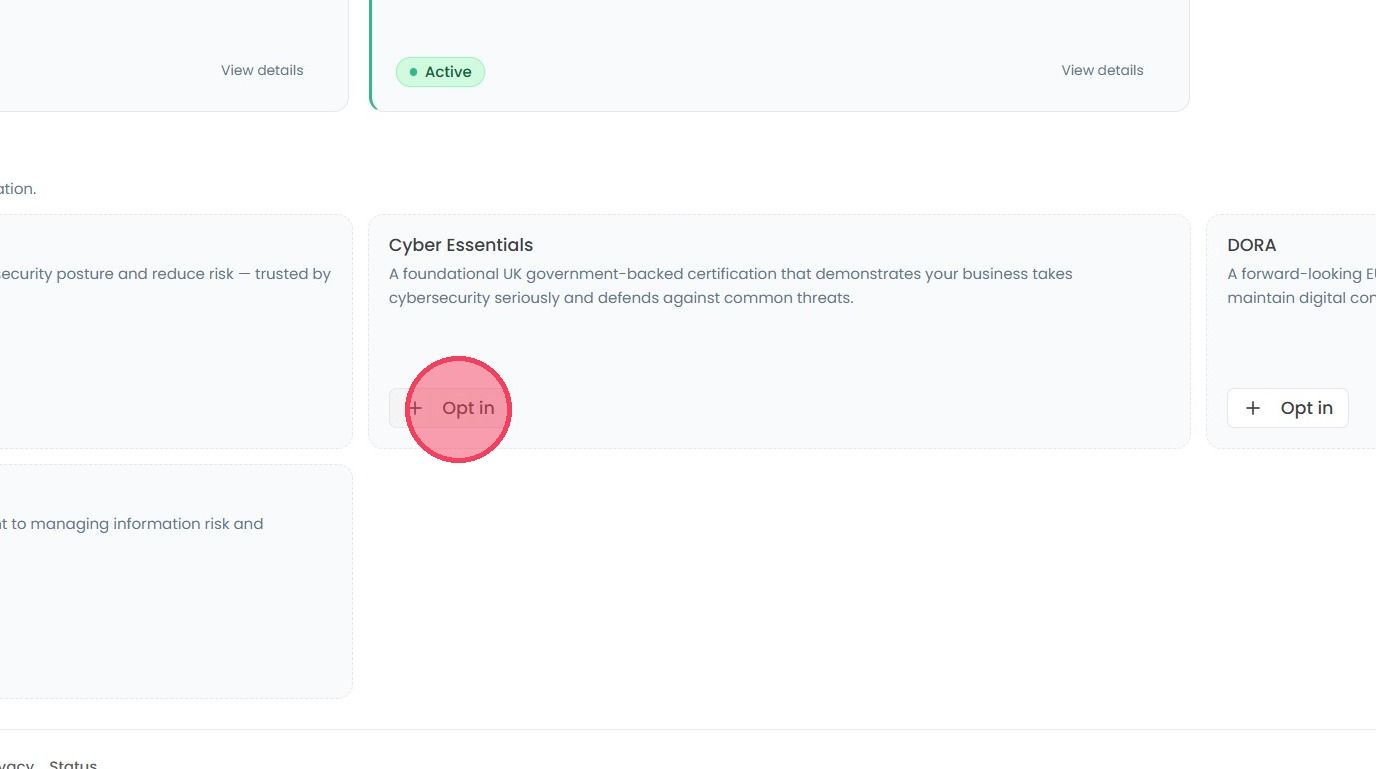
This action will change the status of the chosen standard to Active, moving the standard to the main Compliance standards area, as shown in the example below: