Deleting Incident Record
This guide provides a quick walkthrough for removing unwanted incident records from your dashboard. Follow these steps to permanently delete a specific incident and clear it from your history.
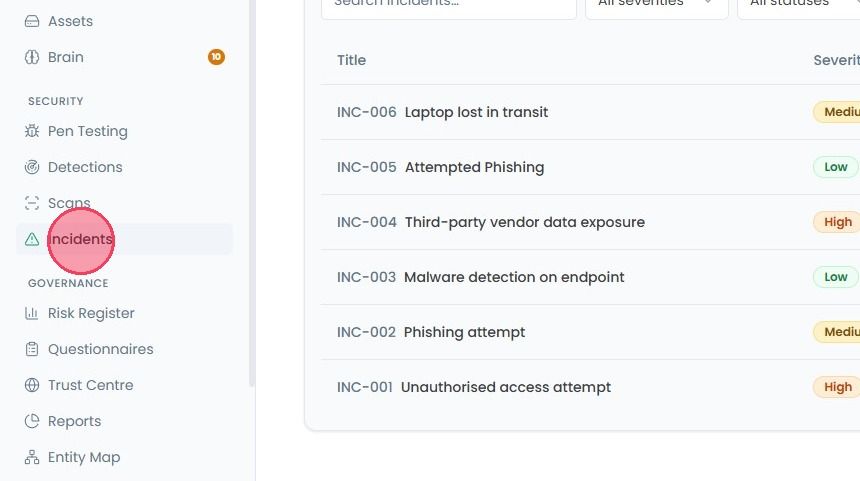
To delete the incident entry, select Incidents from the main navigation bar.
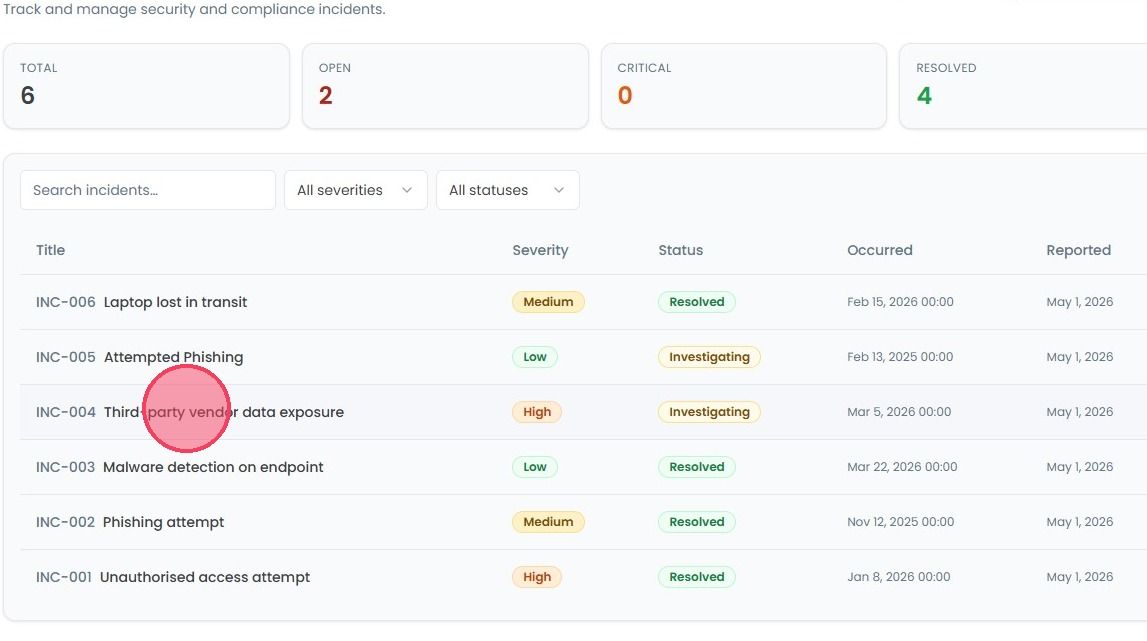
From the main Incident page, simply click on the specific incident you wish to delete. A side panel will open.
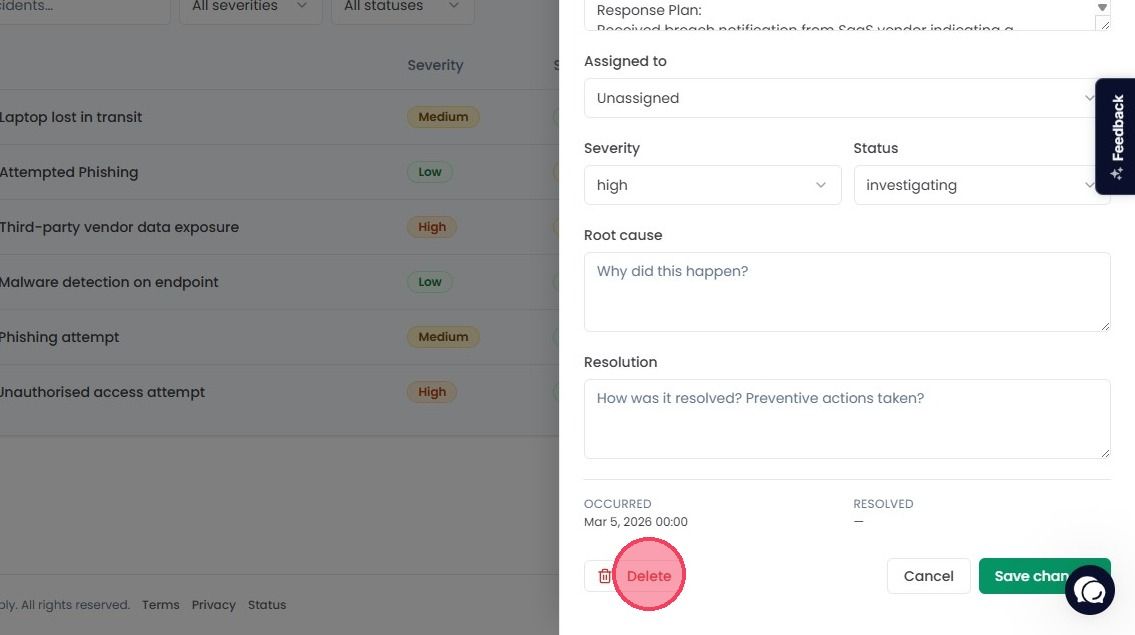
Within the side panel, you will see the Delete button at the bottom of the side panel.
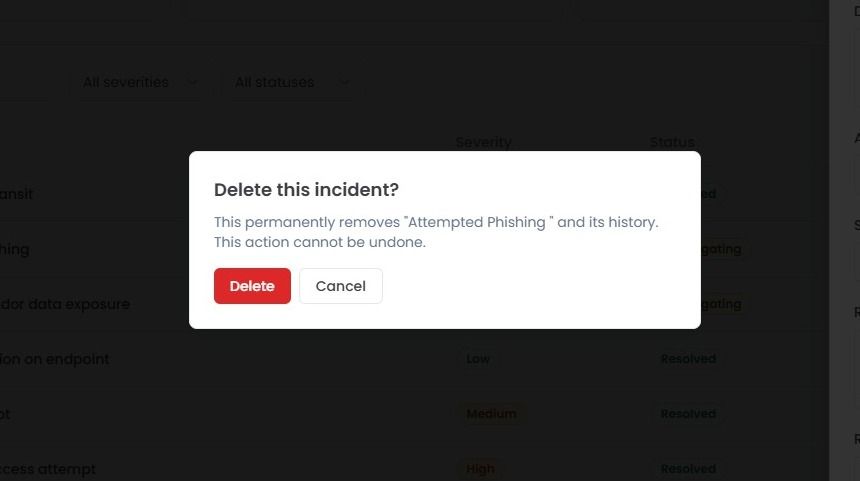
After clicking Delete button, confirmation window will pop up. Before you click that final confirmation, please keep in mind:
It’s Permanent: This action cannot be undone.
Total Data Loss: Deleting it also wipes its entire history regarding that specific incident from the platform.
Audit Record: Once it’s deleted; it’s deleted from your logs forever.
If you’re sure, click Delete button in the pop-up window, and the incident will be immediately removed from your register.