Assigning Controls to Users
This guide walks through the process of assigning ownership of controls to specific users.
Users within the OneClickComply platform can be assigned ownership of individual controls within a compliance standard, allowing for easier delegation of responsibility.
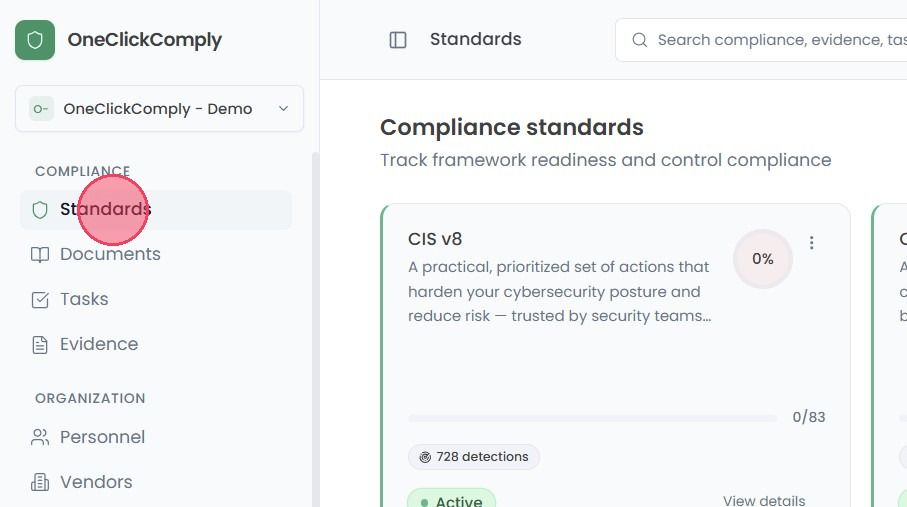
To assign a control to a user, select the Standards area from the main navigation bar.
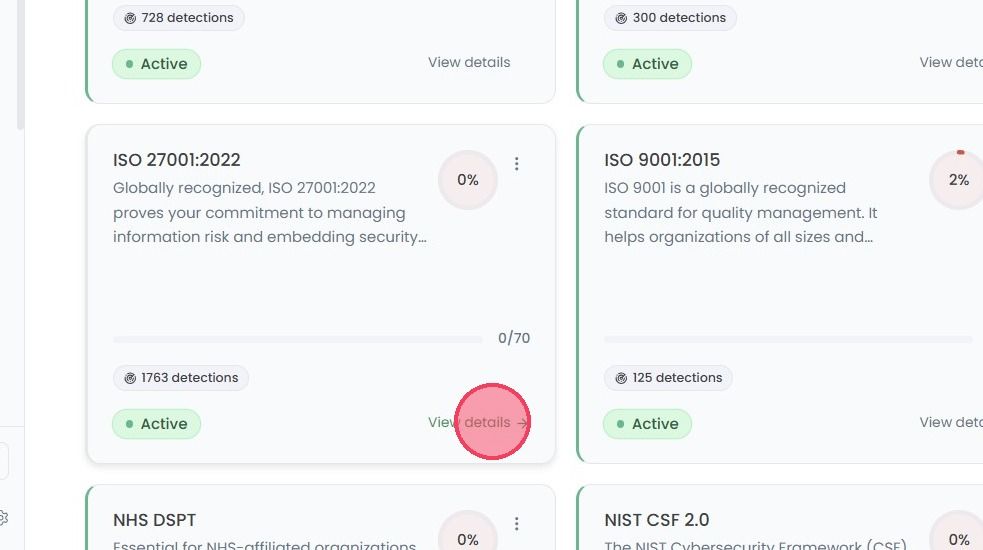
Then select the View details button on the standard you wish to view the controls of.
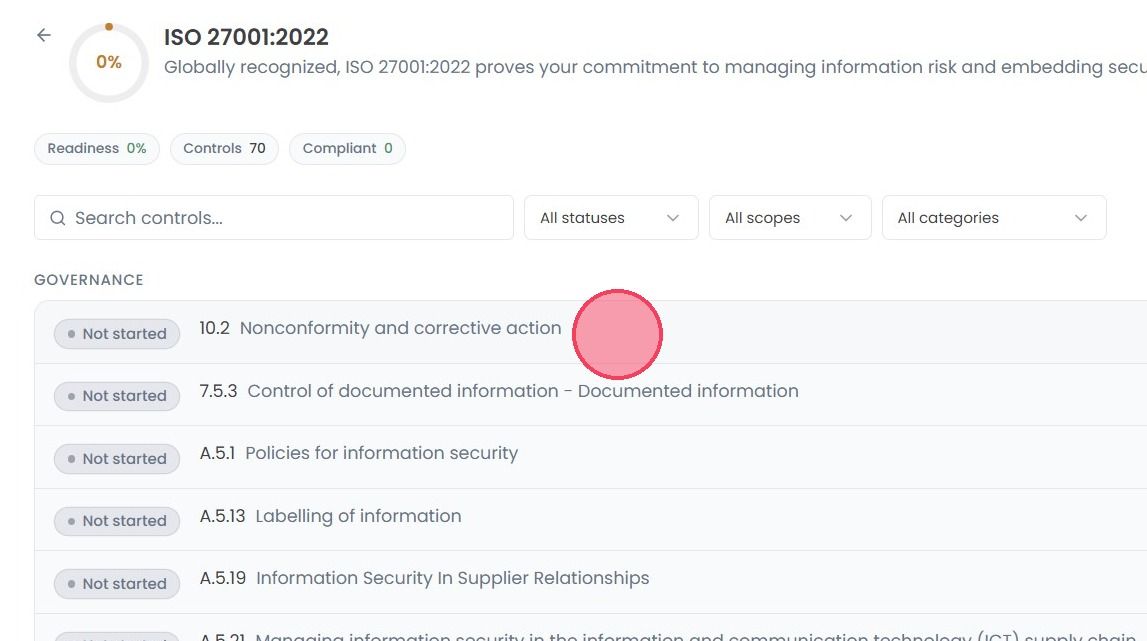
Once on the Controls page, click on the control that needs to be assigned to open the Control Details area.
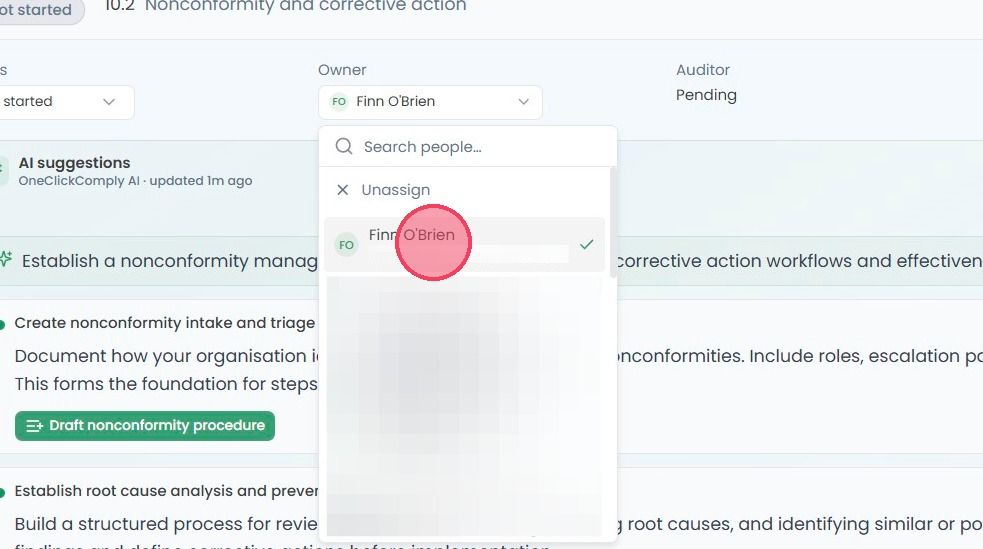
To assign a control Owner, click the Owner drop down, as shown in the example below:
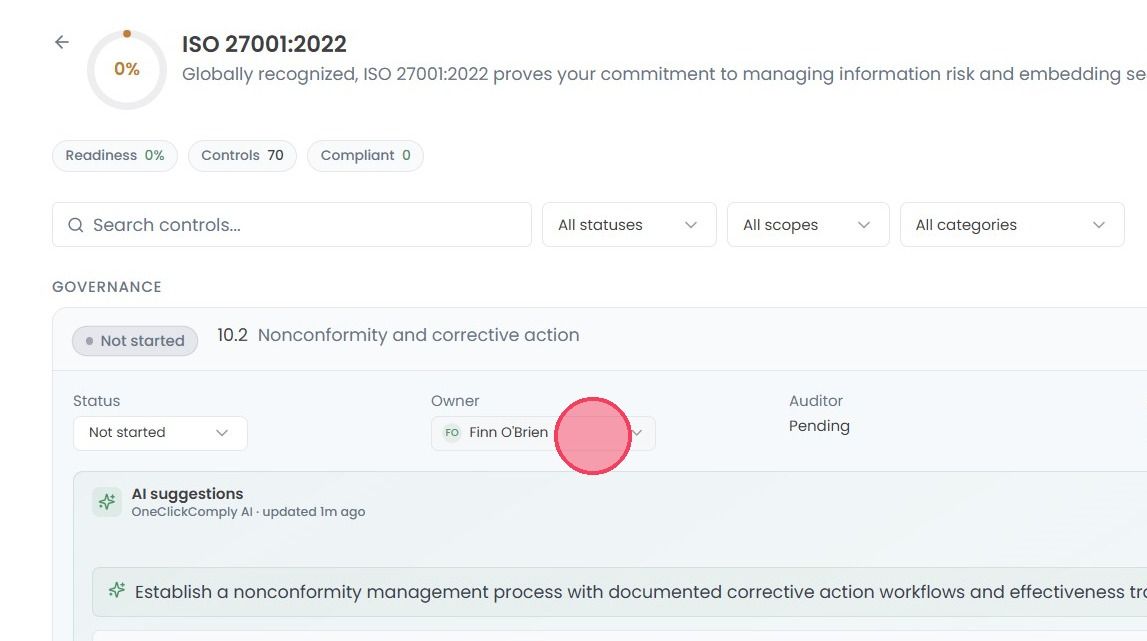
Finally, select the desired user from the drop down list
Note: Any changes made to control ownership are saved automatically, and can easily be reassigned or unassigned by following the same steps laid out above.