Outscoping Controls
This guide walks you through the process of outscoping compliance controls if they are not applicable to your organisation.
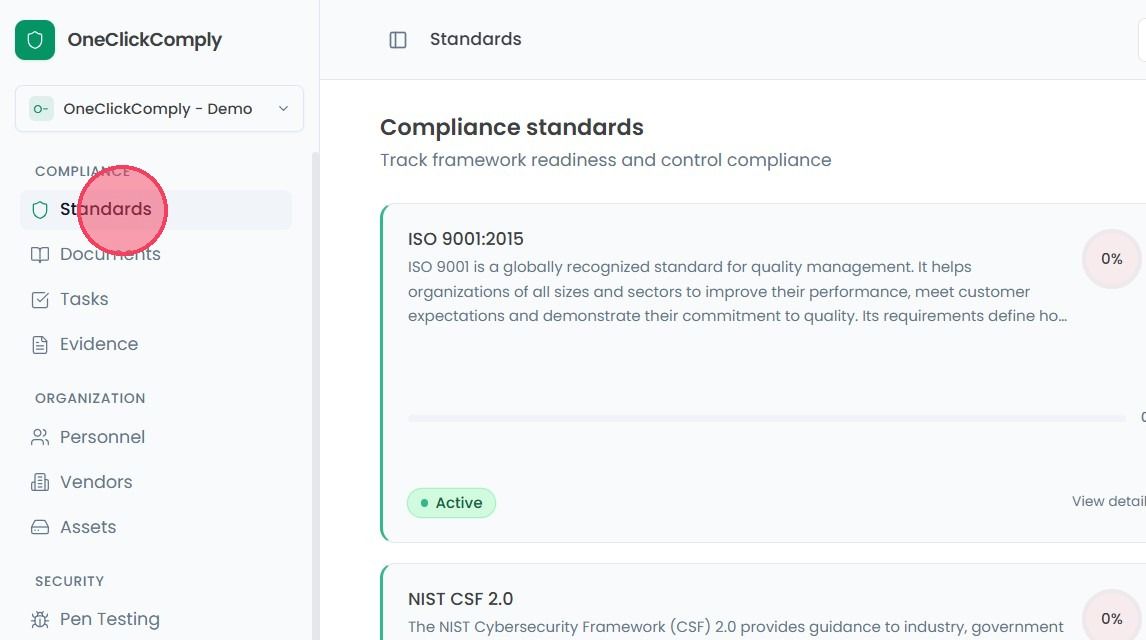
To outscope a specific control, start by navigating to the Standards area from the main navigation bar.
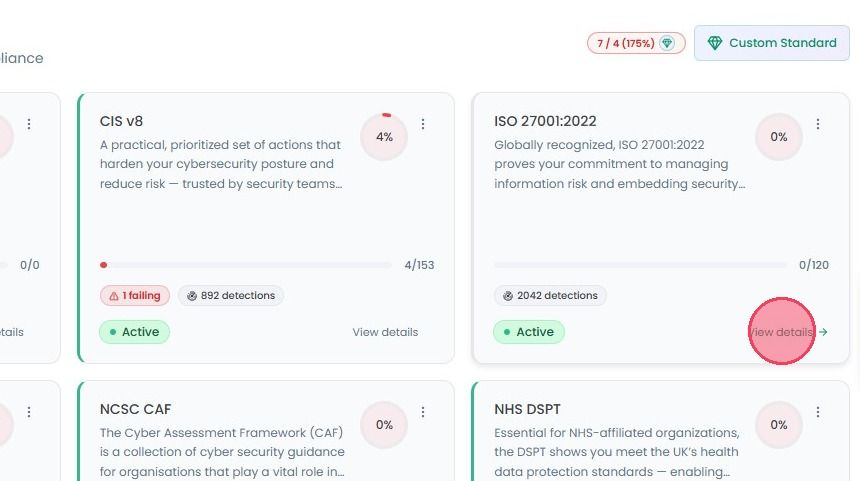
Then select the View details button standard you are working on to view its controls.
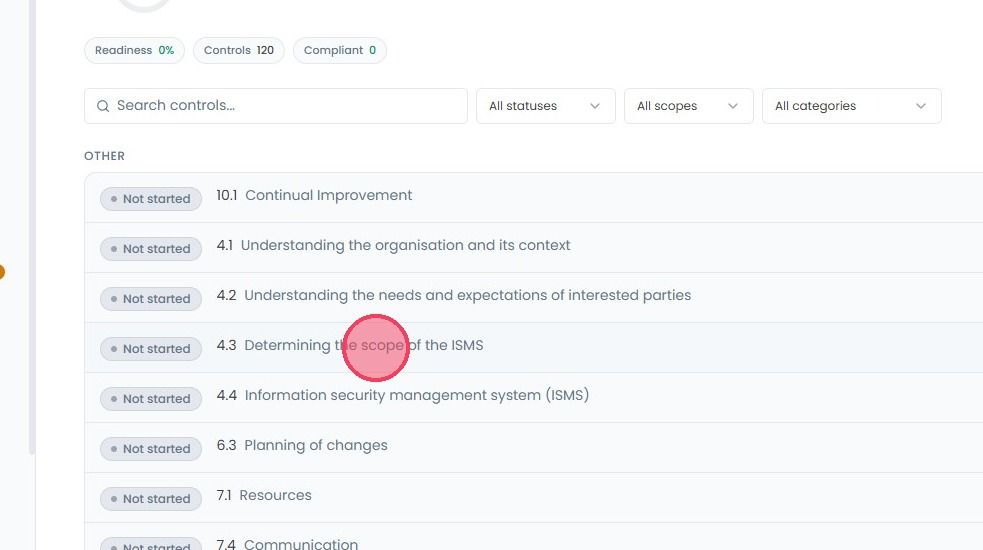
Click on the specific control you wish to mark out of scope.
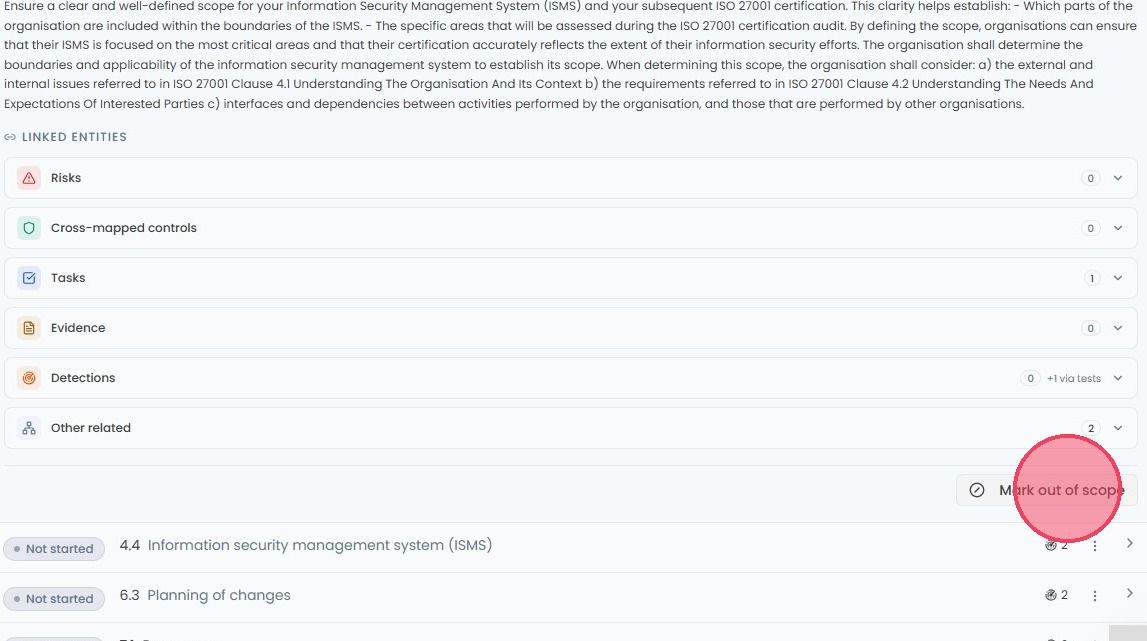
When you select a control, the Control Details drop down will appear. Scroll to the very bottom of this section to find the Mark out of scope option.
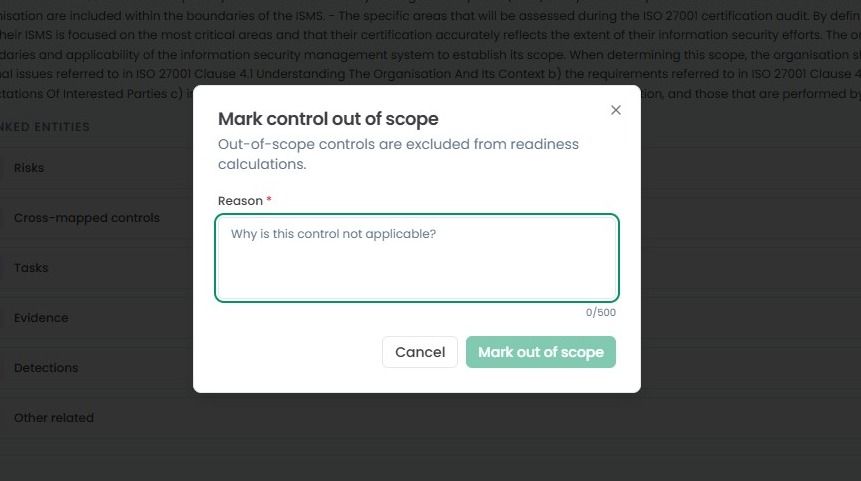
Selecting this button will open a small pop-up window where you are required to provide a valid justification as to why you wish to outscope this control. Once you have provided your reason, confirm your decision by clicking Mark Out of Scope.
This will tell the platform, and any future assessors, that this specific control is not applicable to your current environment, preventing it from affecting your overall completion percentage.
Note: This action is not permanent. If circumstances change, and the control becomes relevant, you can return to the same area at any time and mark the control back as in scope by clicking the Mark In Scope button.