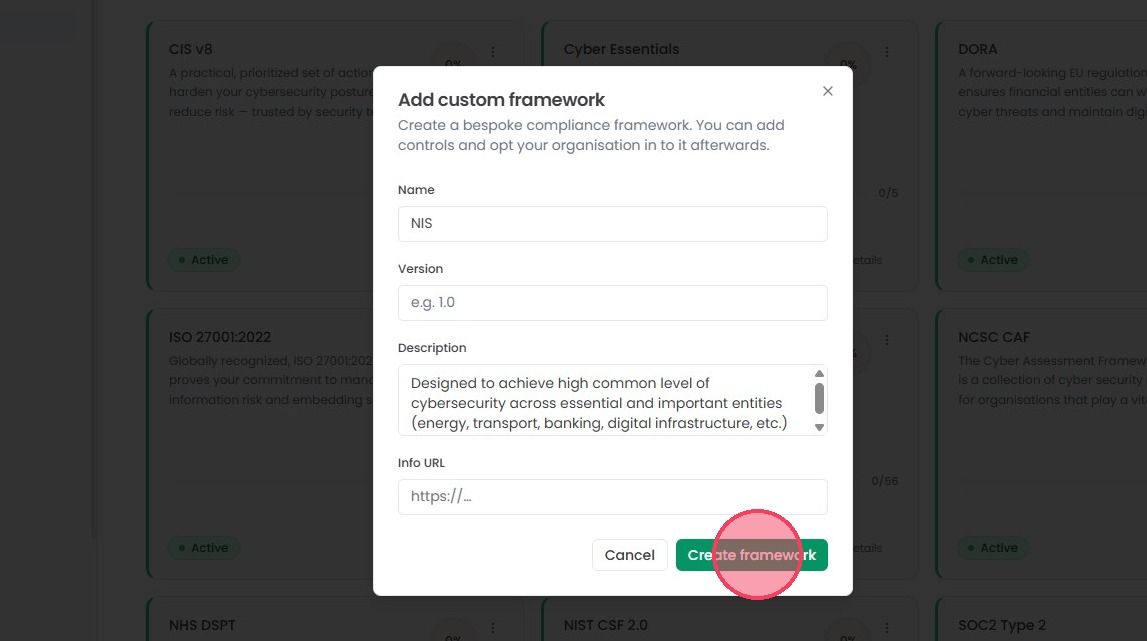
Adding a Custom Framework
This guide walks you through the process of adding a Custom Standard within the OneClickComply platform.
Custom Standards can range from internal frameworks that are bespoke to your organisation, to a set of best-practices within your industry or market.
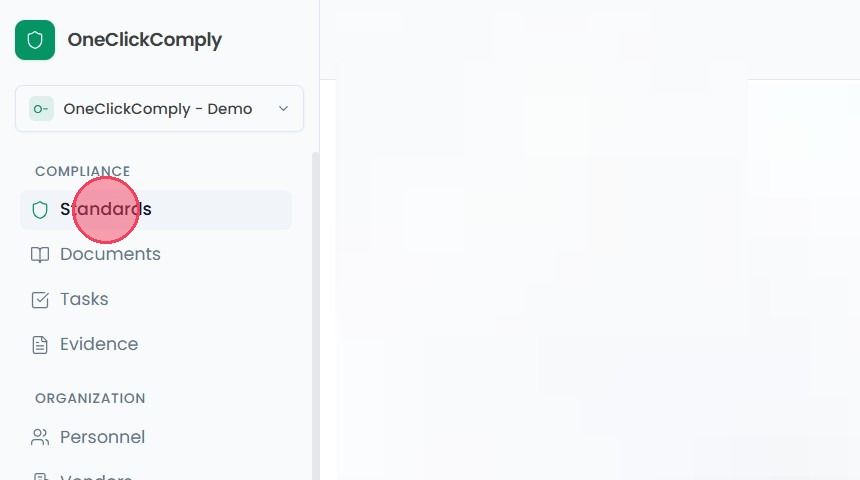
Add a custom framework, navigate to Standards area from the main navigation bar. This will take you to the Compliance Standards overview page.
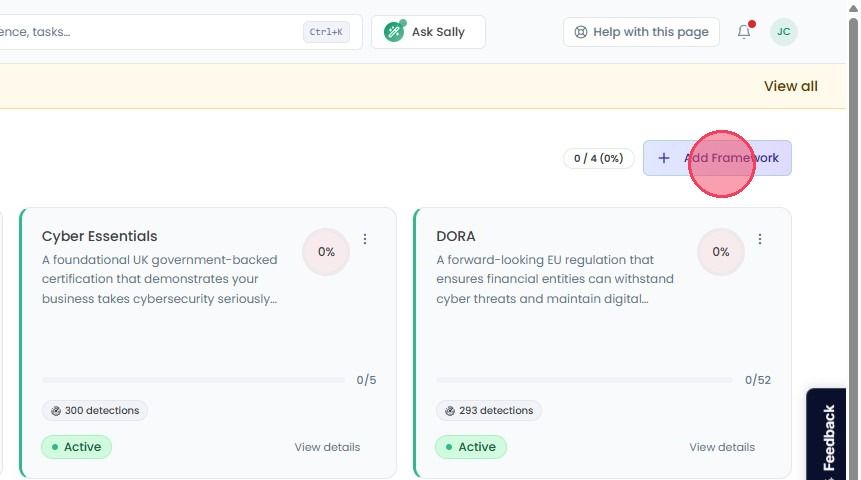
If you have the custom framework add-on active, select the Add Framework button in the top-right corner of the Compliance Standards page. Clicking this will open a small window.
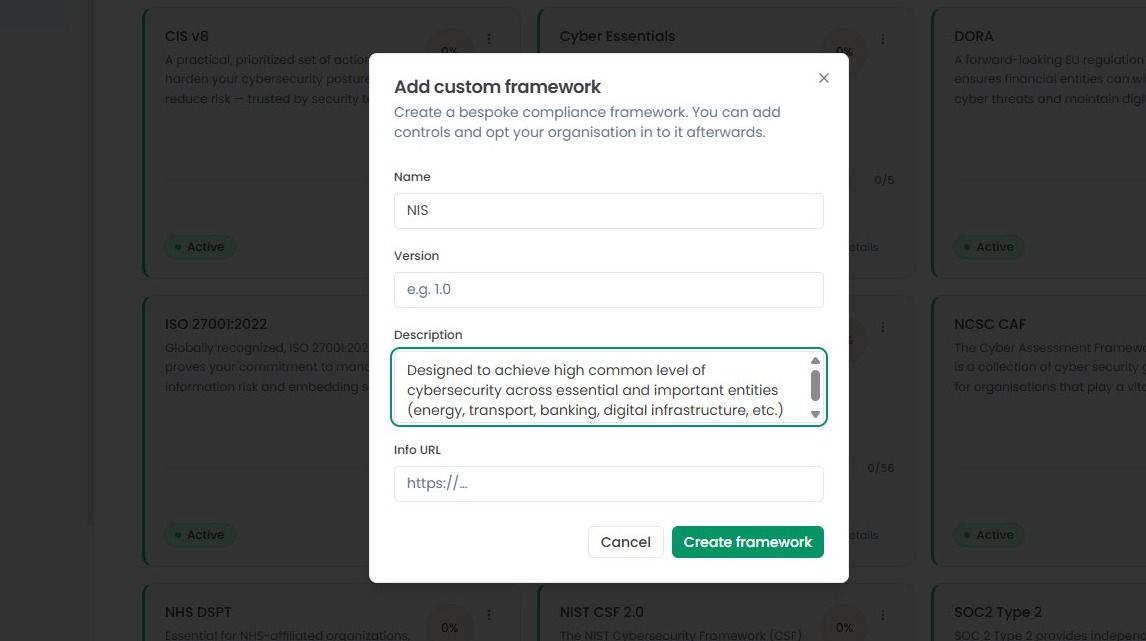
Here you you can enter all the necessary details about the standard you wish to add:
Name: Enter the name of the standard.
Version: Specify which version of the framework you are using (e.g., 2022 Edition).
Description: Briefly explain what this framework covers.
Info URL: If there’s an official website or dedicated link for this standard, paste it here for easy reference.
Once you’ve entered all the necessary information, click Create Framework. Your new framework will be created immediately and will appear on the main Compliance Standards page.