Reviewing Vendor Risks
This guide walks you through the process of reviewing vendor risks that have been identified from a due diligence questionnaire.
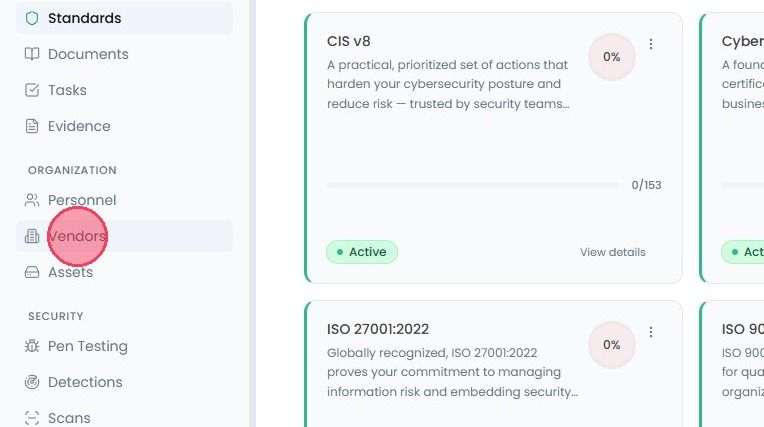
To review vendor risks, select Vendors from the main navigation bar.
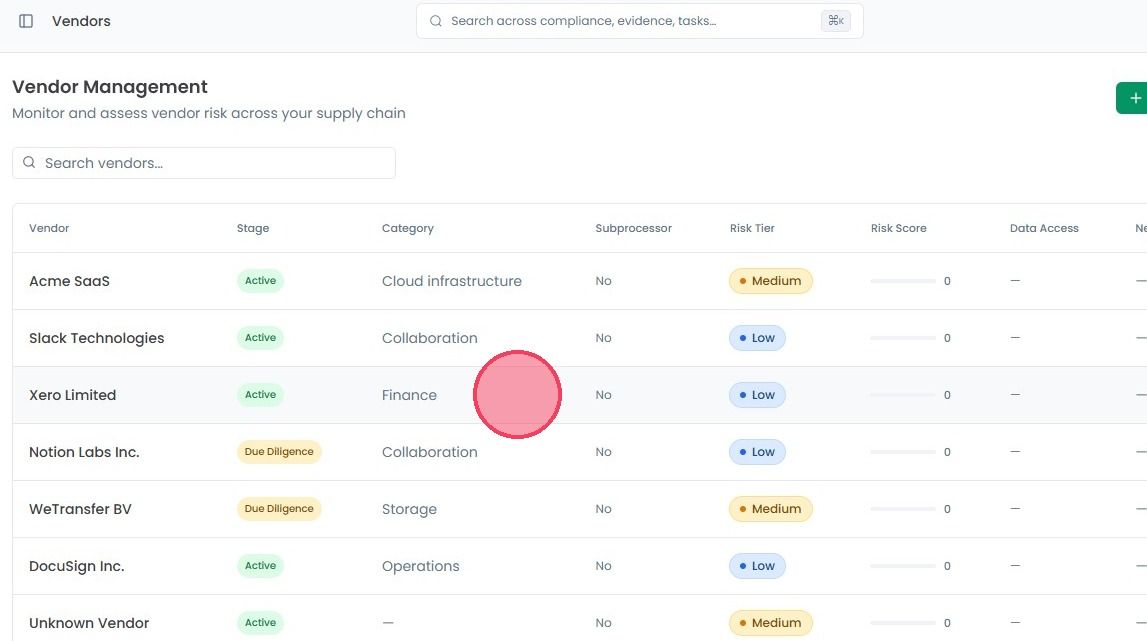
On the Vendor Management page, find the vendor you want to review. You can scroll through the list or use the search box at the top. Click on the vendor to open a side panel.
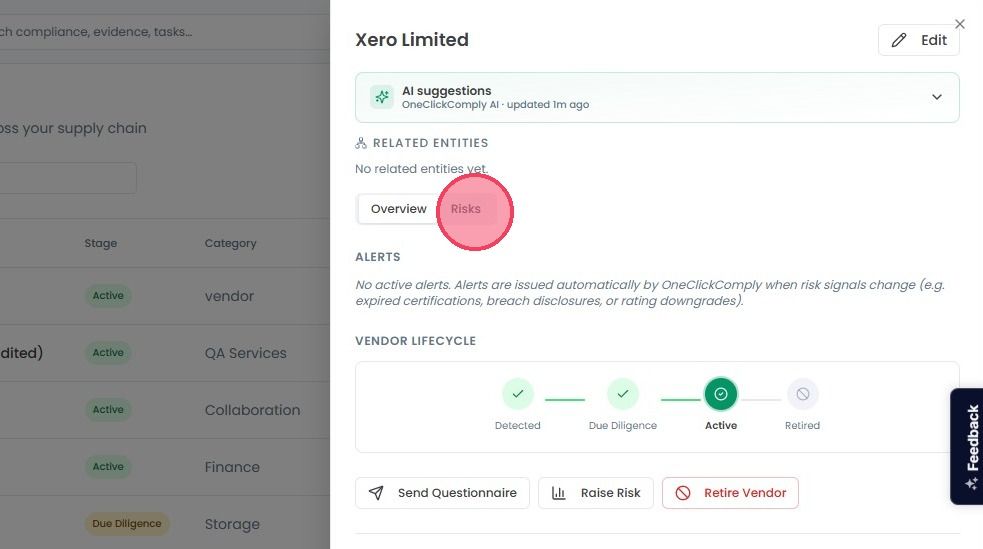
At the top of this side panel, click the Risks tab, located next to the Overview tab.
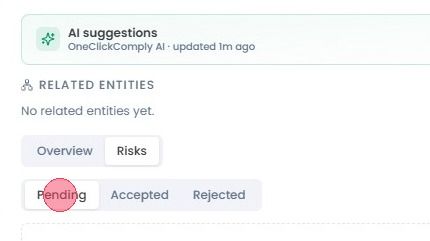
Inside the Risks tab, you will find three sub-sections: Pending, Accepted, and Rejected.
The Pending tab contains a list of all newly identified risks that require your attention. For each risk, you have the option to either Accept or Reject the risk based on your organisation’s risk appetite and the security controls the vendor has in place.
When you choose to accept a vendor risk, it is automatically logged in the Risk Register, which can be accessed from the main navigation bar. This ensures that vendor-related risks are tracked alongside your internal risks, allowing you to manage mitigations and review cycles from one central location.