Finn O'Brien
Last updated: 12 January 2026
In this article, you will find:
Navigation guidance for accessing and assigning tasks.
Information about assigning tasks to other users, including the mass assign function.
Note: The option to assign a task will only appear when there is more than one user on your OneClickComply account.
To assign a task to another user, you must navigate to the specific task. Tasks can be located either through the All Tasks list, or by viewing the tasks associated with a specific control.
To access tasks through the All Tasks list, navigate to Compliance > Tasks > Assigned Tasks > All Tasks
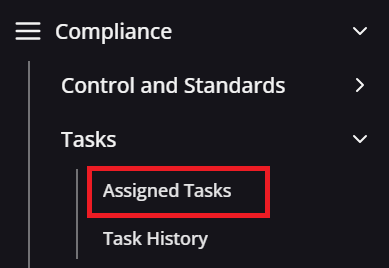
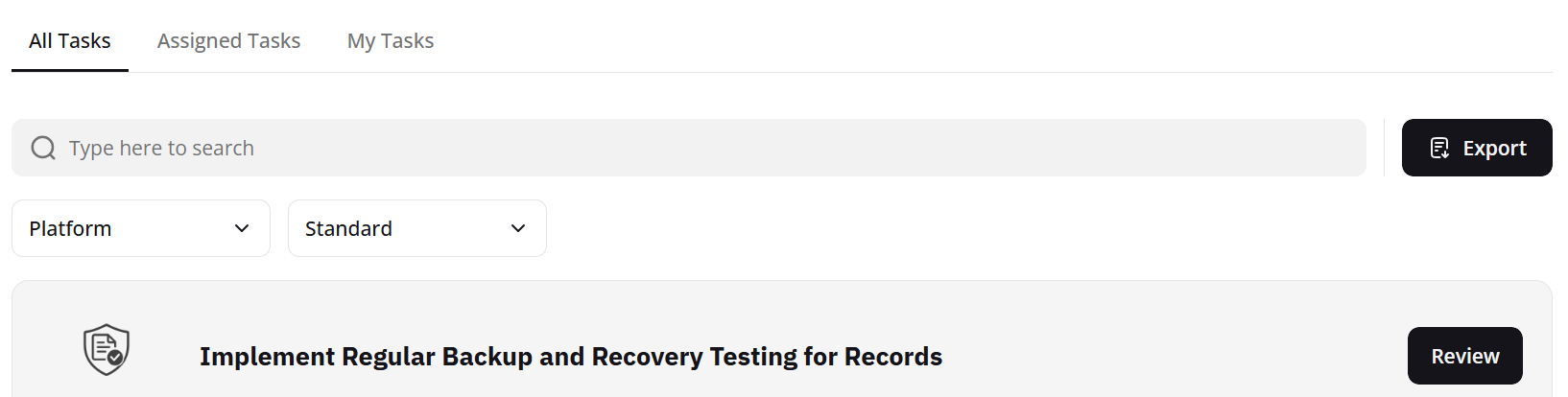
Navigation guidance for all tasks area
To access tasks through a specific control, select the standard you wish to manage from the homepage, then select the control that contains the desired task from within the Control Management area:
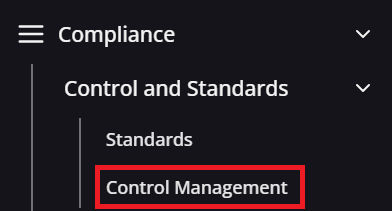
Navigation guidance for control management area
Once you have located the task you wish to assign, click Review to open the task side panel. From this point, scroll down and select the '...(ellipsis)' button to reveal the Assign Task option, as shown below:
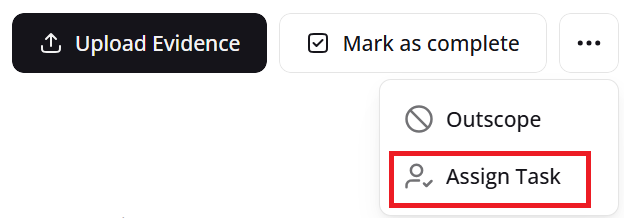
Assign task option
Selecting Assign Task will open a new window requesting additional information. You simply need to provide the Email Address of the user, the Priority of the task, the Due Date for the task to be completed by, and any other details that may be relevant can be added in the Task Notes area.
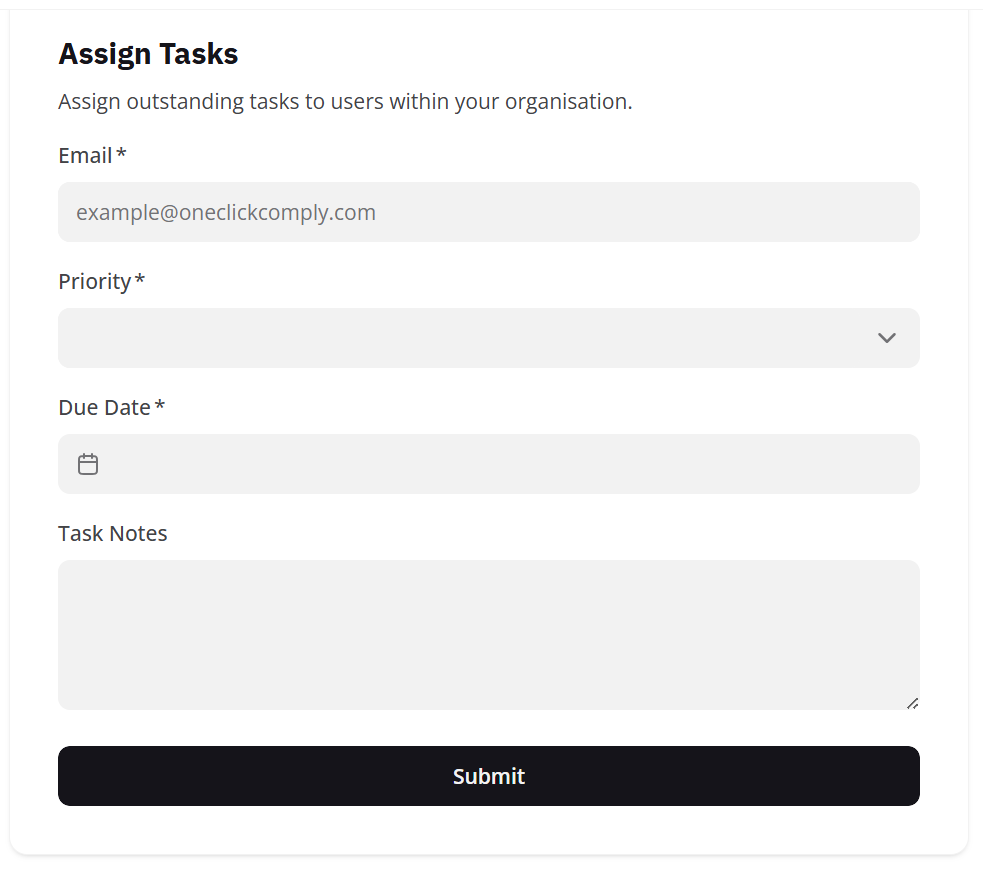
Assigning tasks to another user
Once this information has been added, click Submit. An automated email will be sent to the specified user, informing them that they have been assigned a task, with additional emails being sent leading up to the due-date reminding the user they have a task to complete.
Additionally, when a user is assigned a task, this is recorded within the built-in Audit Log of the OneClickComply platform, allowing for better accountability and tracking of task completion.