Resolving Detections
This guide walks through the process of resolving detections through different remediation options within the OneClickComply platform.
When a Detection is created, the OneClickComply platform automatically assesses the issue, and provides a Remediation based on the Category and Source of the Detection.
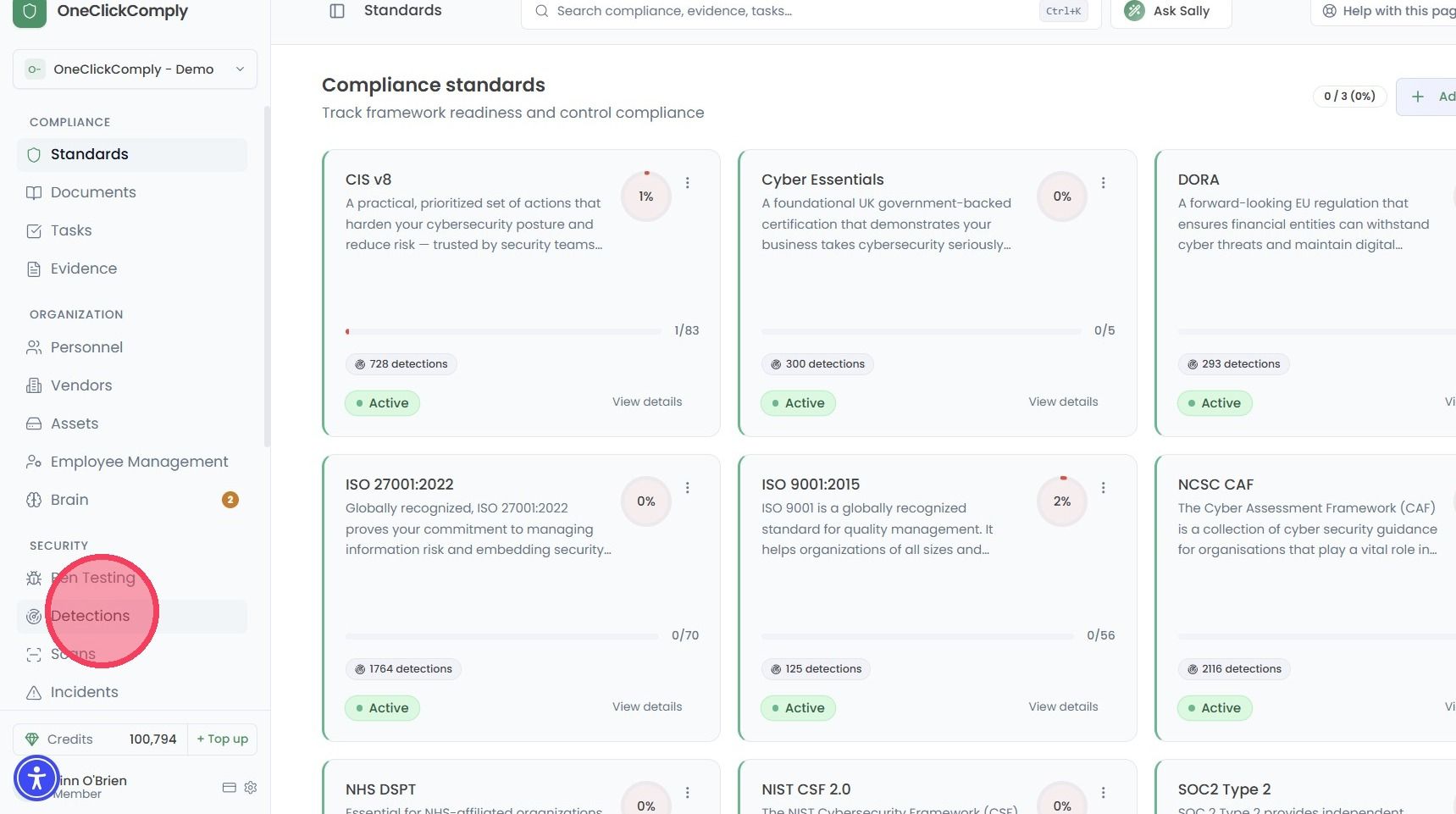
To start resolving detected issues, select Detections from the main navigation bar.
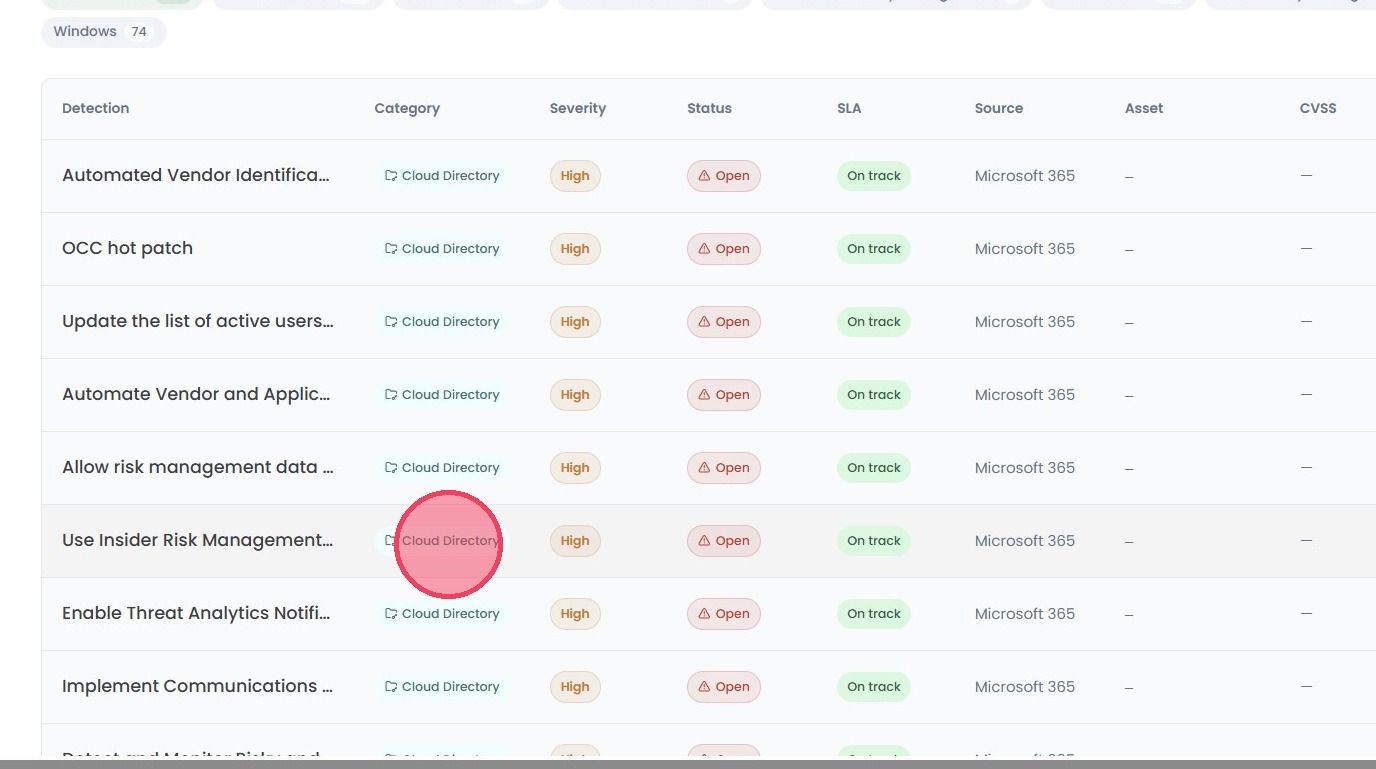
Next, select the Detection you wish to resolve to open a side panel.
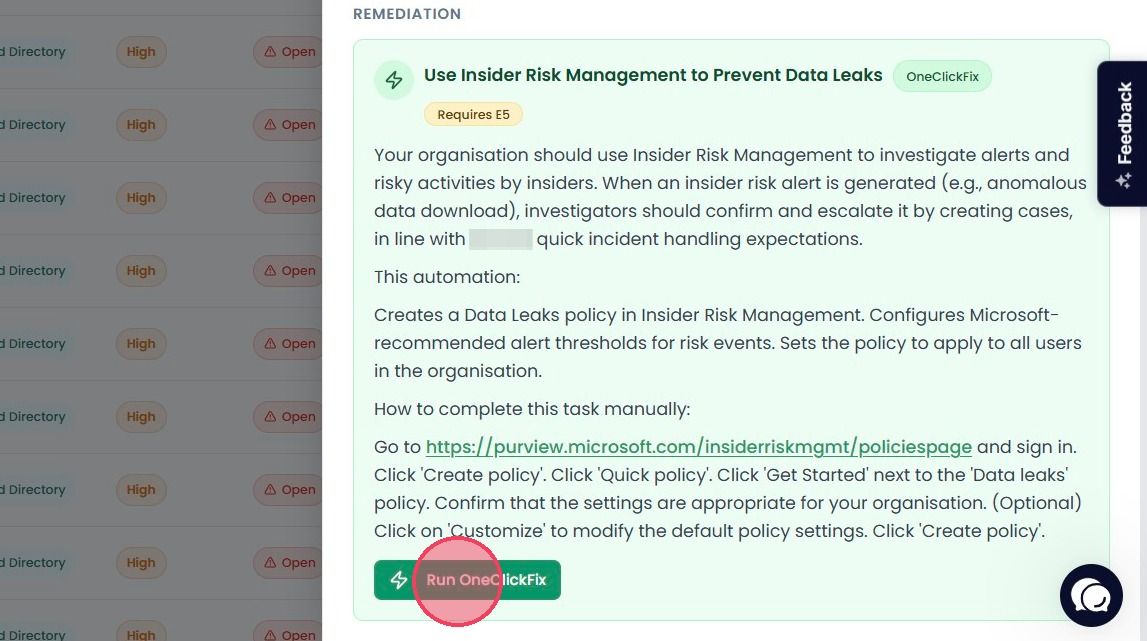
At the bottom of the side panel you will find the Remediation area. Remediations represent the methods of resolving the detected issue through one of the following:
OneClickFix
Pressing Run OneClickFix prompts the platform's automations to make the required changes to the settings or configurations within the source environment.
Note: As shown in the example below, some Remediations will include a license requirement beneath the title. This indicates the license tier needed to implement the relevant setting. If your organisation does not hold the required license tier, the associated Detection will not be created, as the setting is not accessible on your current plan.
Guided
Step-by-step instructions on how to make the necessary changes to resolve the Detection.
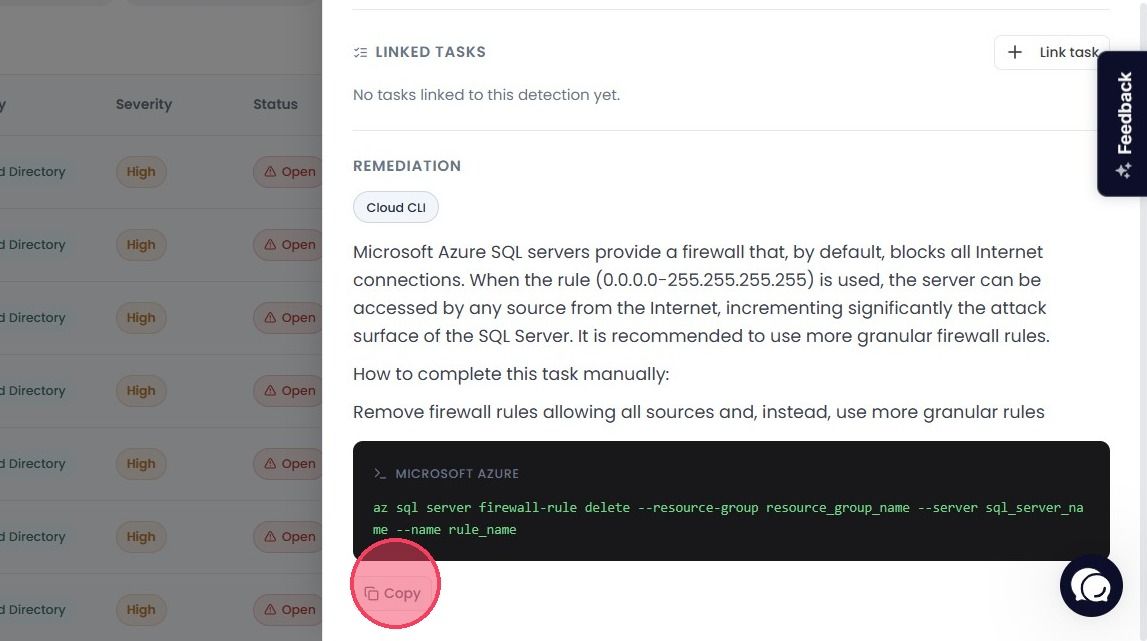
CLI Command
A pre-generated CLI command that can be copied and pasted into the console of the source cloud environment (e.g. Amazon Web Services, Google Cloud Platform, Microsoft Azure).
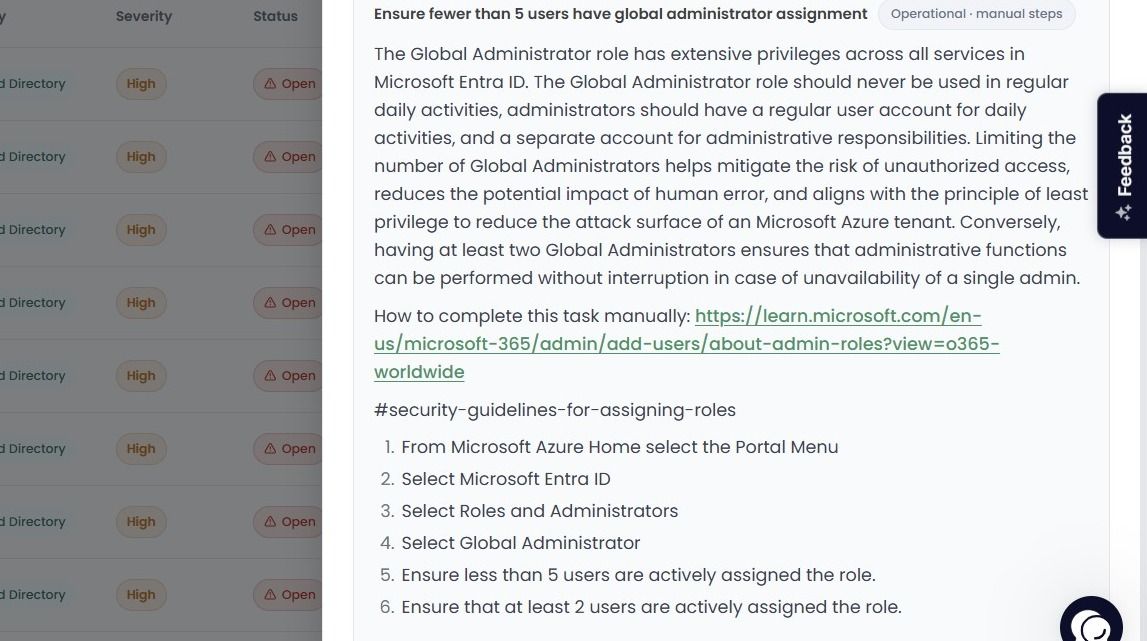
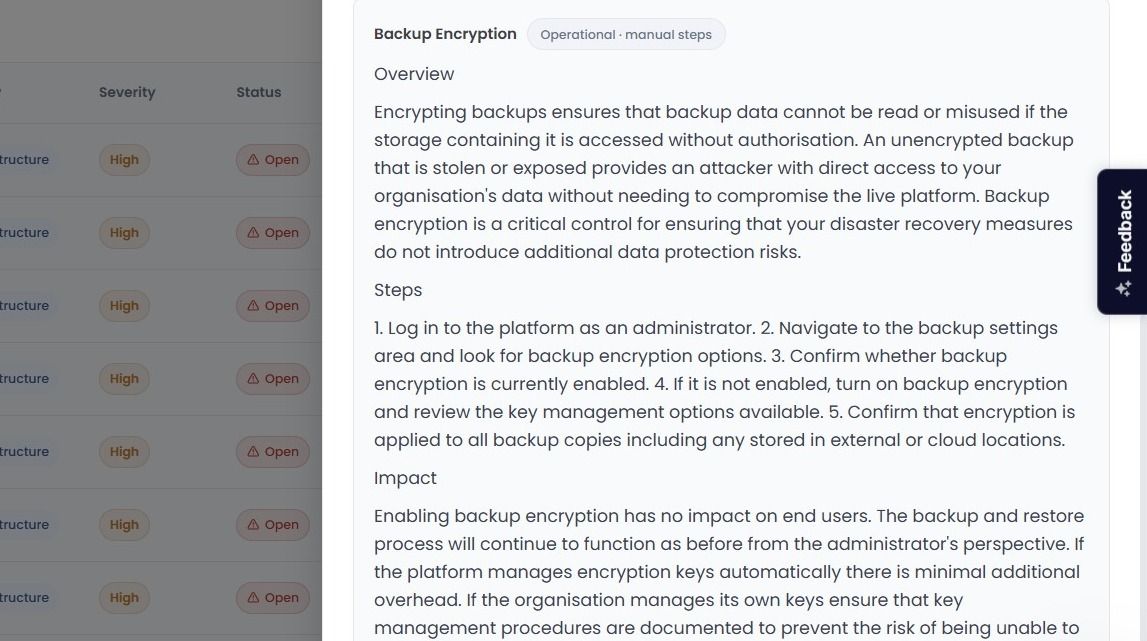
Manual Steps
A text description of what needs to be completed when an automated solution is unavailable.
Confirming Detection Resolution
To resolve a Detection, it must first be placed into the In Progress status. (This is done automatically when a OneClickFix remediation is carried out).
Once a Detection has been updated to In Progress, when the next scan occurs (either automated or On Demand), the platform will re-test the source and mark the Detection as Resolved once the remediation has been confirmed.
If the scan identifies that the Detection has not been resolved correctly, it will return the Status to Open.