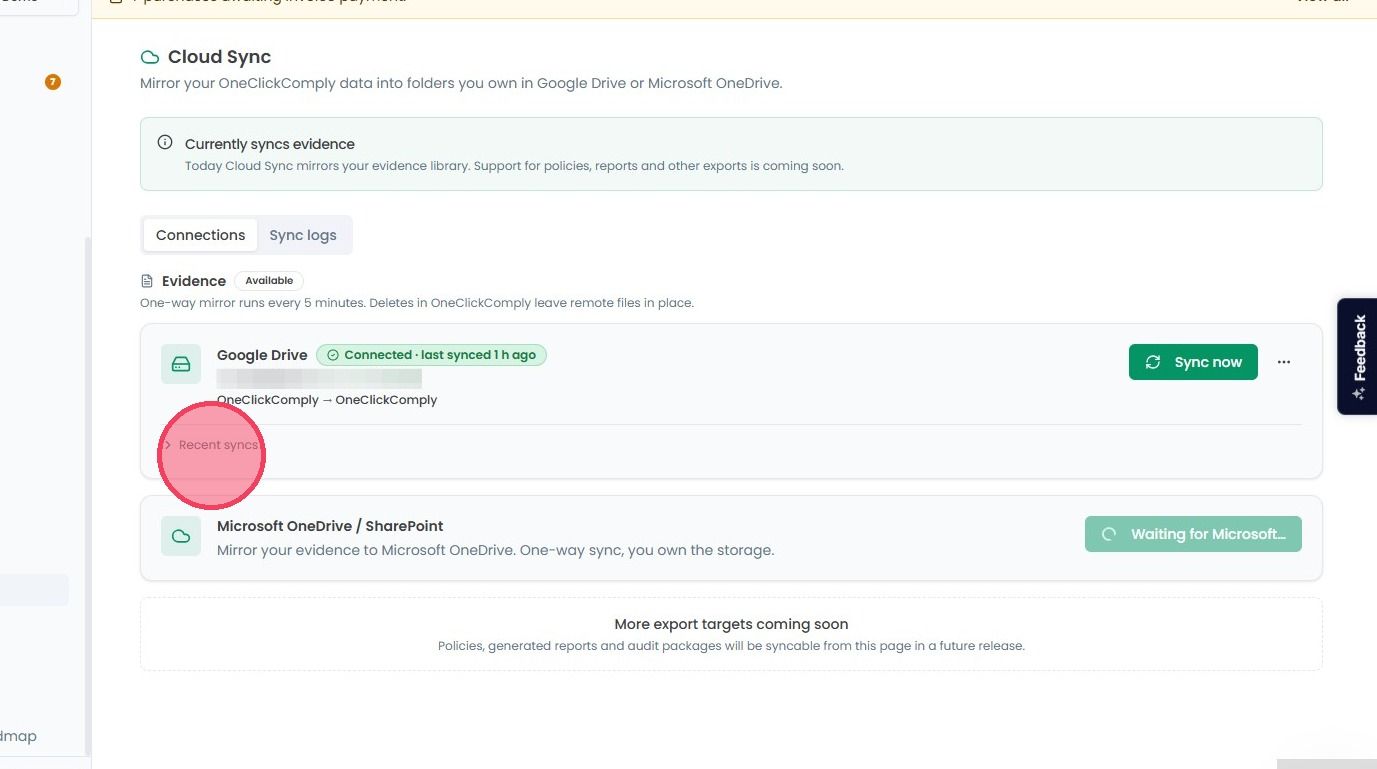
Reviewing Sync Logs
This guide provides a quick walkthrough to review your cloud synchronisation history. Use these steps to confirm that your recent log data has been successfully processed and synced.
To ensure your evidence is consistently backed up, the platform provides a high-level summary of all synchronisation logs. These logs allow you to verify when a sync occurred, what triggered it, and the total count of files processed.
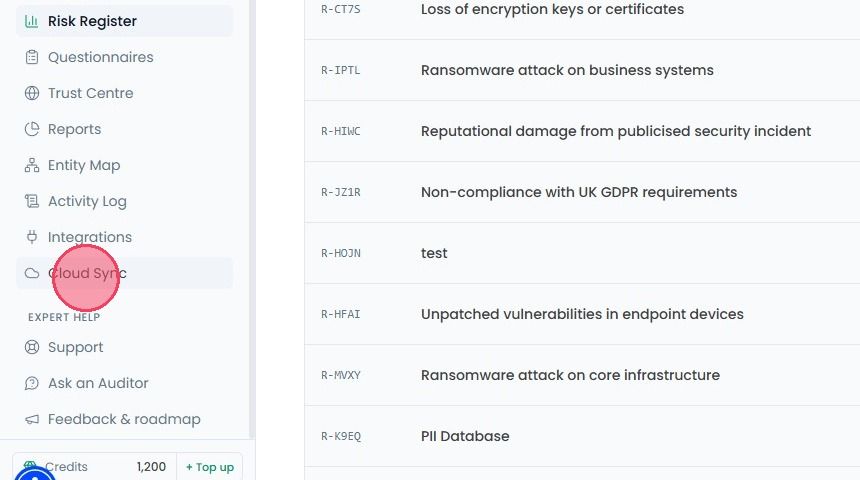
To review your past Sync Logs, select Cloud Sync from the main navigation bar.
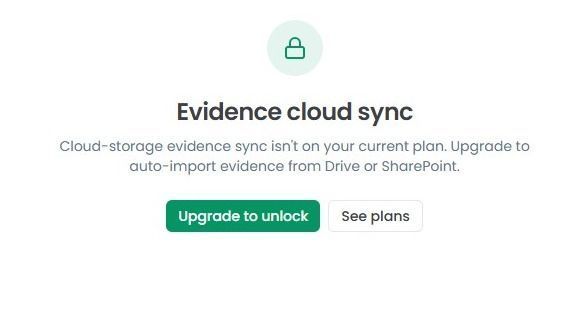
Important note: If the Cloud Sync is not included in your current subscription, a notification window will appear when you access the page. You need to upgrade the plan, in order to unlock automated evidence syncing.
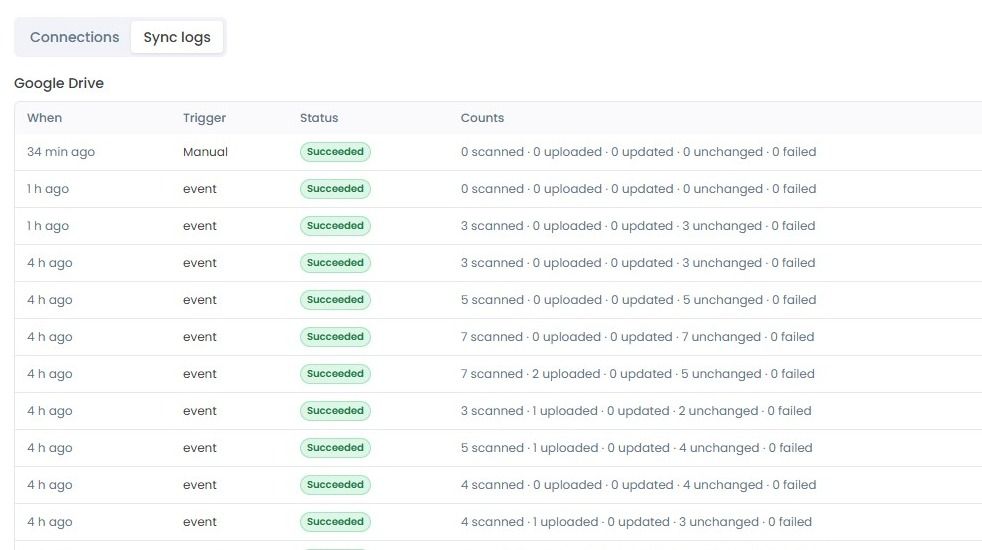
Once upgraded, then select the Sync Logs tab. This page displays a list of all sync attempts.
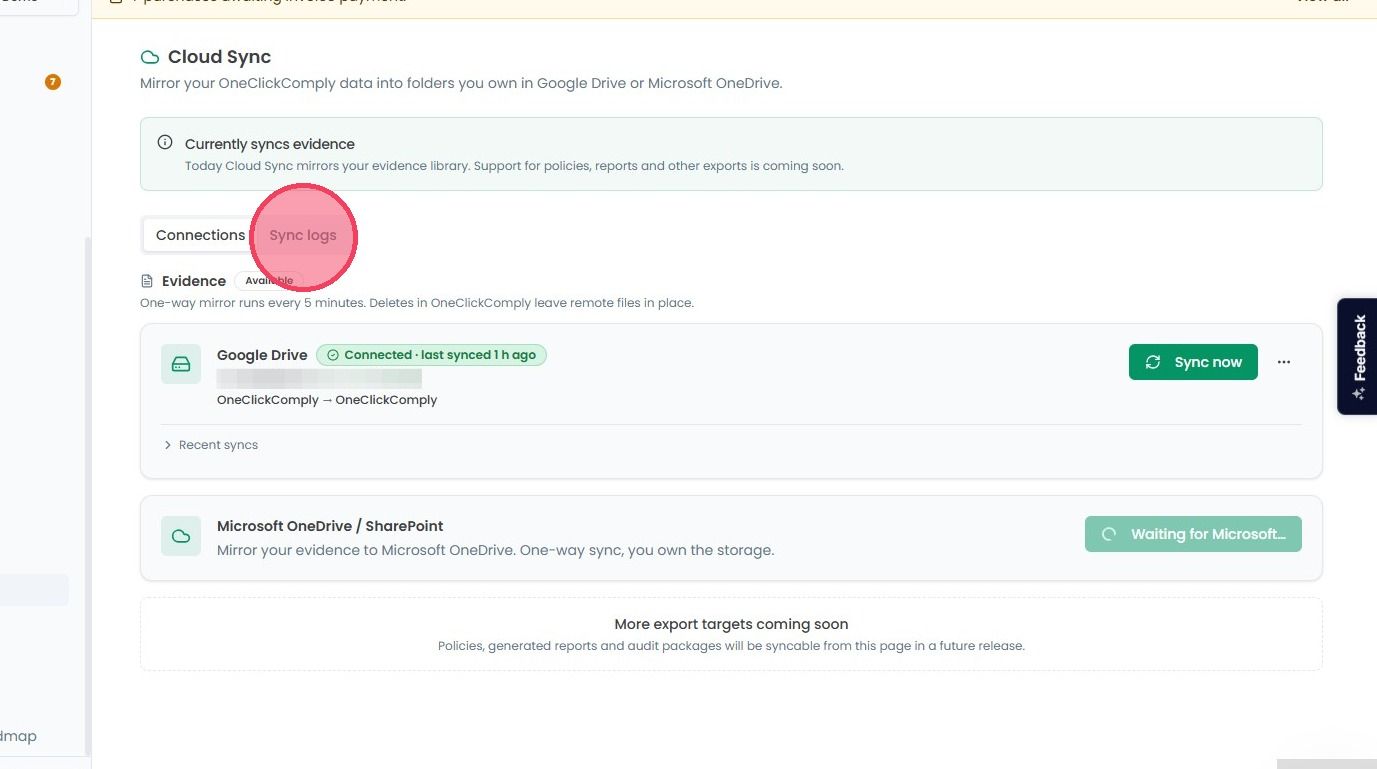
For each entry, you will be able to see:
Timestamp: Exactly when the sync was initiated.
Trigger: Whether the sync was automatic (every 5 minutes) or manually triggered.
Status: Whether the sync was successful or encountered an issue.
Counts: The number of files mirrored during that specific session.
You can also check your sync logs directly from your connection card. Click the Connections tab, find your linked Google or Microsoft drive and click the Recent Syncs dropdown. This provides the same list of Sync Logs.