Accessing Support
This guide walks you through the process of accessing the various support features within OneClickComply, such as booking a support session and raising a ticket.
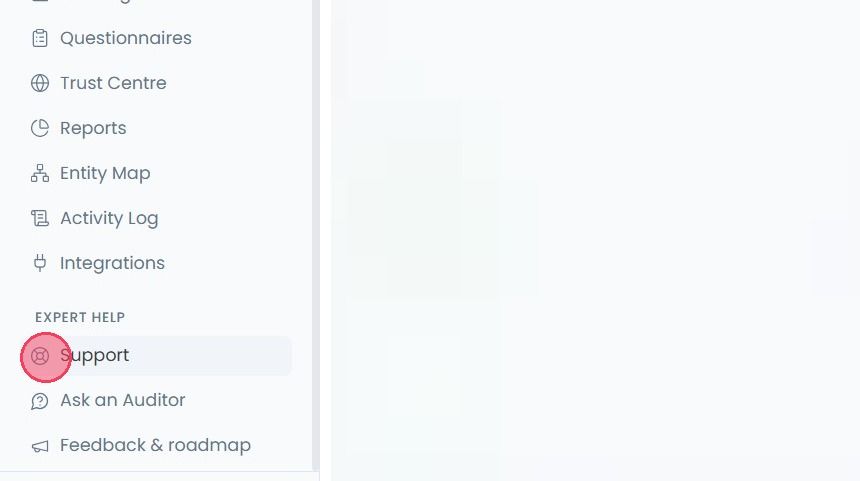
To get help from the OneClickComply team, select Support from the main navigation bar. The support options available on this page are as follows:
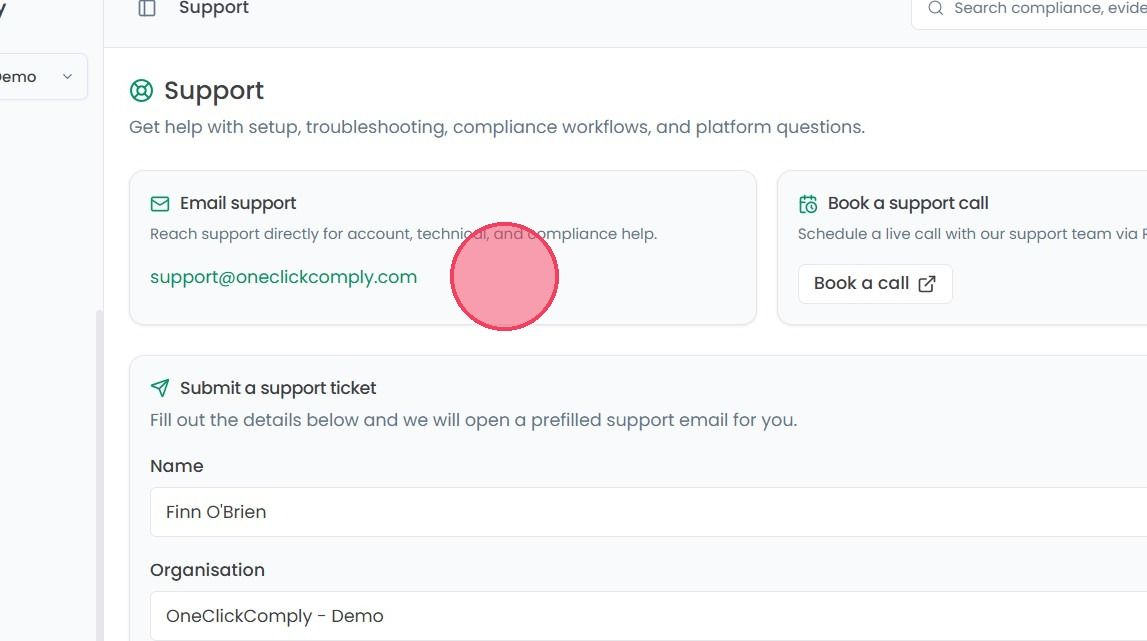
Email support: This area simply provides an email address that can be used to contact the support team directly.
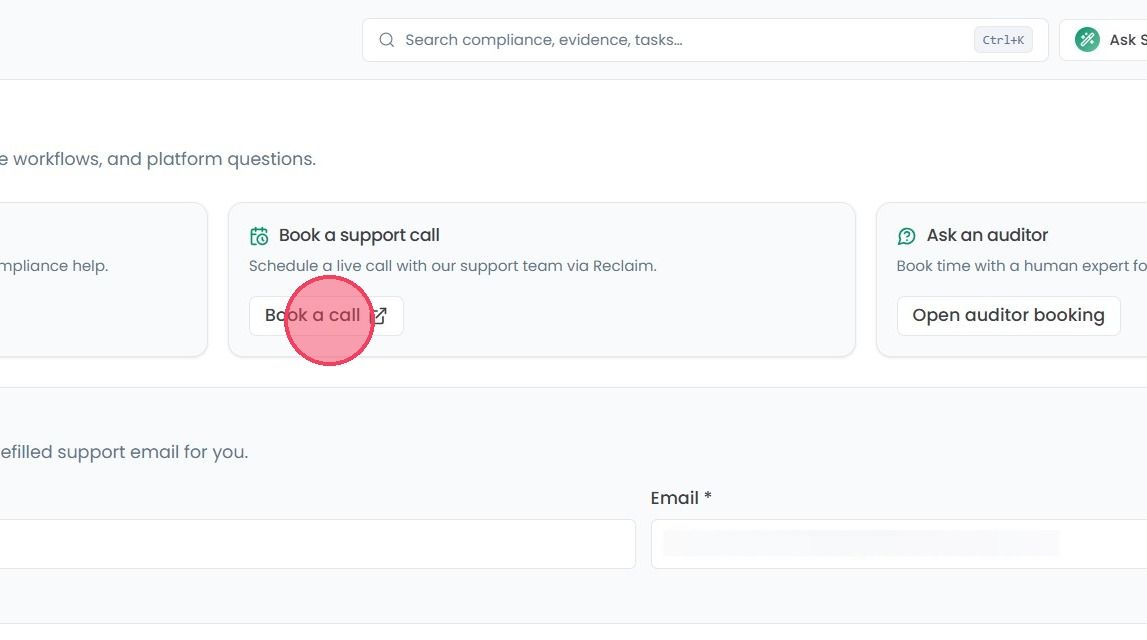
Book a support call: Allows you to book a slot into our support team's calendar.
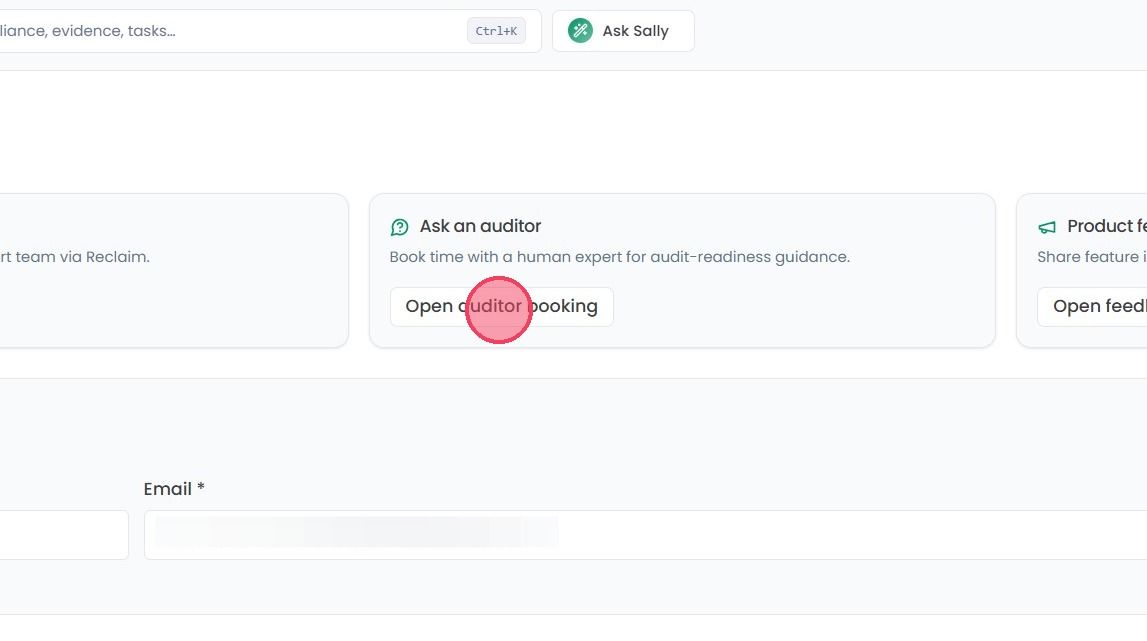
Ask an Auditor: Opens the booking feature where you can arrange a meeting with our in-house audit team.
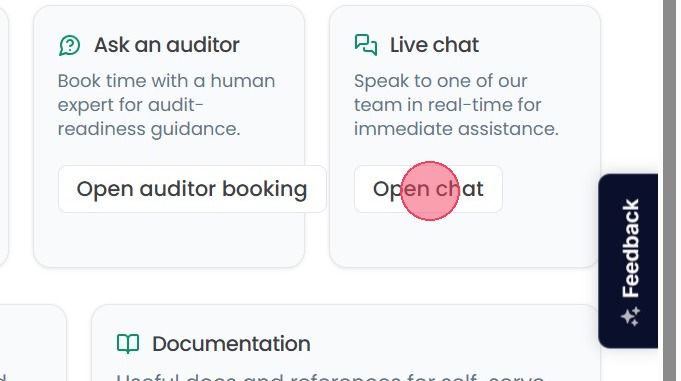
Live Chat: You can start the live chat with one of our team member.
Submit a support ticket: A self-serve form allowing you to raise a support ticket with the OneClickComply team.
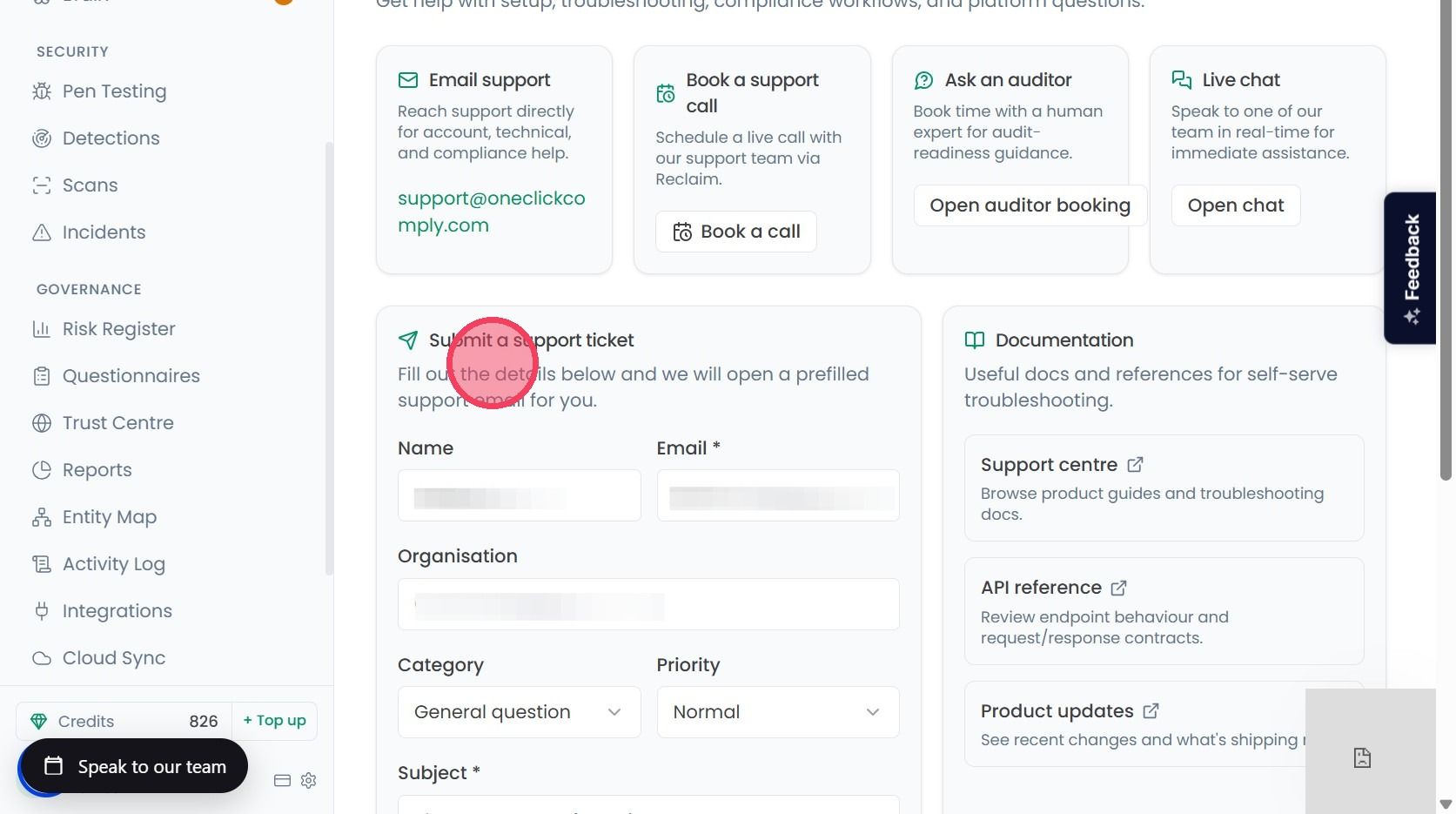
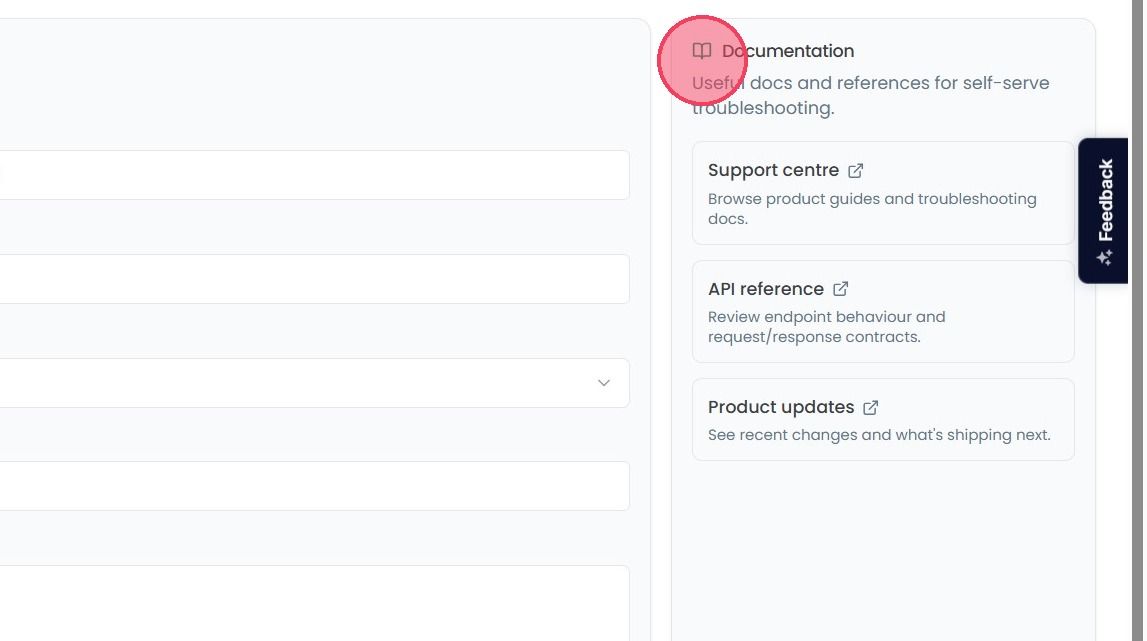
Documentation: Quick links to useful troubleshooting support articles.