Ask an Auditor
This guide provides a quick walkthrough to help you select a convenient time and finalise your appointment with our in-house audit team.
The Ask an Auditor feature allows users to book sessions with OneClickComply's in-house audit team to talk about all things compliance, such as determining scope, reviewing documentation, removing roadblocks, or prepping for certification.
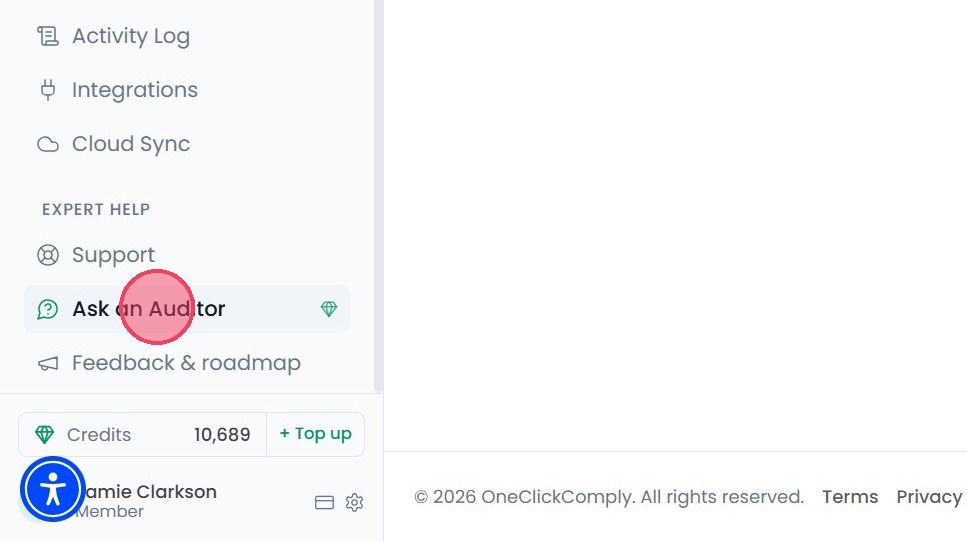
To book an Ask an Auditor session, select Ask an Auditor from the main navigation bar.
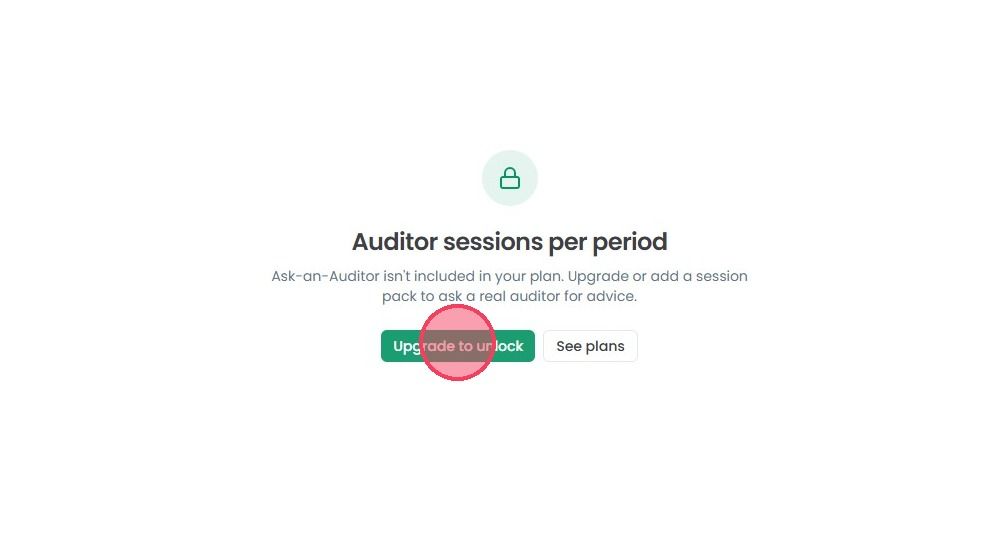
Please note: If this service is not available in your plan, then the platform will ask you to upgrade your subscription plan. In order to do that, click the Upgrade to Unlock button to proceed.
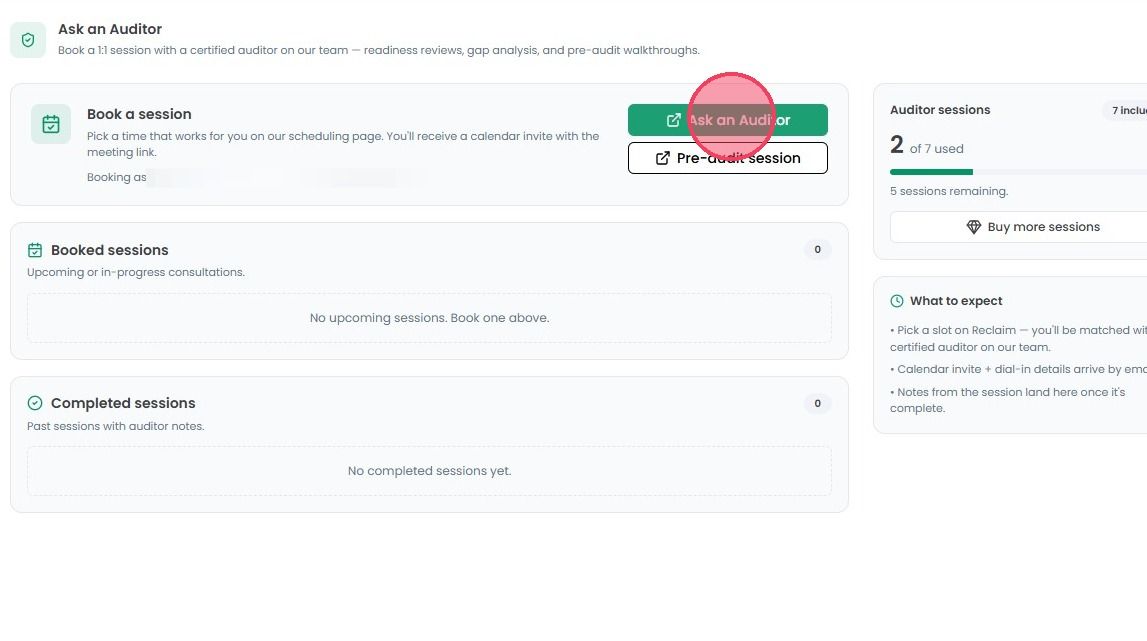
Once on the Ask an Auditor page, click the Ask an Auditor button to book a session with our in-house audit team.
The calendar page will open where you can select a date and time that fits your schedule. Once confirmed, the meeting will appear in your Booked Sessions list.
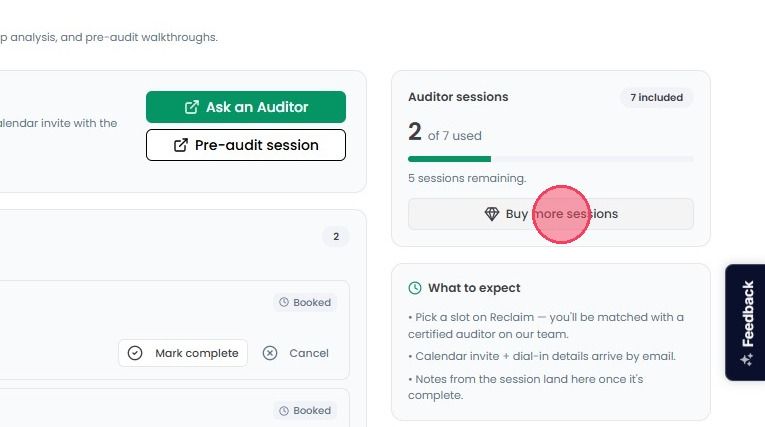
In the corner of the page, you can track your sessions allowance. You can see how many sessions are included in your plan and how many of them you have used.
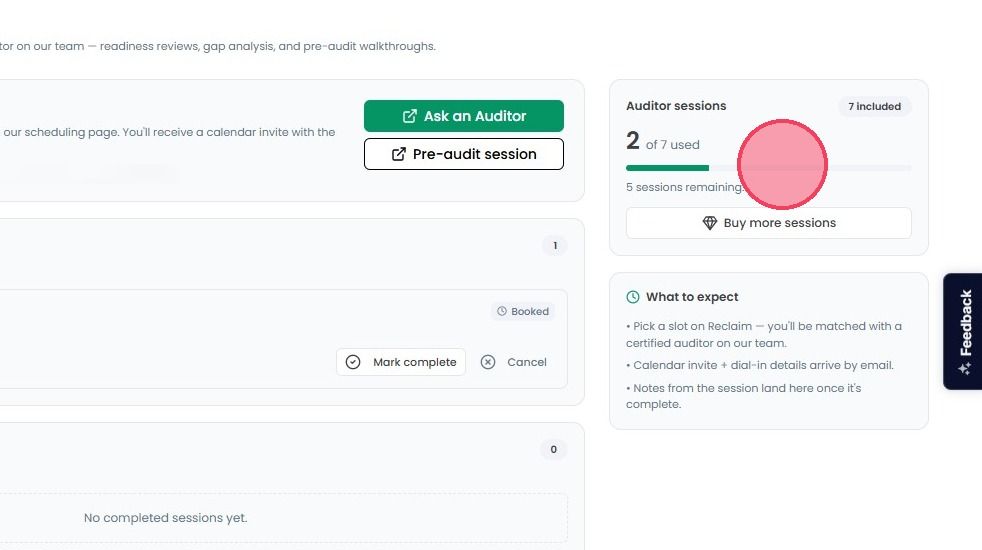
If you have used all your available sessions, you can click Buy more sessions to increase your allowance.