Managing Your Add-Ons
This guide walks you through navigating the Add-ons area within your OneClickComply account.
In addition to your core subscription, we offer specialised services and extra resources to help you meet specific compliance goals. You can manage these directly within the platform.
To manage your Add-Ons, select the Billing icon next to the settings (cog wheel).
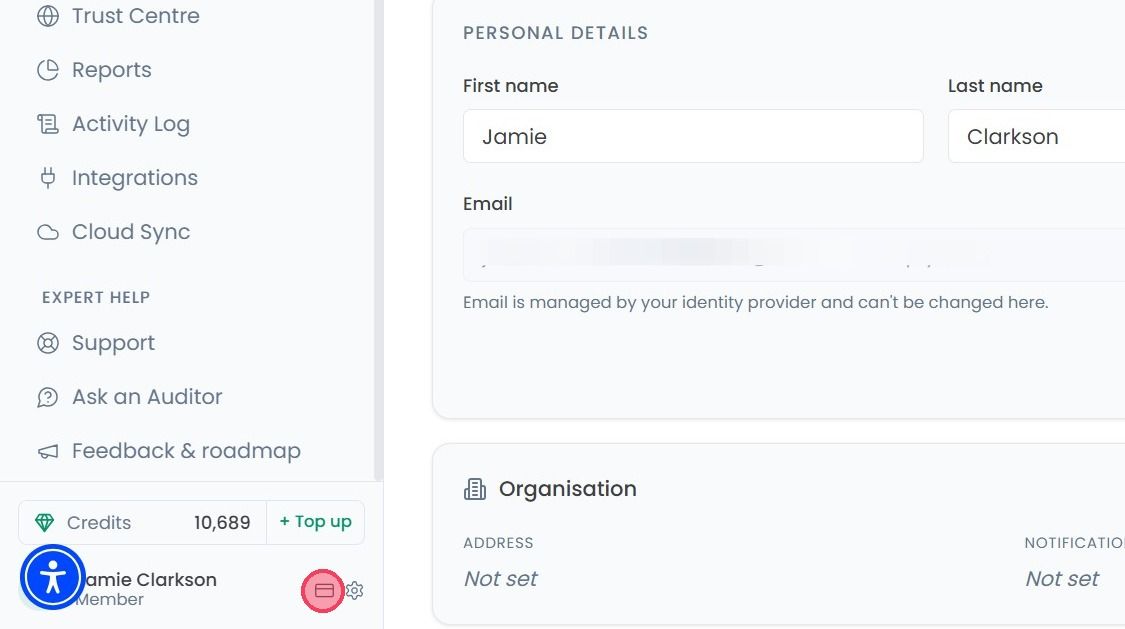
Once the Billing page opens, select the Add-Ons tab.

We offer around 27 variety of add-on services designed to strengthen your security posture. These range from extra scanning tools to specialised compliance support. You can browse the full list to find the resources that best fit your current requirements.
For certain services, such as vulnerability agents, the price depends on the quantity you require. You can enter the number of items you wish to purchase in the quantity box, then select the Activate button that appears next to the quantity box.
Once you have selected your desired services or updated your quantities, follow the prompts to add them to your account.
