Exporting the Asset Register
This guide will walk you through on how to export the list of the assets to your device.
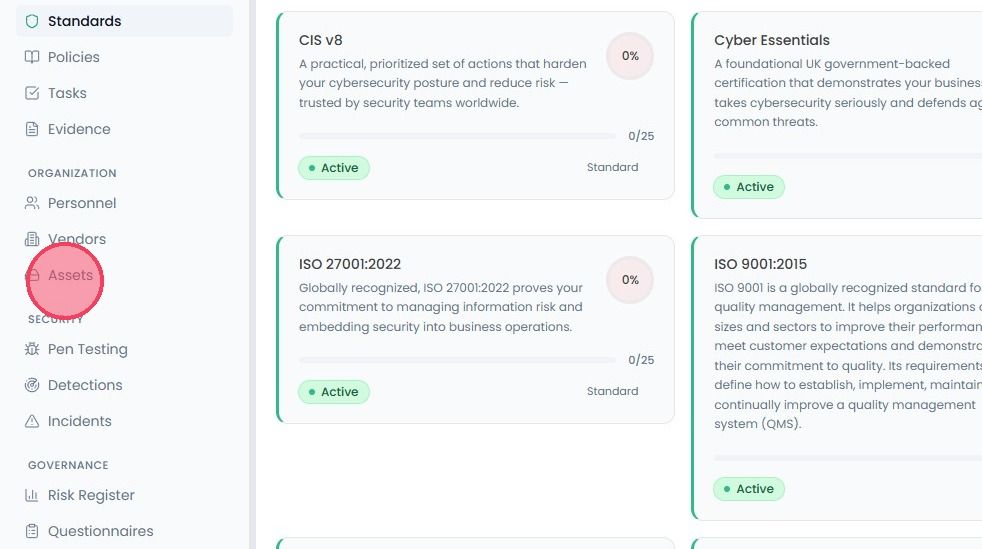
To export the asset register, select Assets from the main navigation bar.
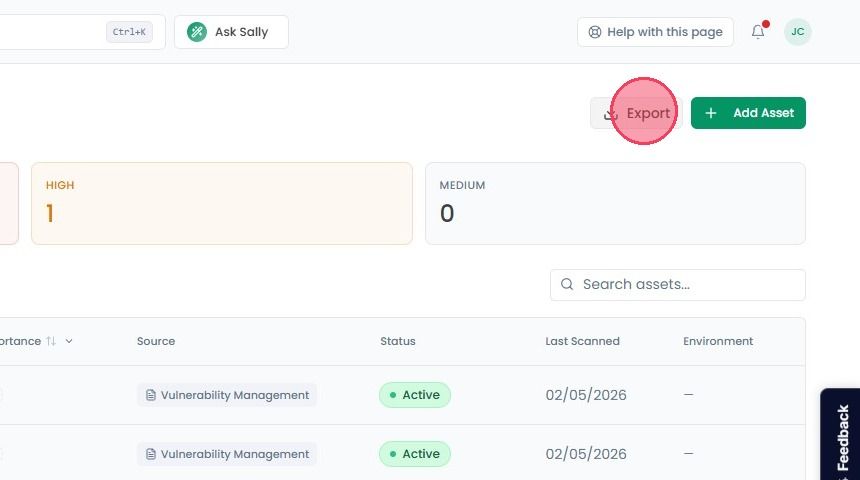
Click the Export button located in the top-right corner of the page.
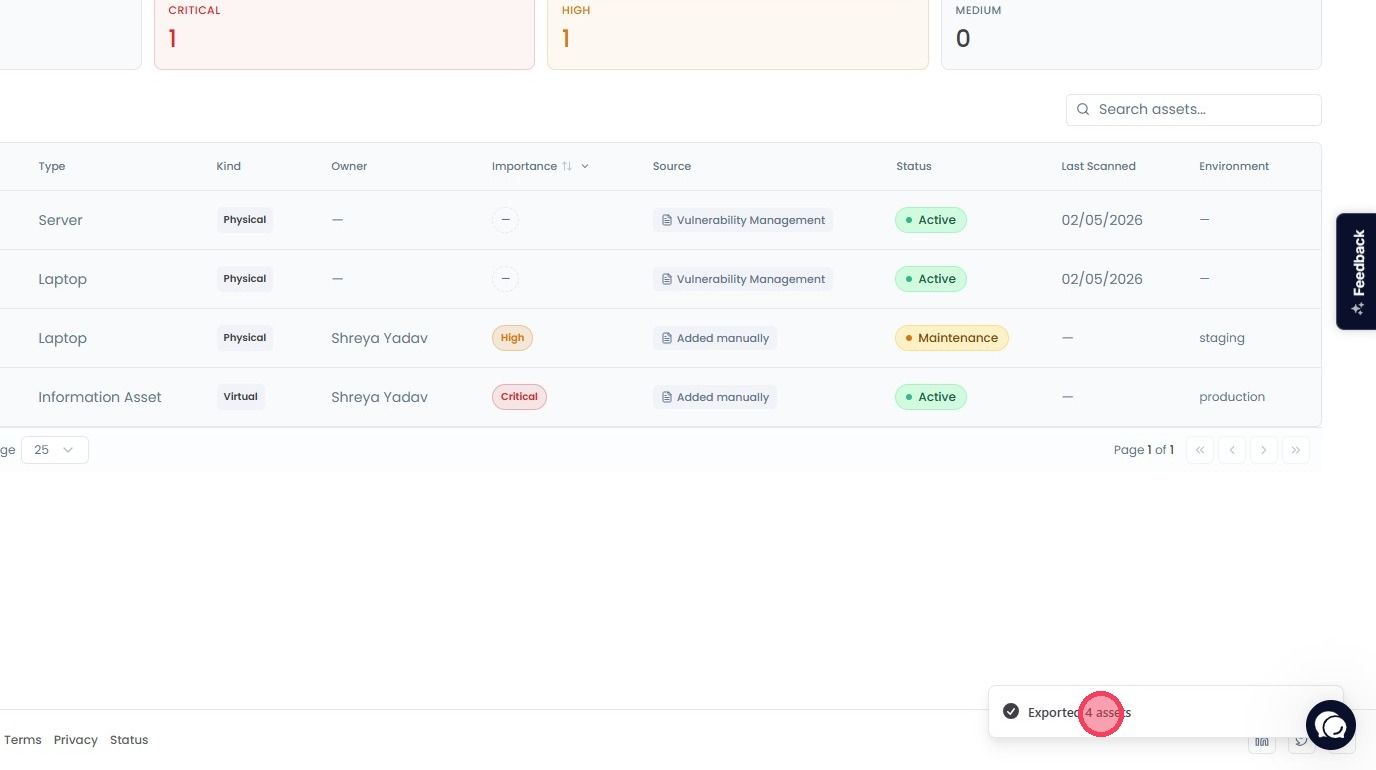
The complete asset list will download immediately to your device and you will see a notification in the bottom-right corner of the page.