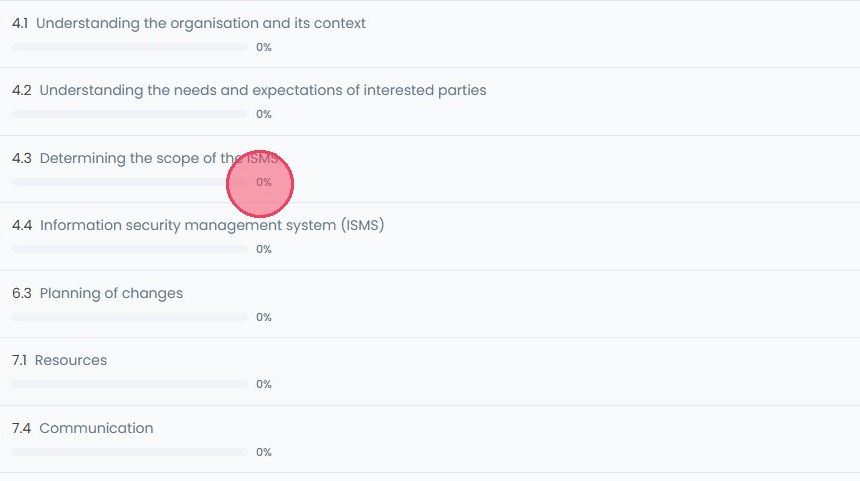
Accessing Controls
This guide walks you through the process of accessing the controls for active compliance standards and viewing their requirements.
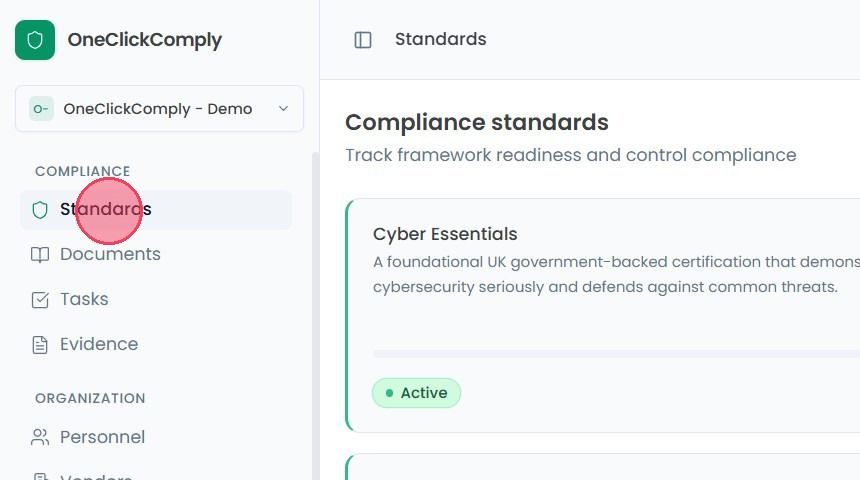
To view the controls of a compliance standard, select Standards from the main navigation menu.
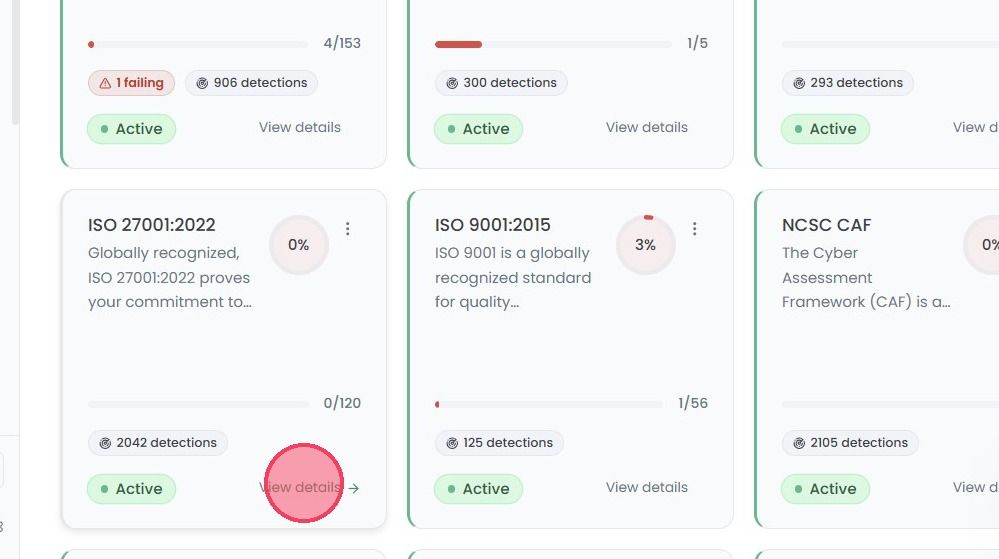
On this new page, select the View Details option on the compliance standard you wish to manage to access the Controls area.
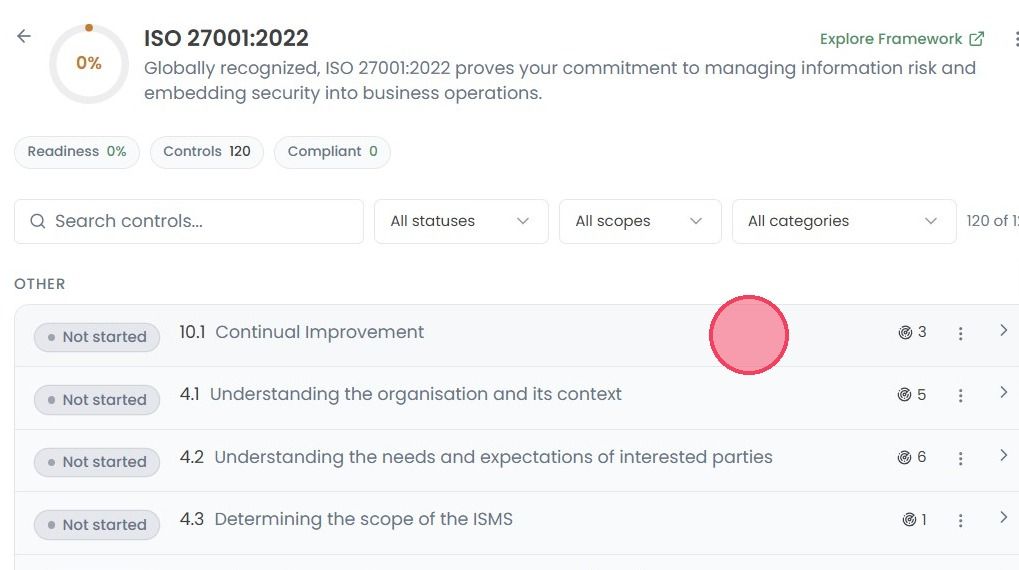
Once on the Controls page, you will find a high-level summary of your current alignment with the standard, as shown by three statistics:
Readiness: A percentage reflecting your overall compliance with the standard. This value will increase as you implement more controls.
Controls: Displays the total number of security controls for that specific standard.
Compliant: This tracks exactly how many of those controls have been completed, and you are currently compliant with.
To learn more about a control, click on your desired control to open the Control Description.
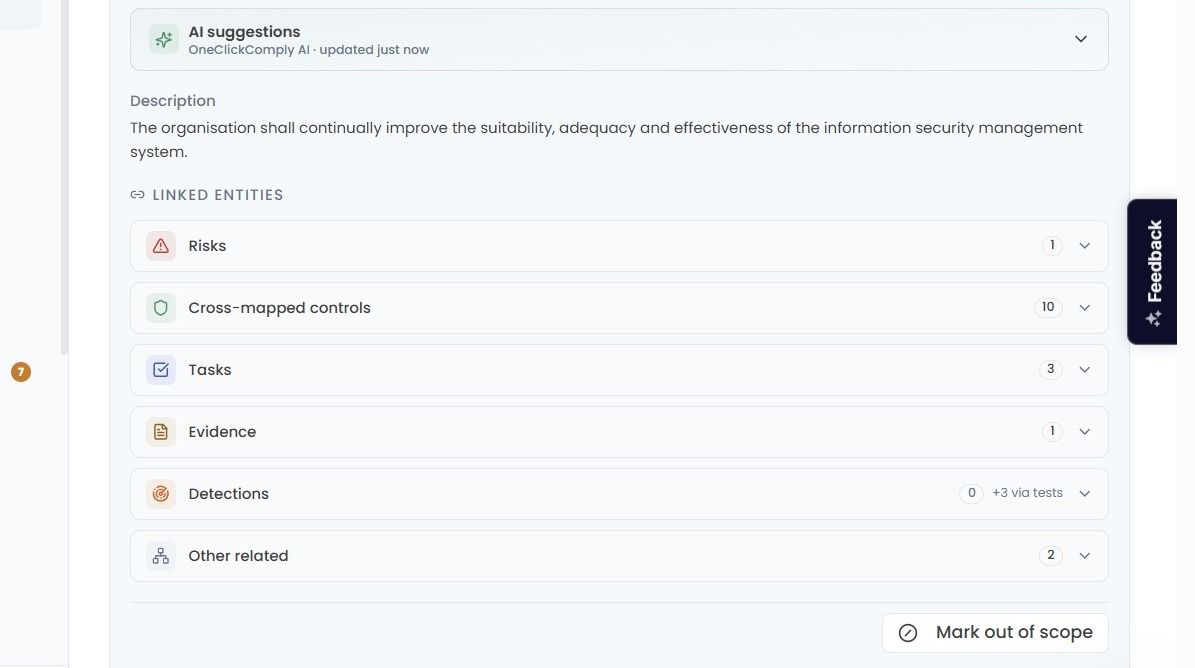
In this drop down area you will see a Description of what the control requires, and a list of all Linked Entities to this control, these being:
Risks: Any organisational risks associated with this control
Cross-mapped controls: Controls for other compliance standards that have similar or overlapping requirements.
Tasks: Any Tasks (created either manually or automatically) that are linked to the control, such as creating a specific policy, or implementing certain settings.
Evidence: Any evidence that has been attached to the control to demonstrate alignment.
Detections: Any technical non-compliance, vulnerabilities, or non-conformities that have been identified by the platform, and linked to the control.
Other related: Any other items that have been linked through other areas of the platform.
You can also track your compliance health by monitoring the percentage indicator for each control. This real-time score is calculated based on several factors, like completed tasks and associated detections. Because these elements are linked, any outstanding task or unresolved issue will automatically pull the overall percentage down. To maintain a high score, ensure that all actions are finished and all the vulnerabilities are resolved.