Previewing Your Trust Centre
This guide will walk through the process of previewing the Trust Centre from a third-party perspective.
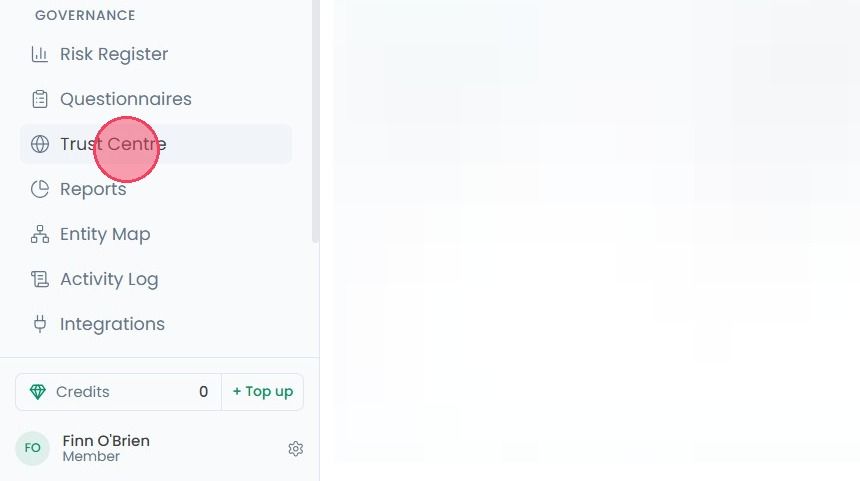
To preview your Trust Centre from a third-party perspective, select Trust Centre from the main navigation bar.
There are two ways of previewing your Trust Centre. The first option is the Live Preview area, found to the right-hand side of the Page Builder. This provides an in-platform view of what your Trust Centre will look like.
This view updates in real-time as you make changes, such as editing text or adding new sections.

Aside from the Live Preview area, the Preview feature is the other method of viewing your Trust Centre from a third-party perspective.

Clicking the Preview button will open a new tab in your browser, showing you how your Trust Centre looks from an external perspective, as shown in the example below:
