Adding Assets to the Asset Register
This guide provides a straightforward walk through for configuring asset types, statuses, and environments to keep your inventory organized.
The Asset Register allows you to keep track of important assets within your business, and comply with standards such as ISO 27001 and SOC 2, as they require an up-to-date list of assets, including things like laptops, servers, virtual machines, cloud resources, and software applications.
To add new assets to the platform, select Assets from the main navigation bar.

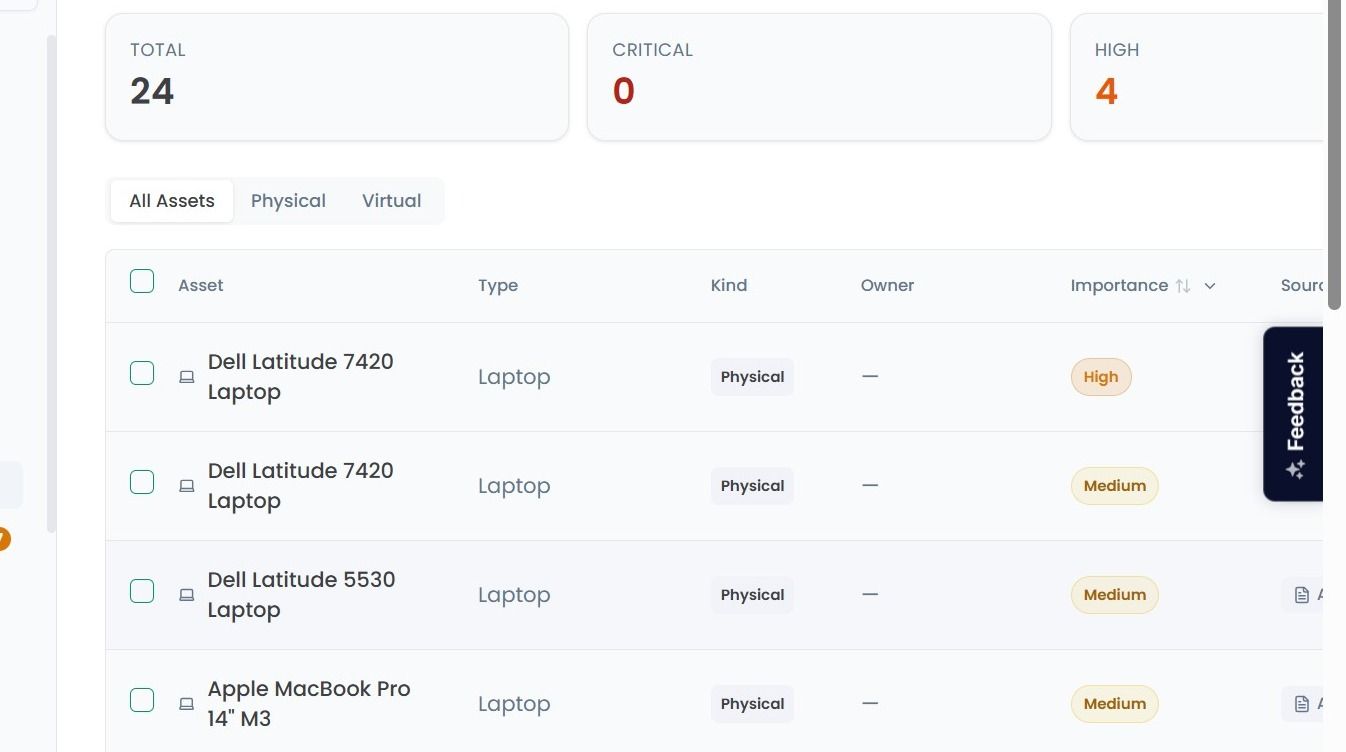
On the Asset Register page you can see a list of all recorded assets within your organisation, such as devices, servers, databases, and documents.
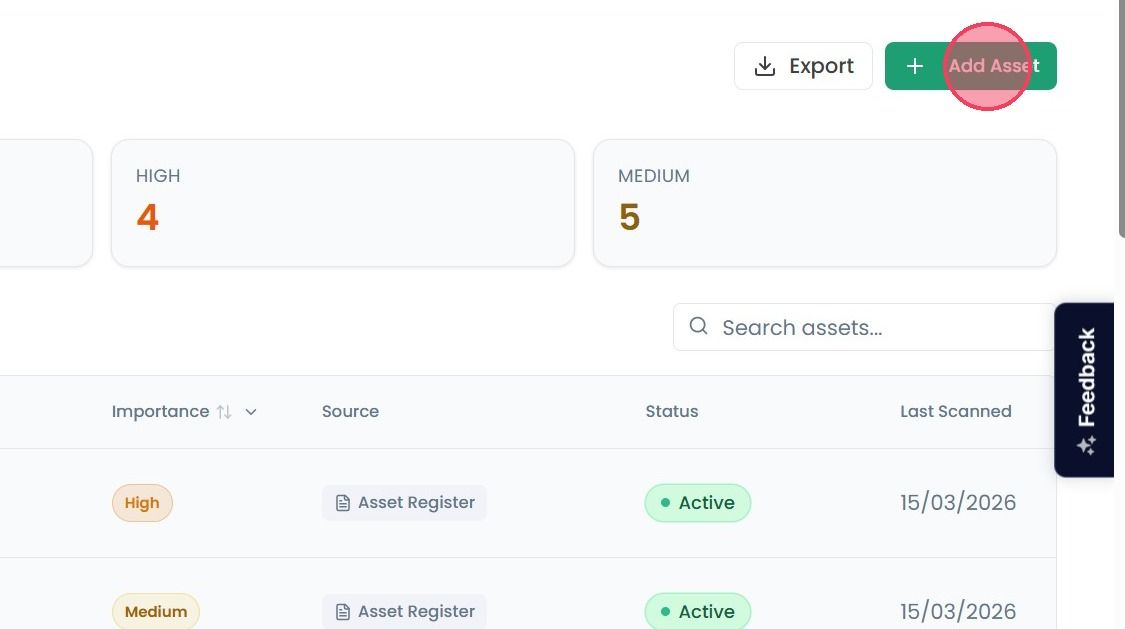
To record a new asset within the Asset Register, click the Add Asset button in the top-right corner of the page.
This will open a pop-up window where you can provide details about the new asset you wish to register. These details are:
Note: You can create new asset types by selecting the Create New Type option at the bottom of the list.
If the type you need isn’t in the list, just select Create New Type, type in your custom category, and click the Add button that appears.
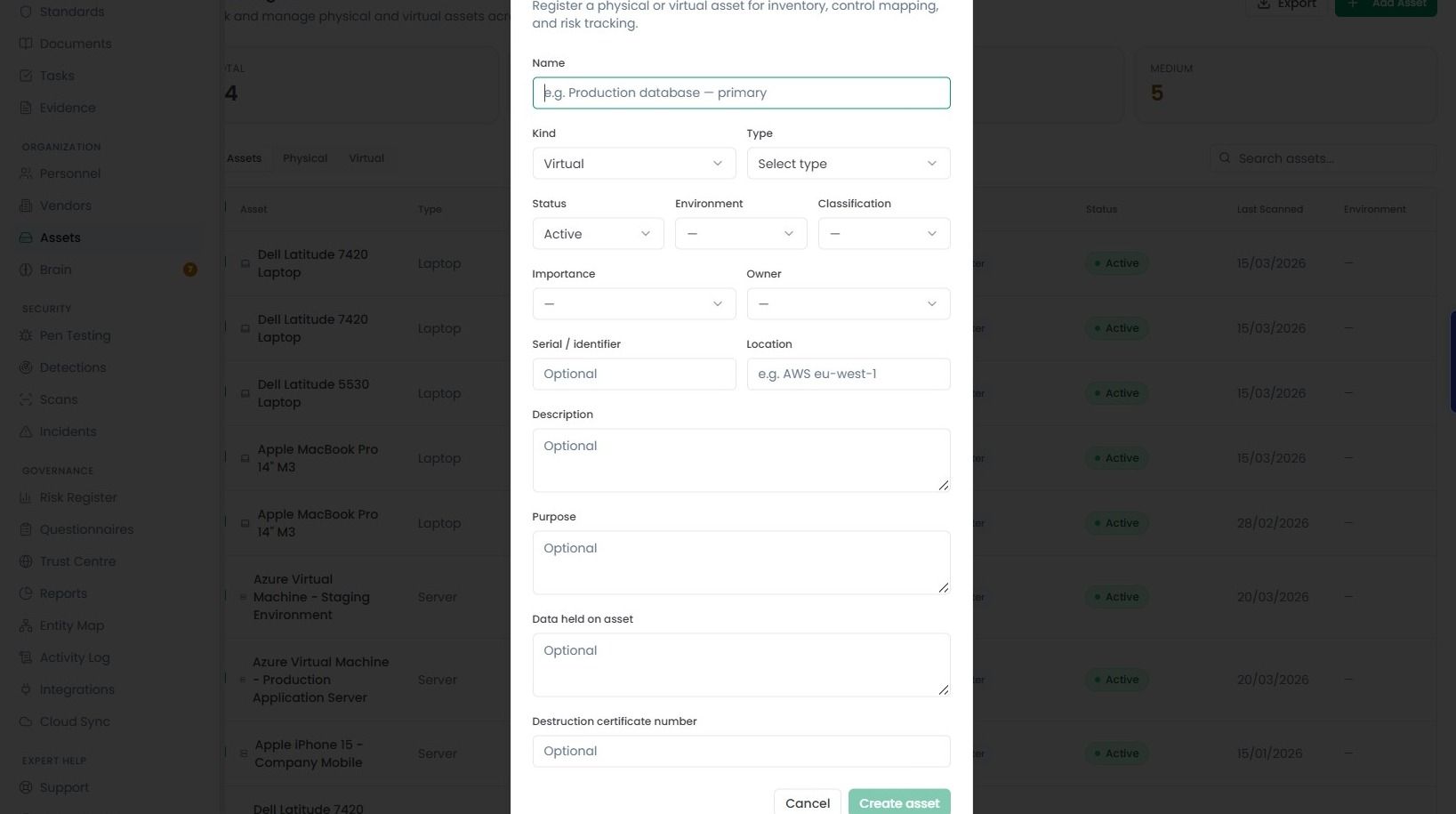
Once you’ve filled in all the necessary details, click the Create Asset button. Your new asset will immediately added in the main list.