Overview of Your Account
This guide helps you understand the different areas within the Billing page of the OneClickComply platform.
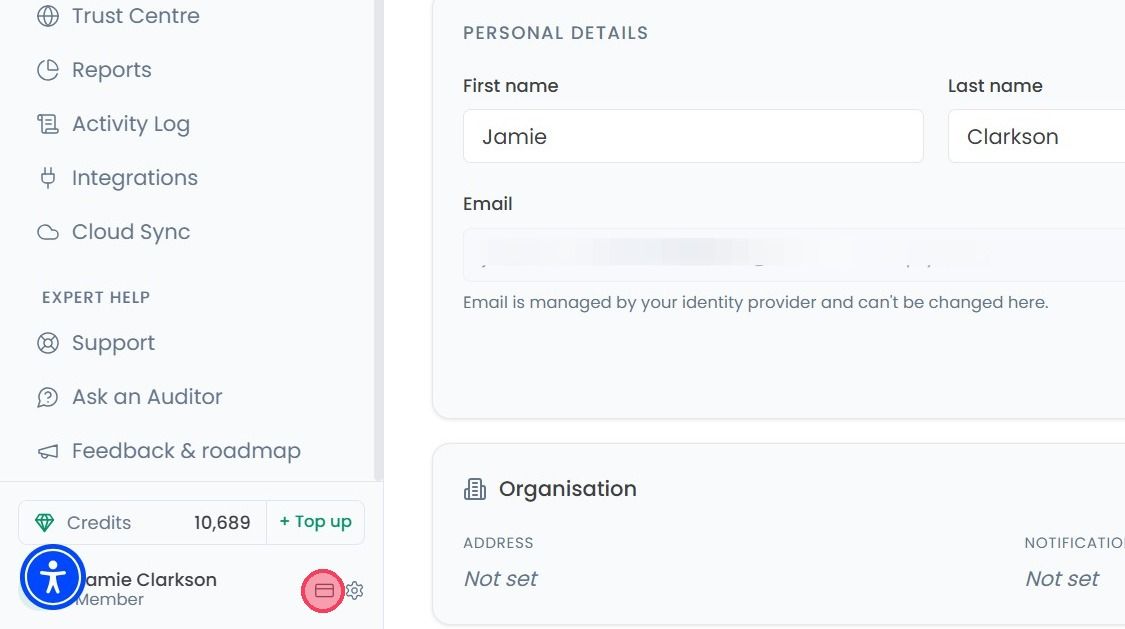
To view your account’s Billing page, select the Billing icon next to the settings (cog wheel).
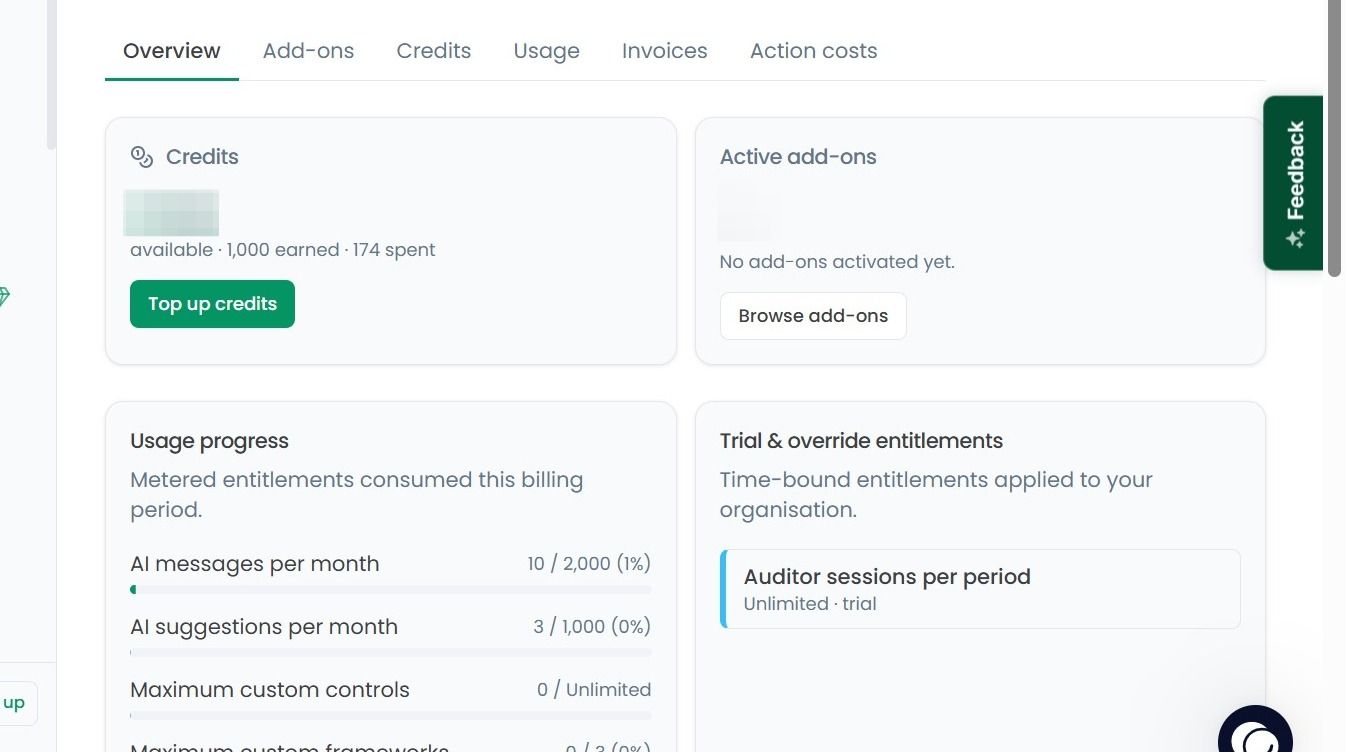
Select the Overview tab, this page will give you a quick health check of your account:
Credits: Here you can view your remaining credit balance, If you’d like to top-up the balance, simply click on the Top up Credits button.
Add-Ons: See how many active add-ons you have and what they are.
Usage Tracker: How much of your plan’s capacity you’ve used so far.
Overrides: Any features or specific entitlement overrides.
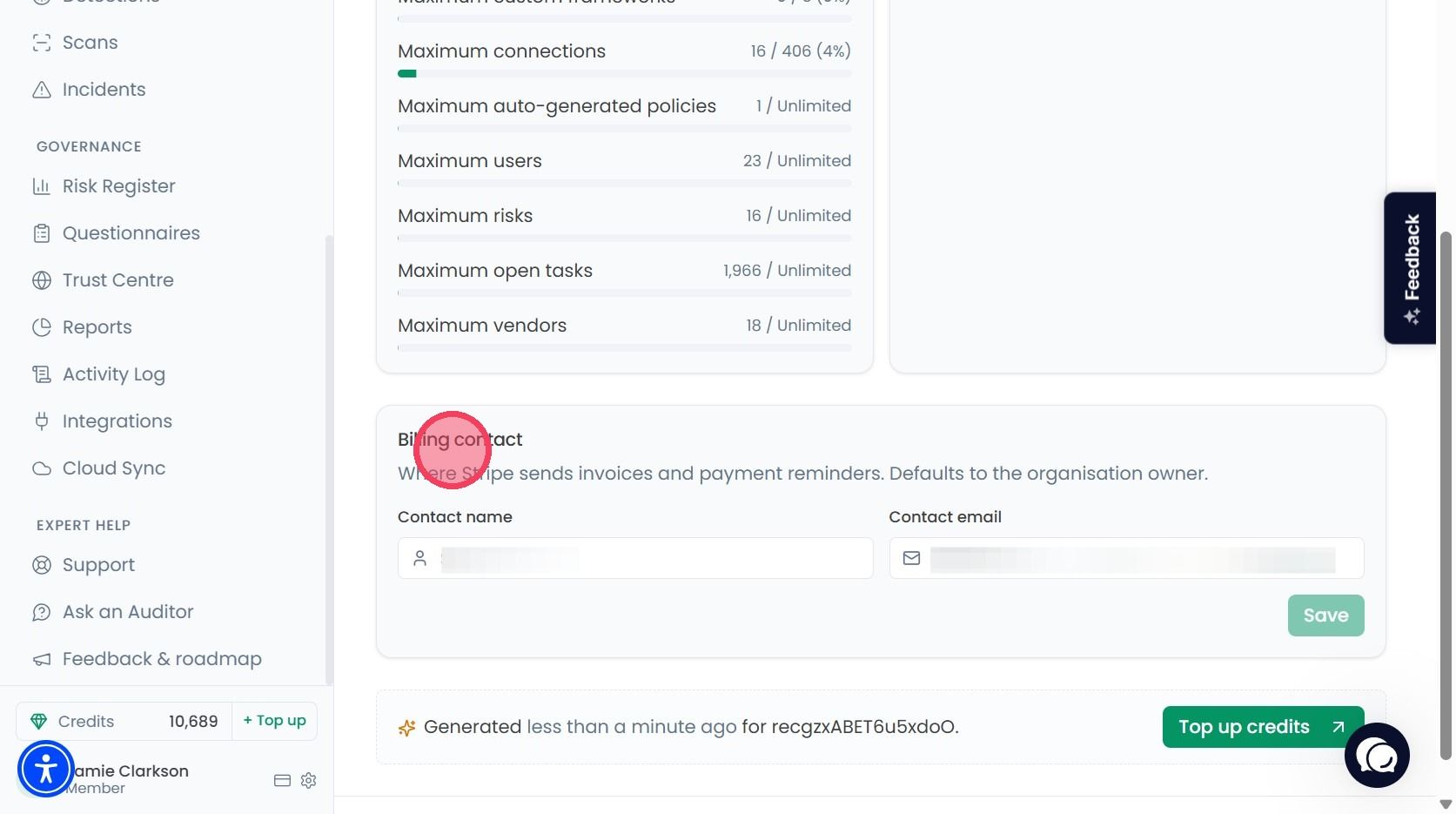
To ensure your invoices and payment reminders go to the right person, scroll to the bottom of the page to the Billing Contact area. Enter or update the Contact name and Email address and click Save.
You can also top up your credits by clicking the Top up Credits button at the very bottom of the page.